
When volunteers create a new check-in, they will see a field with some guidelines provided by the village.

The aim of these guidelines is that volunteers inform about those topics to the members on the call.
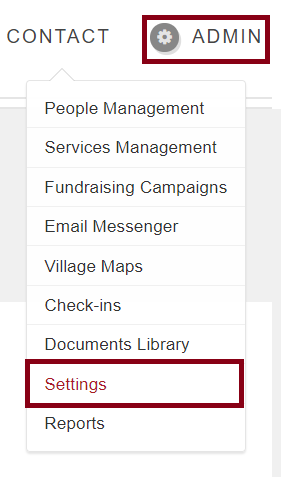
In order to edit this guidelines, Admins have to go to Admin-->Settings->Services tab -> Scroll down until the bottom of the page, there is a field called "Check Ins Settings"
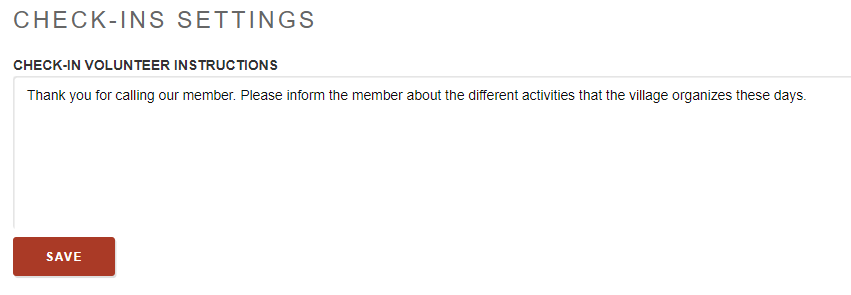
You can edit the Check-in volunteer instructions and SAVE to make any changes you want.
Comments
0 comments
Please sign in to leave a comment.