
Emergency Groups are broken down into three categories of Risk:
- Emergency High
- Emergency Medium
- Emergency Low
These levels of Risk are defined by and are only visible to Village Administrators - The levels of Risk are categorized by the member’s current state of health (Consider age, medical history, past experiences, etc.) → ex. If a member is sick, 85 years old and has preexisting asthma, they are placed in Emergency High
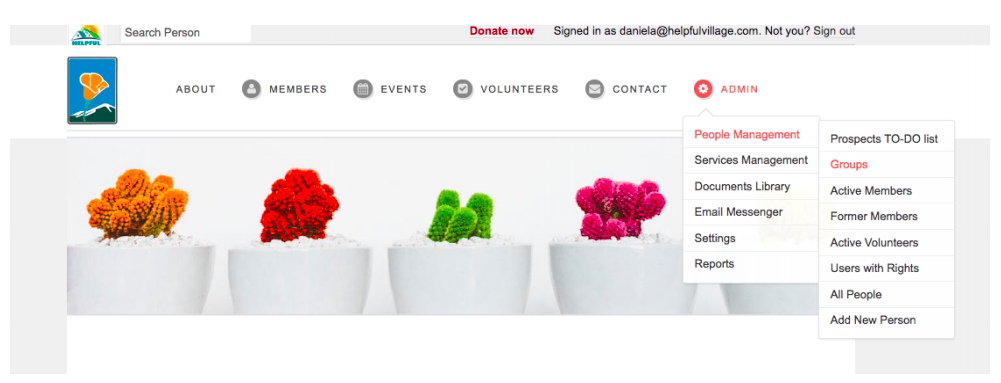
In order for a Member to be a part of an Emergency Group, they must be placed in one of these Risk categories → (Admin → People Management → Groups)
This is where the Village Admins will manually place Members based on their Risk
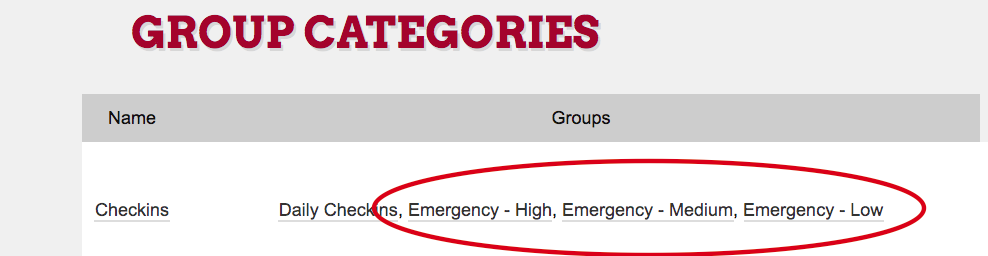
We suggest when entering members into Emergency Groups that you download or print an Active Members list, making sure every member gets placed in a Group
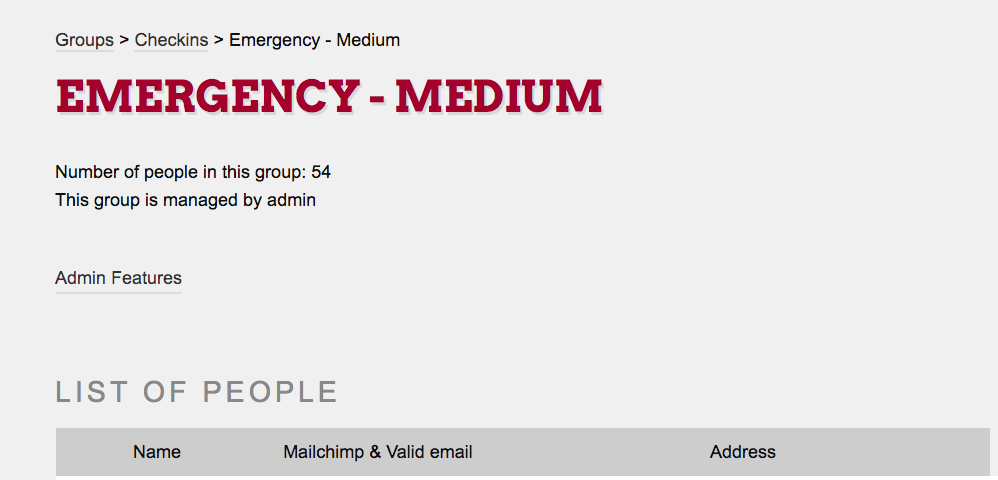
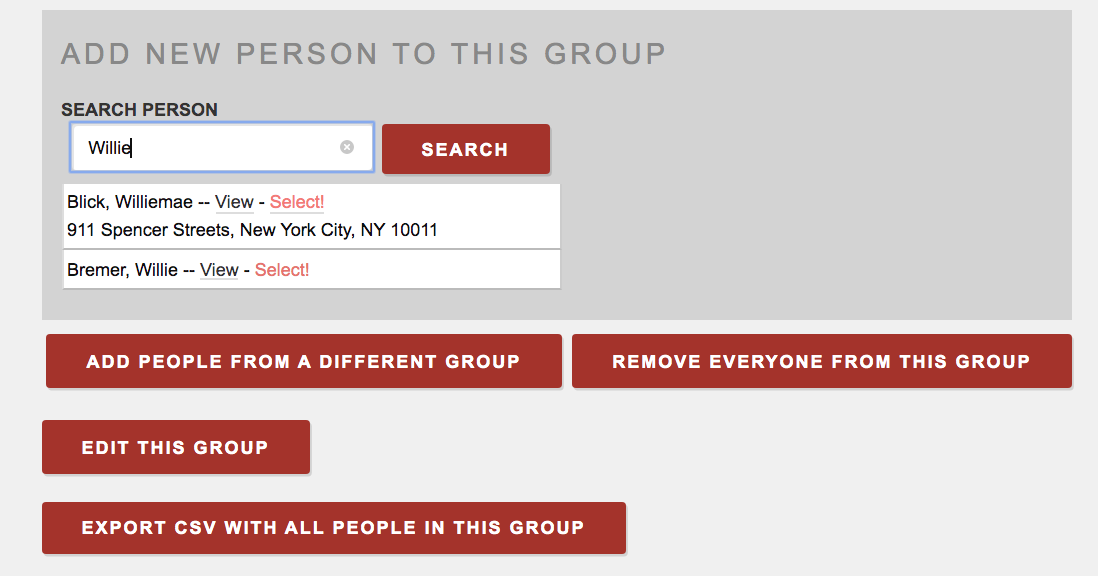
To add members to an Emergency Group scroll down to → (Search Person)
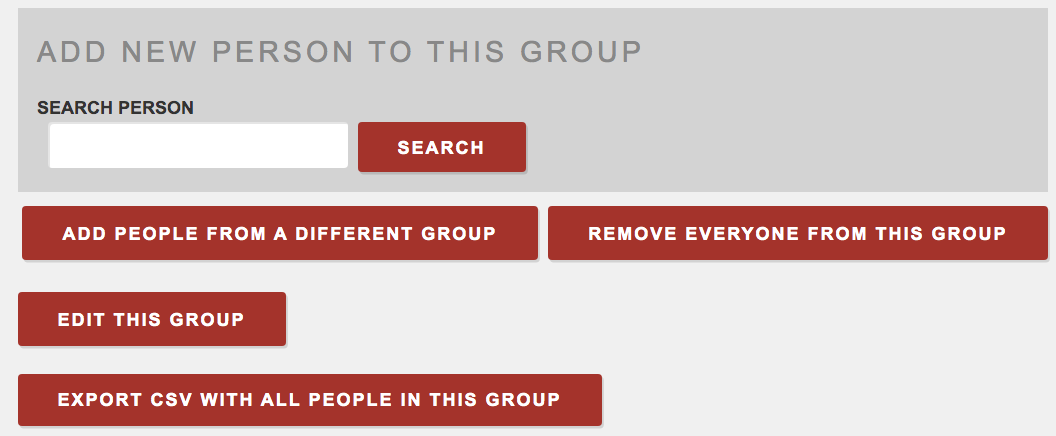
Hit Select and the Member will be added to that Emergency Group
Once you have built your Village Emergency Groups you can start your “Emergency Campaigns”
Comments
0 comments
Please sign in to leave a comment.