
The Check-In Dashboard is where Villages can monitor the results of the Check-in’s
To access the Check-In Dashboard → Admin → Check-ins
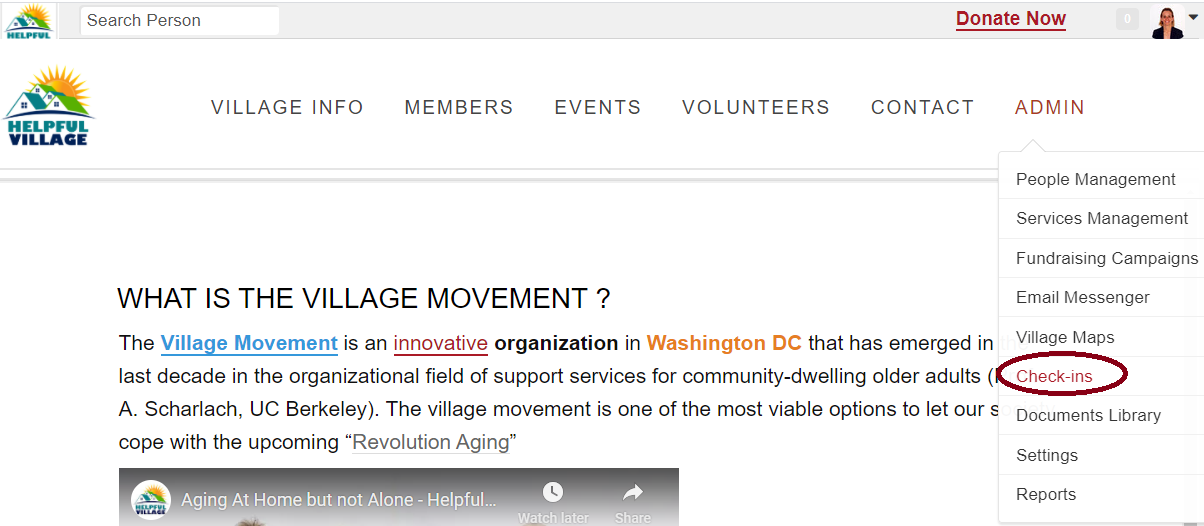
This is where you can monitor your Campaigns Check-Ins → To Open Check-In Dashboard click the desired Campaign
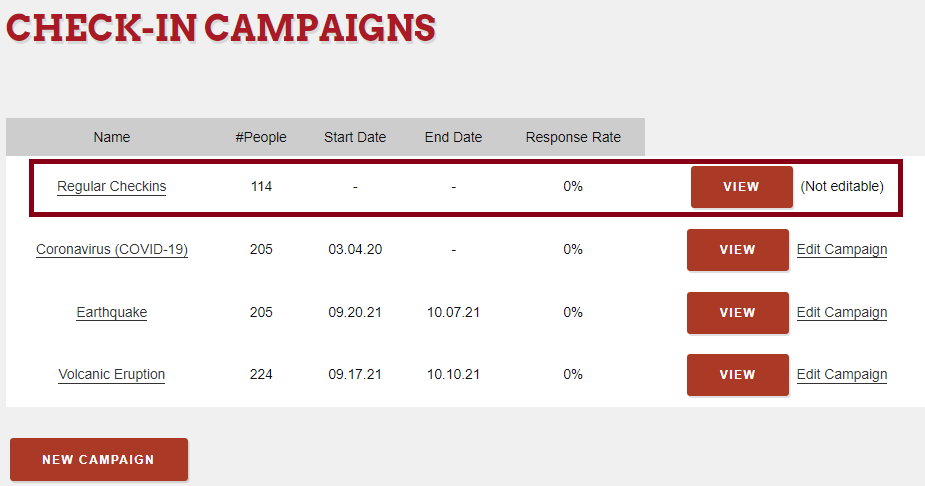
Click on the VIEW button:
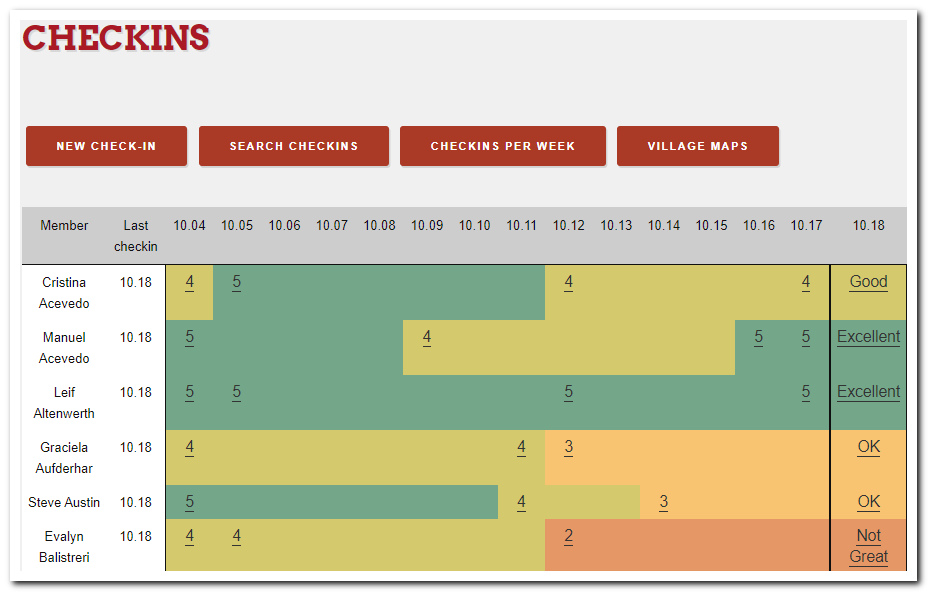
Now, you can click on whatever past checkins that you can view in the image above. When you click on the number, that check-in will open.
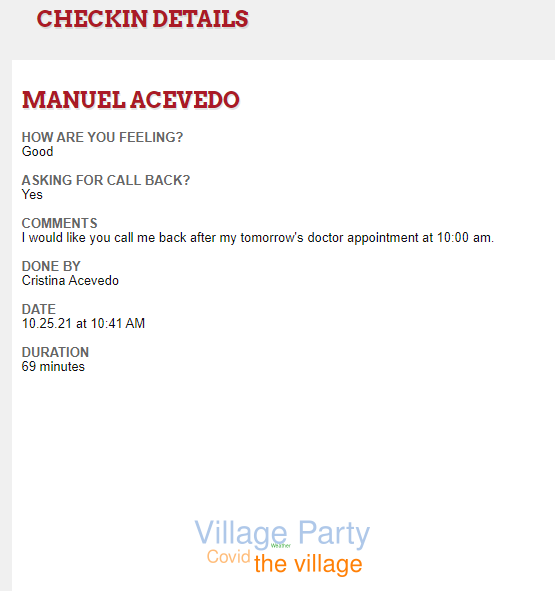
You can view the conversation topics on a cloud graph where you can see the conversation topics you spoke about and the importance of each topic.
You can also read all the information recorded.
Comments
0 comments
Please sign in to leave a comment.