
Starting Emergency Campaigns are very important when trying to alert or check-in on Members within your Village.
The recent Pandemic of Coronavirus disease (COVID-19) has been the key development in this new HV Feature - This template will show Villages how to build a Check-In Emergency campaign for this specific Emergency
To create an Emergency Campaign :
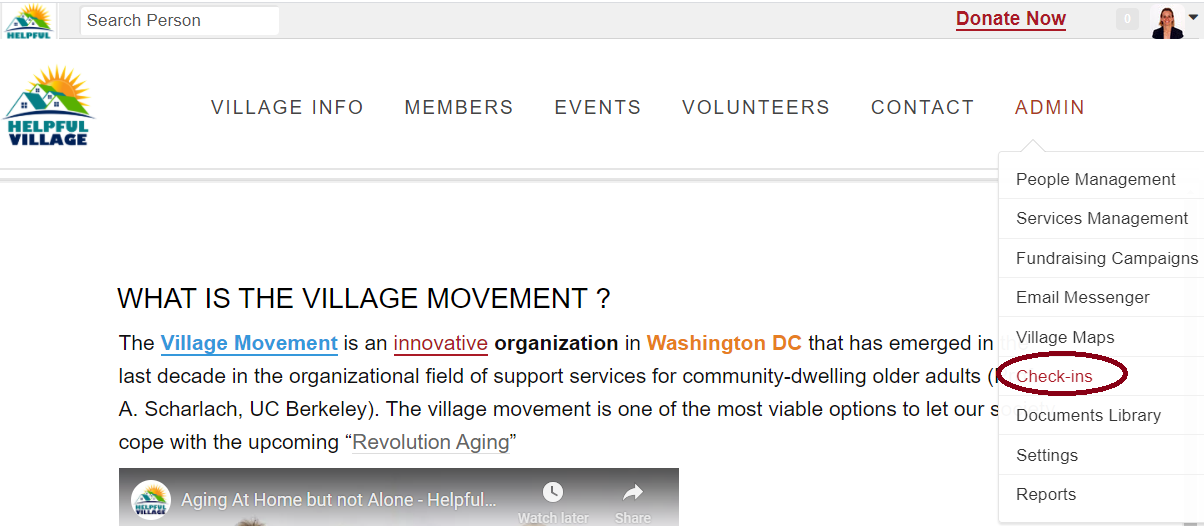
Go to Admin → Check-ins
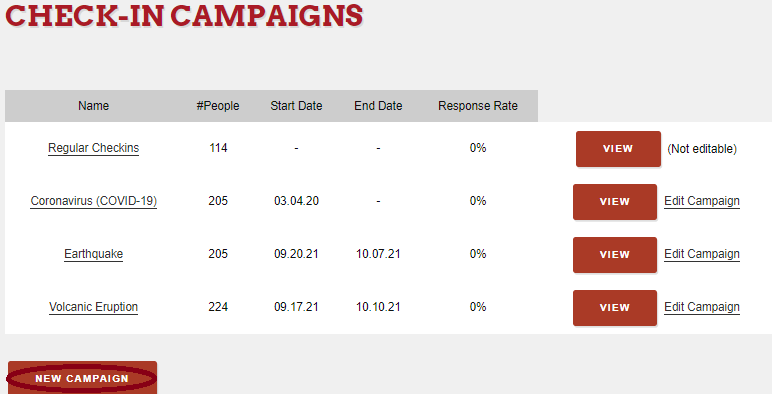
Create a New Campaign
Name the Emergency Campaign
- You can give the Campaign a start and end date
- You can set your campaign audience (High, Medium, Low) → For this campaign select all group contacts

You can select a Minimum Frequency - How often you “Check-in” with a Member - for this campaign we are selecting One Day due to the severity of (COVID-19)
Save your Emergency Campaign →
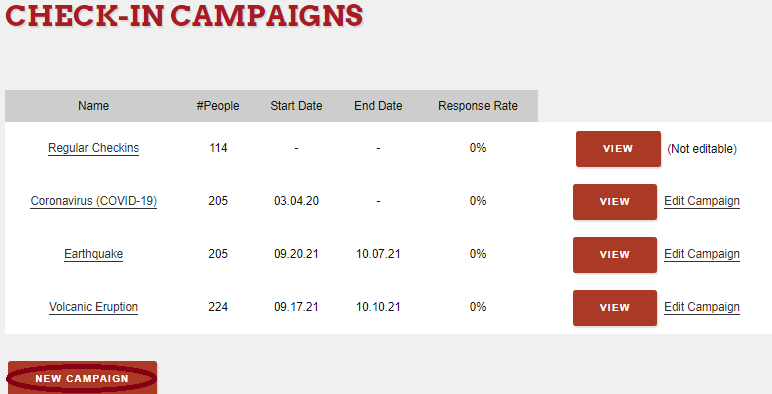
Once you have created an Emergency Campaign you can access your Villages“Check-in Dashboard”. This is where Villages can monitor the results of the Check-in’s
Comments
0 comments
Please sign in to leave a comment.