
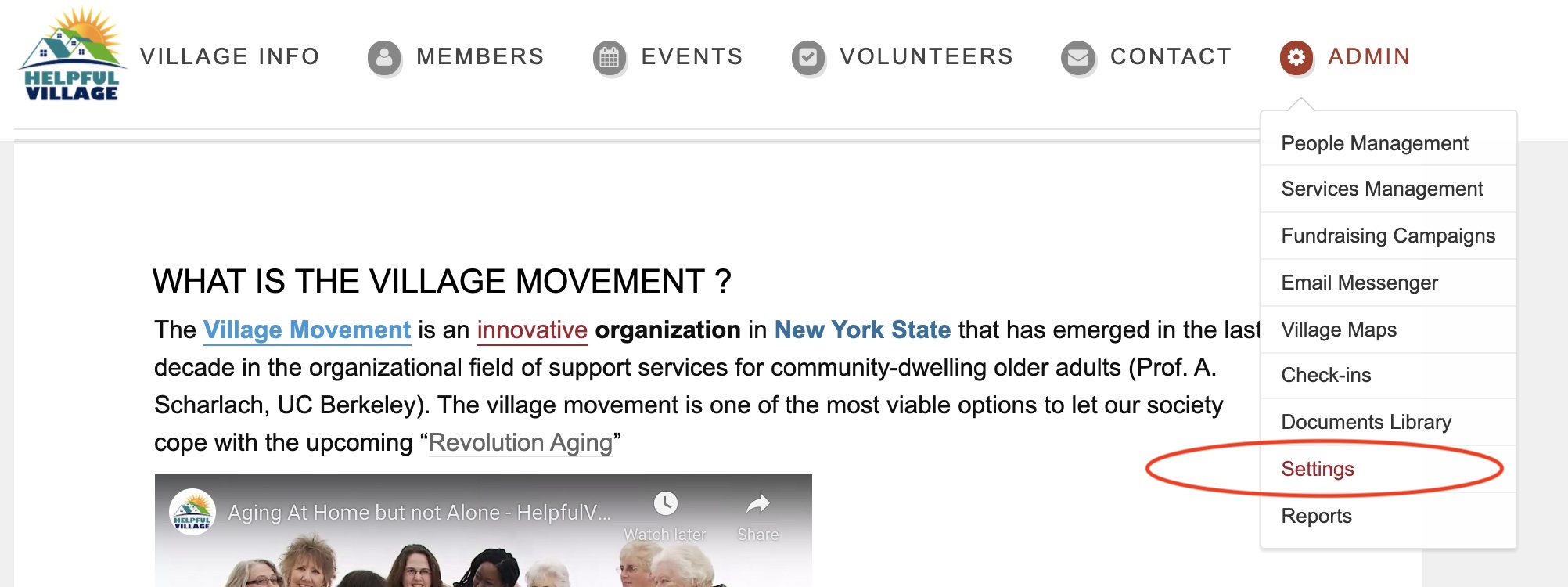
Step 1: Toggle over "Admin" in the menu bar, and click "Settings."
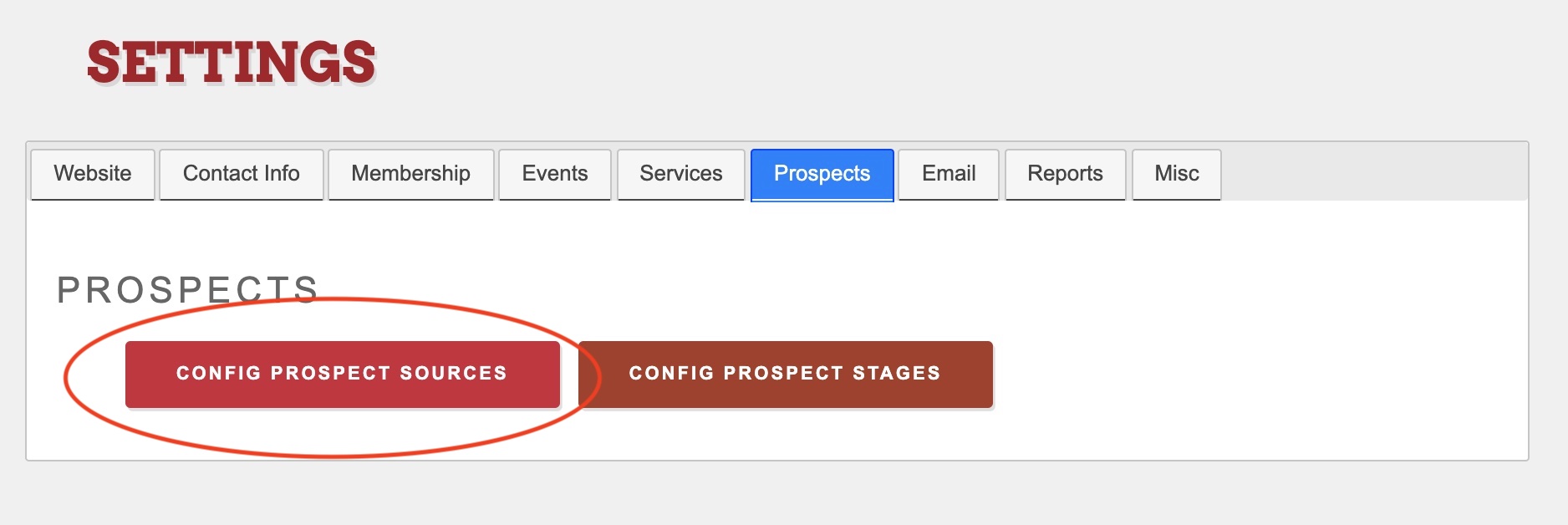
Step 2: Click the "Prospects" tab, and then click "Config Prospect Sources."
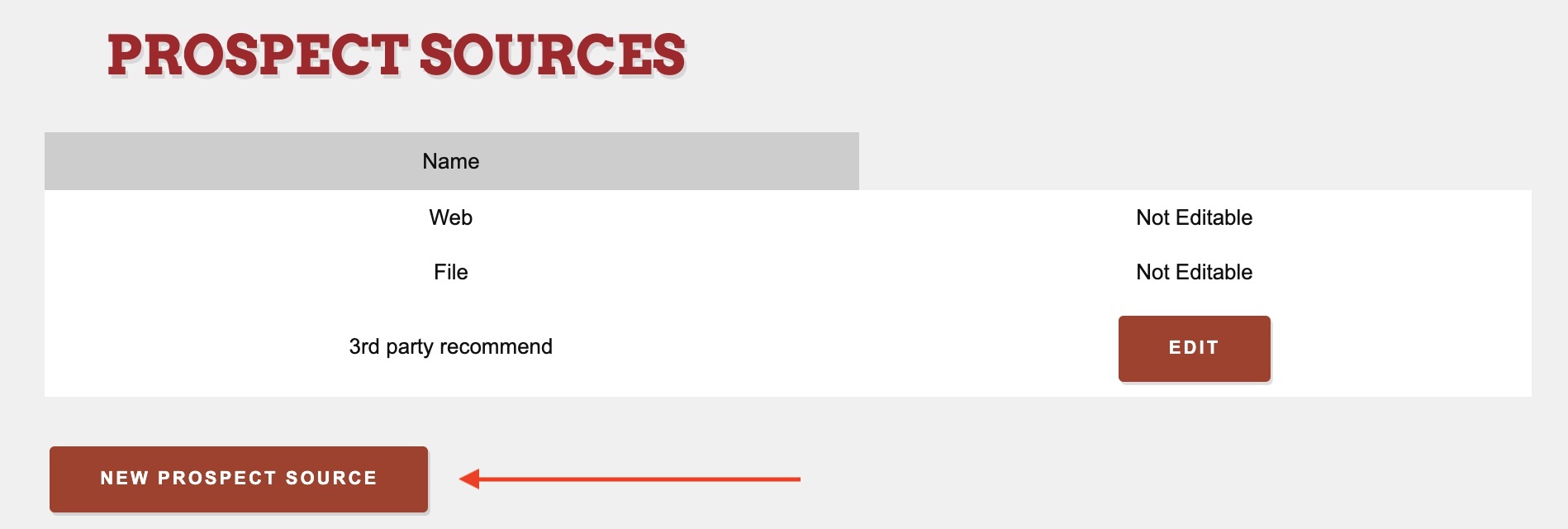
Step 3: Here, you will want to record how your prospects heard about your Village (i.e. web, file, 3rd party recommend). If you need to create a new prospect source, click the "New Prospect Source" button. (i.e. Facebook, Instagram, email, etc.)
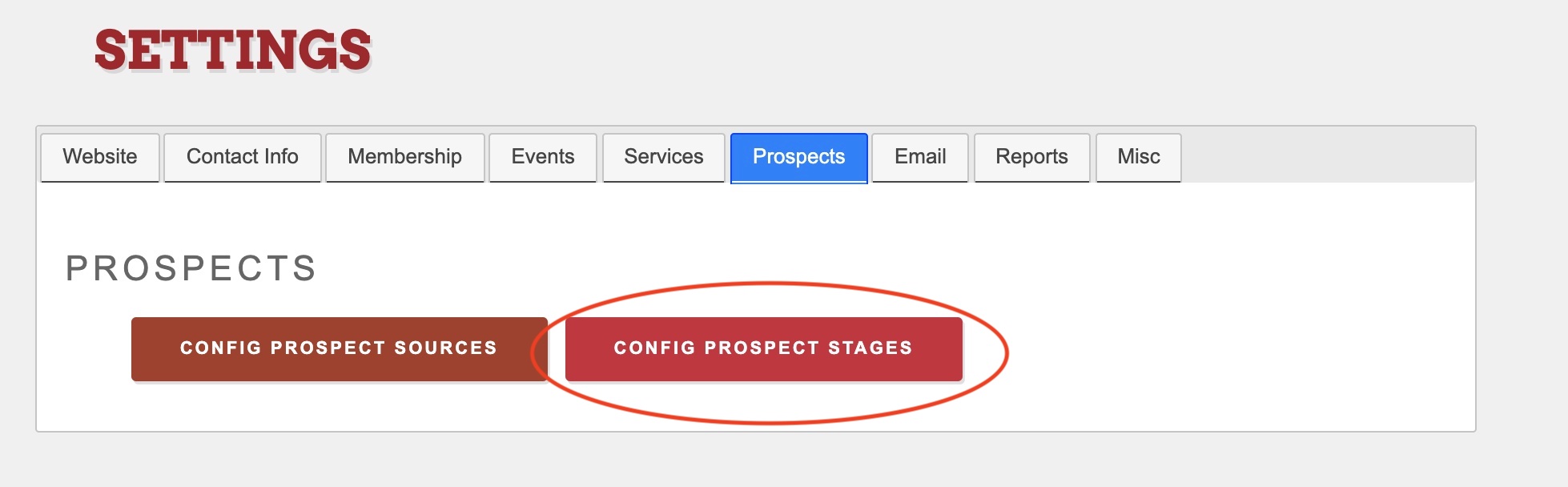
Step 4: After you configure your prospect sources, go back and click the "Configure Prospect Stages" button.
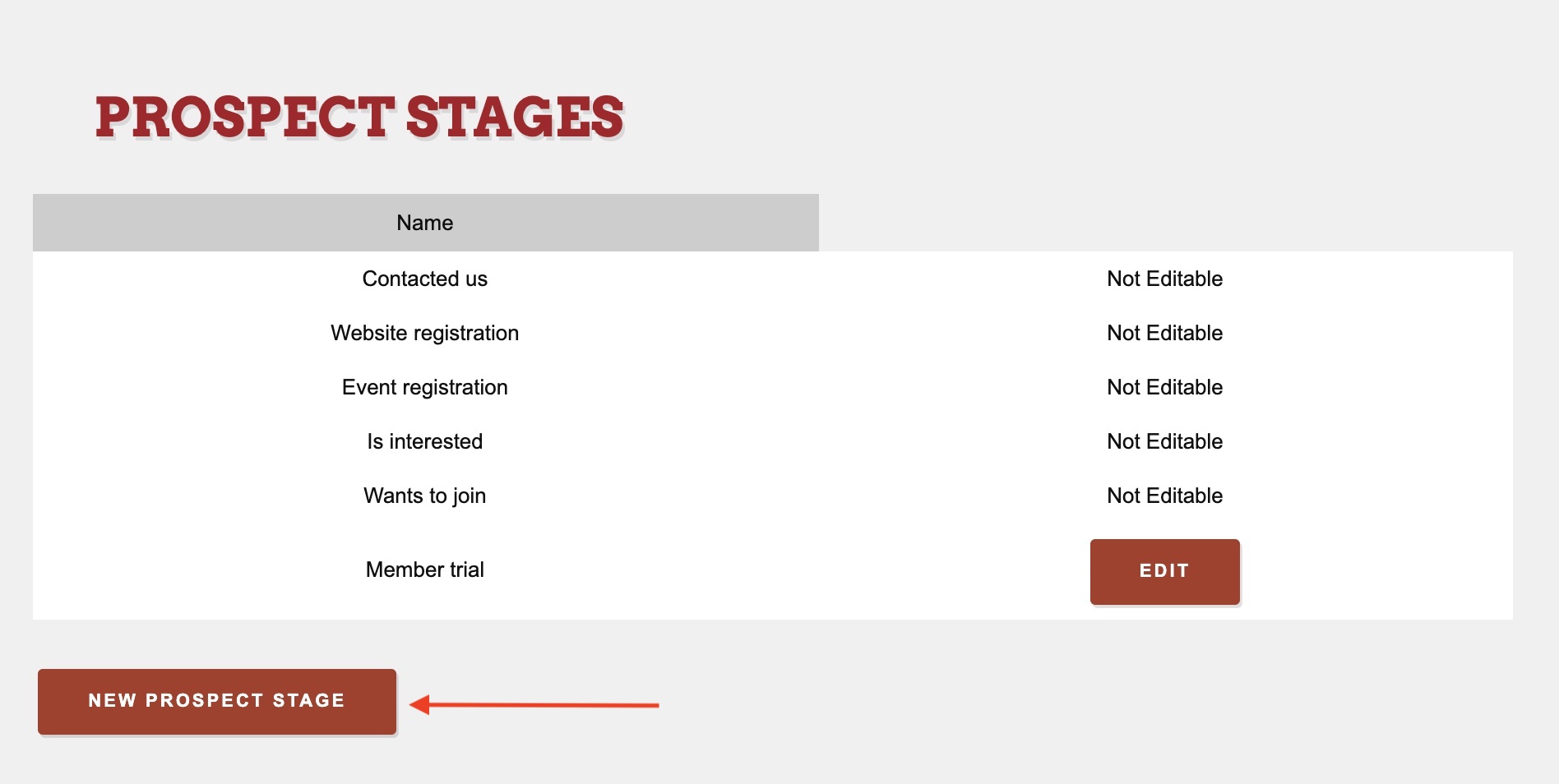
Step 5: Here you can edit existing stages (i.e. contacted us, website registration, event registration, etc.) or create a new prospect stage upon clicking the "New Prospect Stage" button (i.e. has received 'thank you' letter).
Comments
0 comments
Please sign in to leave a comment.