
Only admins can download the tax deductible donation report for a volunteer and then send it to them.
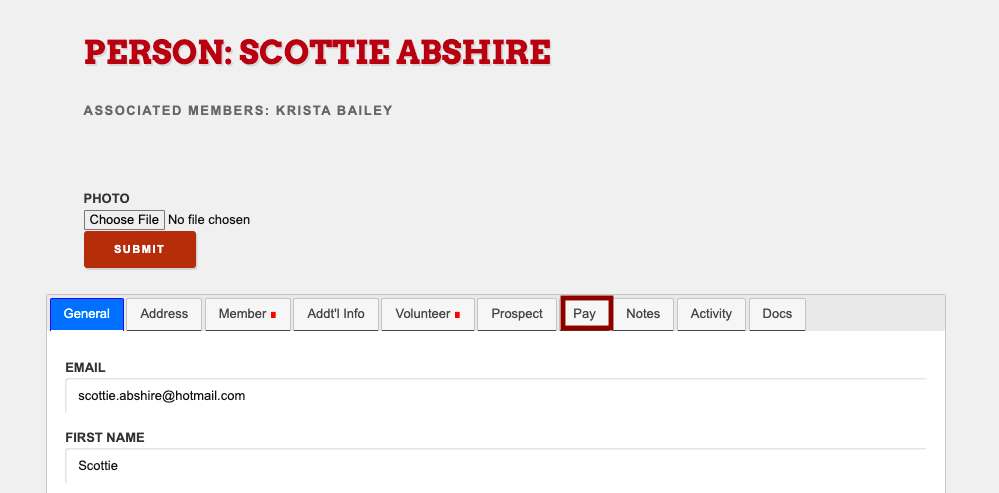
To download the report, begin on the volunteer’s profile → select ‘Pay’ tab
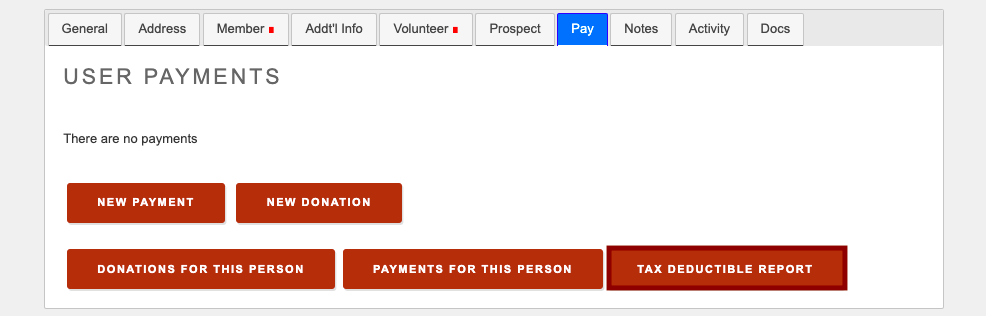
Under this tab, select ‘Tax Deductible Report’
Input the desired dates you want the report to cover → select ‘Create Report’
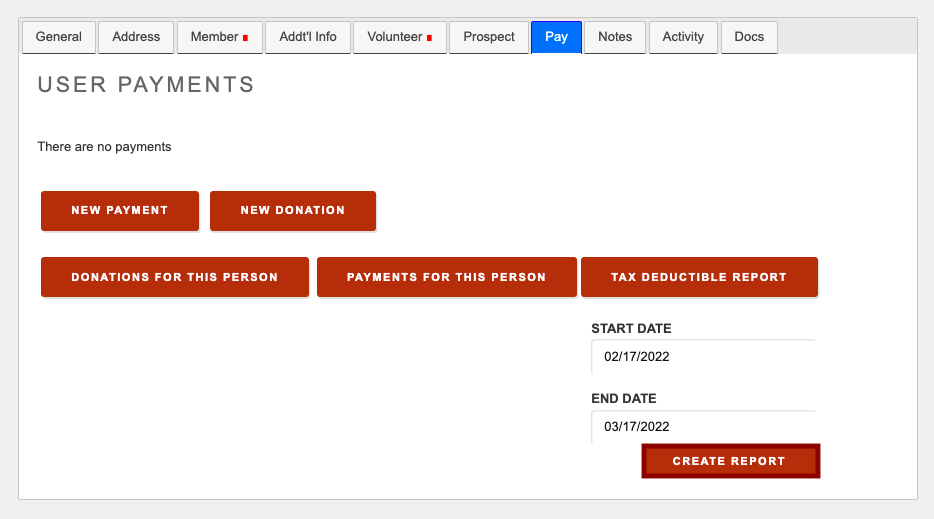
The report will be downloaded to your device.
Comments
0 comments
Please sign in to leave a comment.