
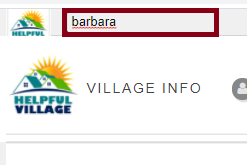
Look for the person in the Search Bar Tool, in the upper left corner of the website.
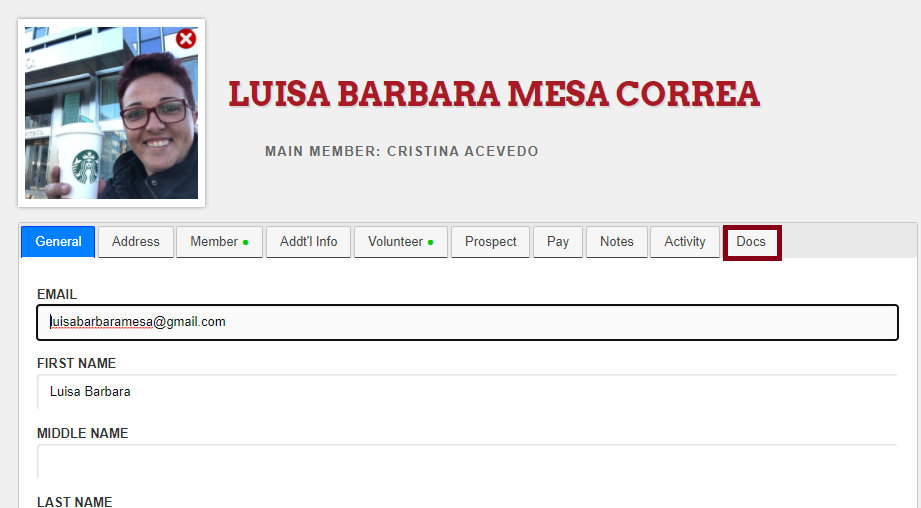
Now, you will see a tab on this person's profile called "Docs", click on it.
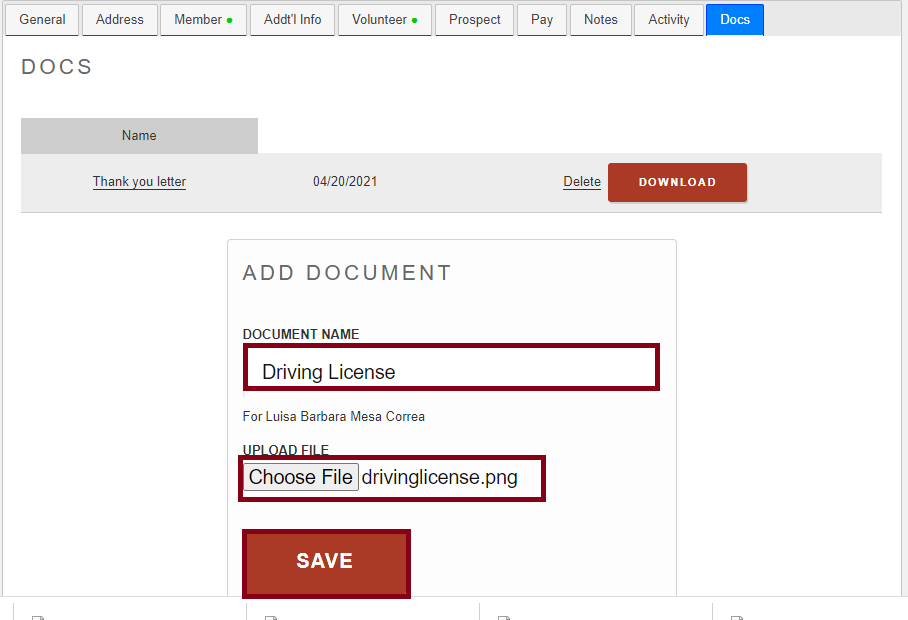
When you click on Docs, you can upload new documents. To do so, please enter a name for the document, choose the file in your computer and finally click on SAVE.
You have no limit to upload documents to a person's profile.
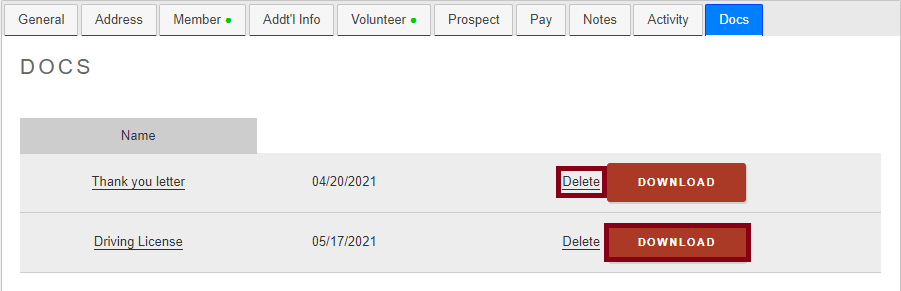
There are two more actions that you can do: delete a document or/and download a document.
Comments
0 comments
Please sign in to leave a comment.