
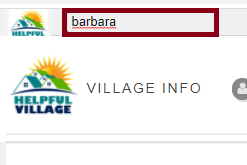
First, look for a person with the Search Bar Tool, at the upper left corner of the website.
Now, you will see a tab on this person's profile called "Activity", click on it.
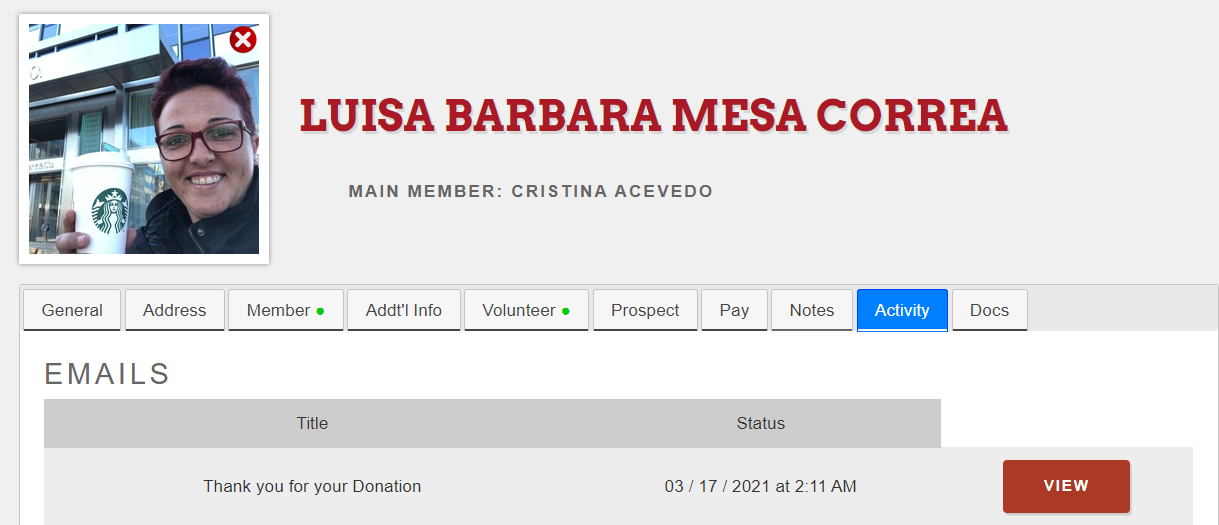
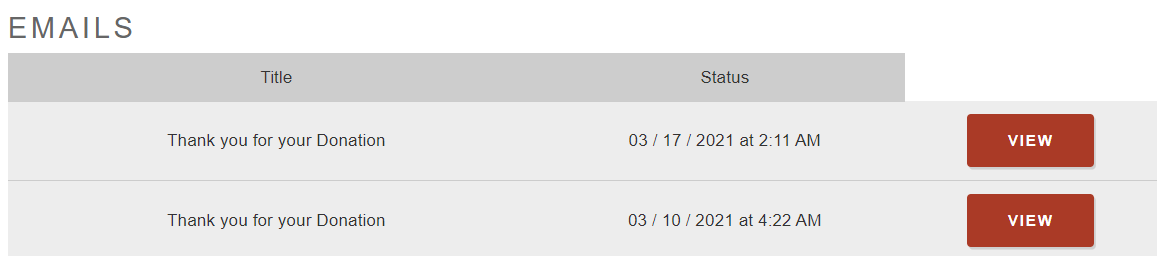
In this tab, the system shows:
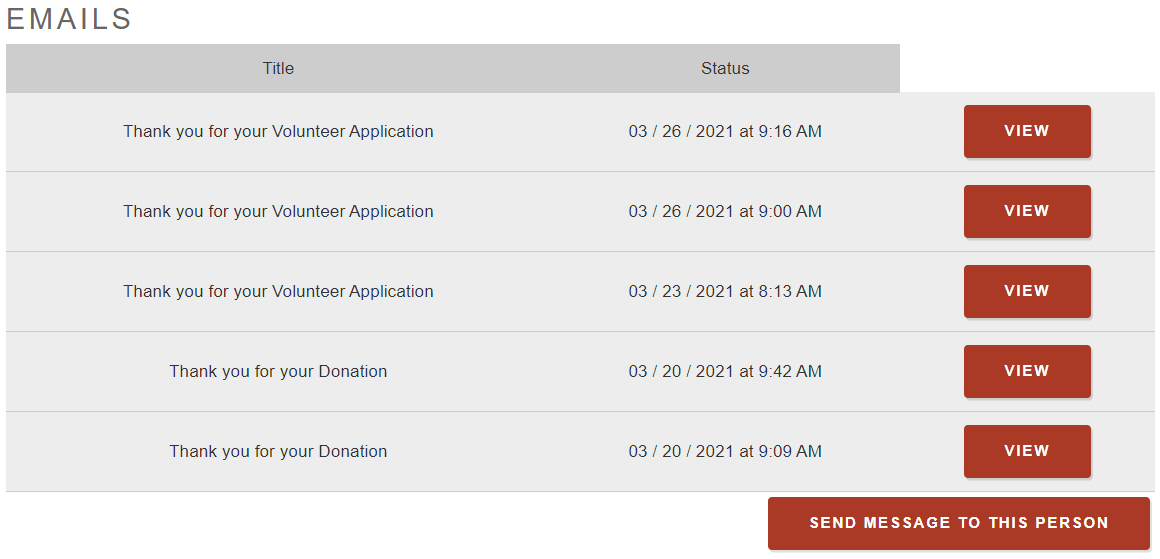
1) Emails sent to this person and you can view the messages, if you click on view you will be able also to clone or archive the email
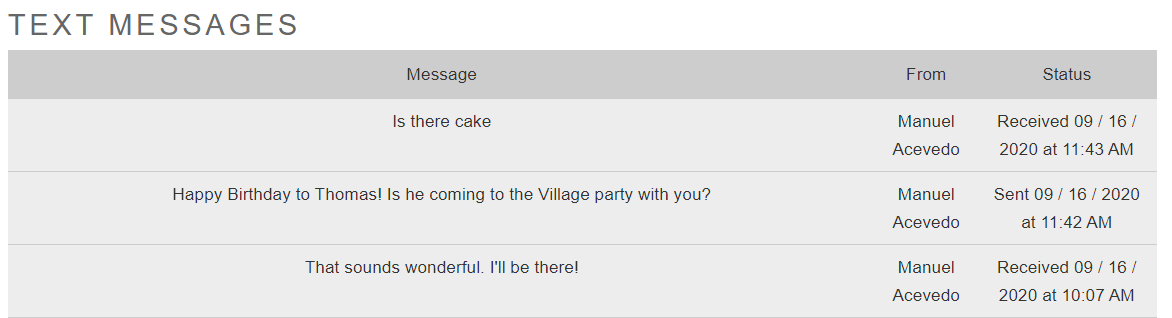
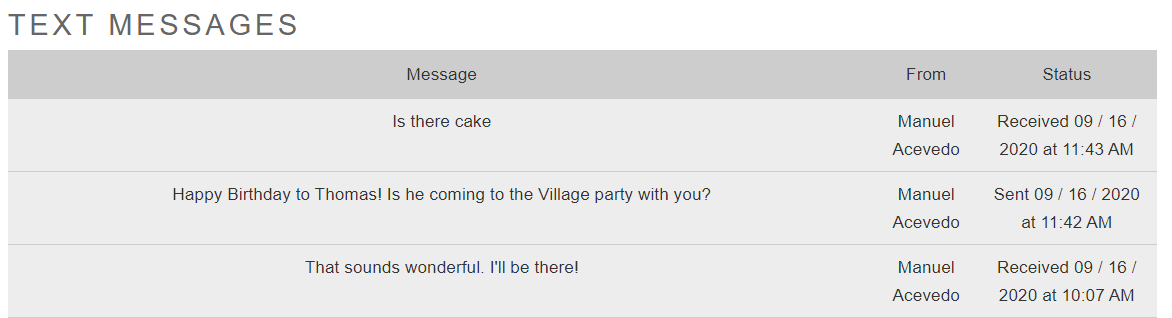
2) Text messages sent to this person
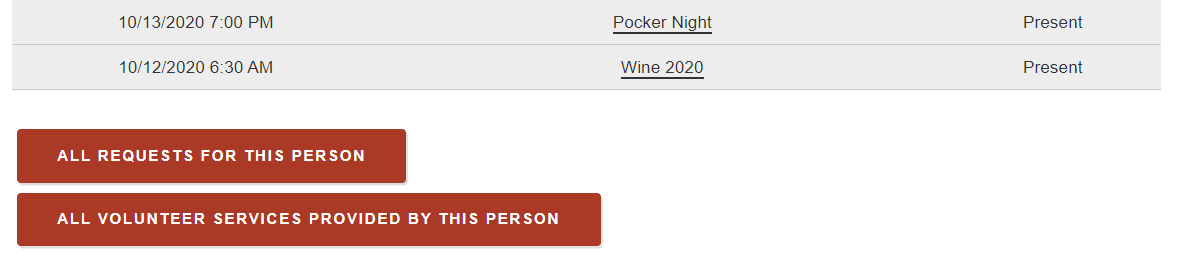
3) All events in which this person has participated
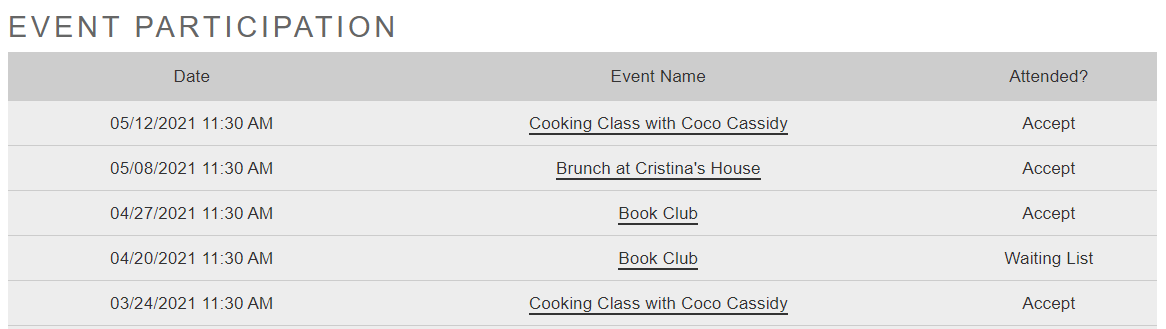
This activity tab serves as the History but you can also take some actions:
1) You can send a message to that person
2) You can send a text message (if you have this premium feature activated)
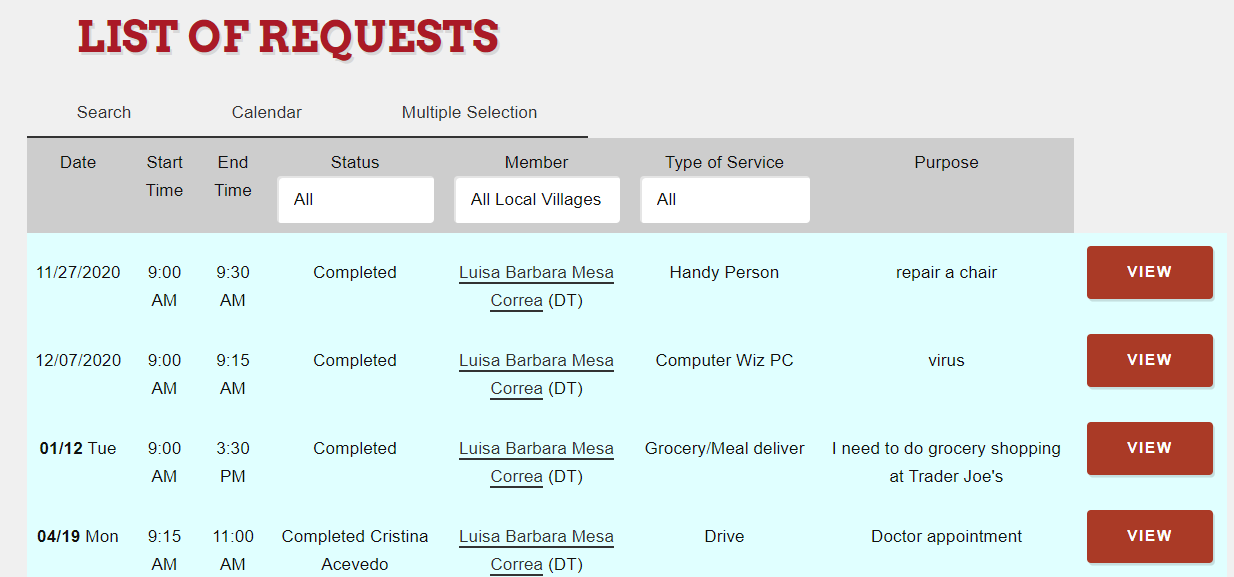
3) You can also view all the service requests for this person.
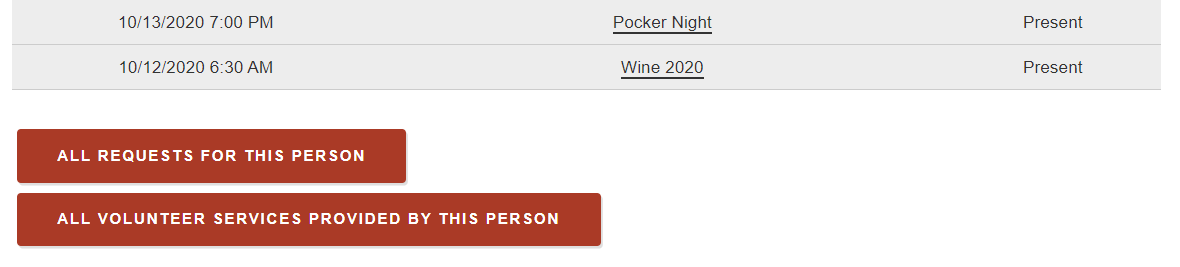
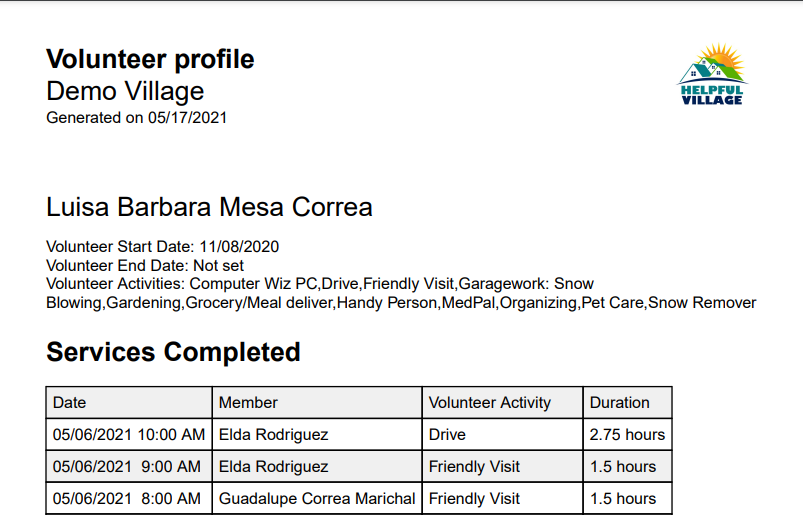
4) You can also view all volunteer services provided by this person
Comments
0 comments
Please sign in to leave a comment.