
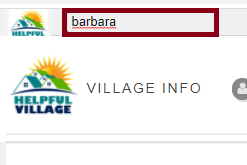
First, look for a person with the Search Bar Tool, at the upper left corner of the website.
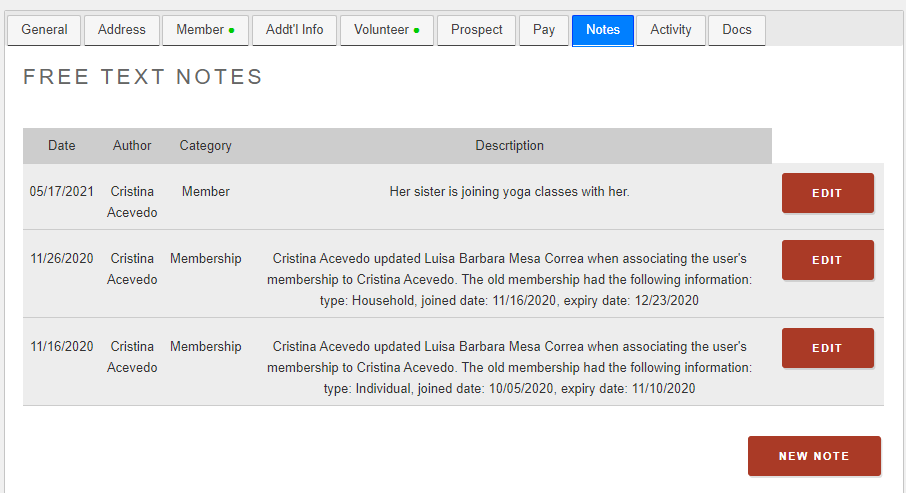
Now, you will see a tab on this person's profile called "Notes", click on it.

You can view all the notes for this person.
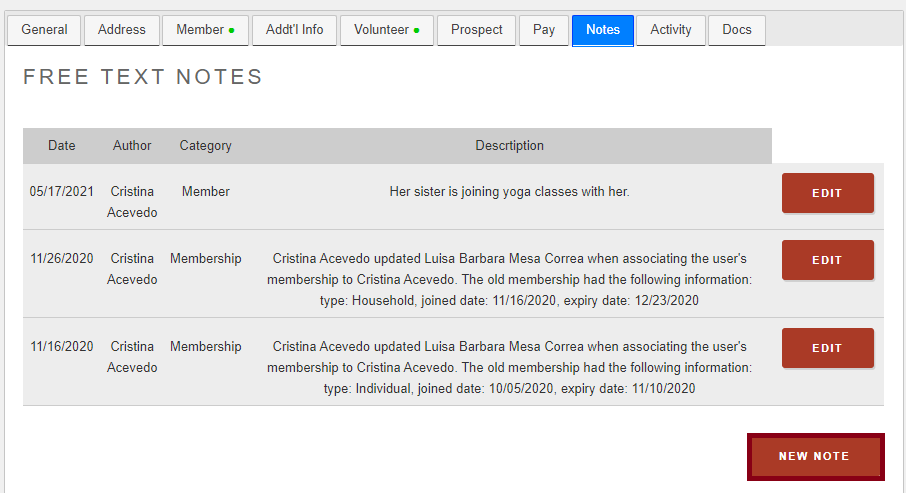
You may create a new note by clicking to the "New Note" button as the image below indicates:
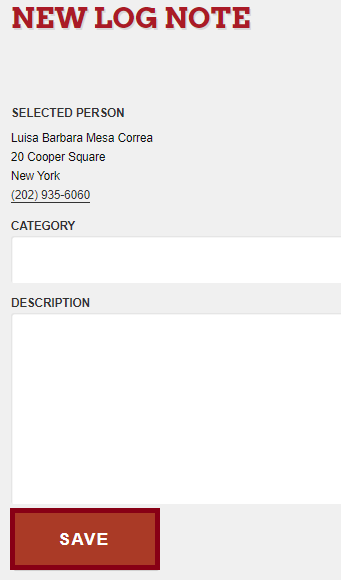
You can write free text, indicate a category and write the note and finally SAVE.
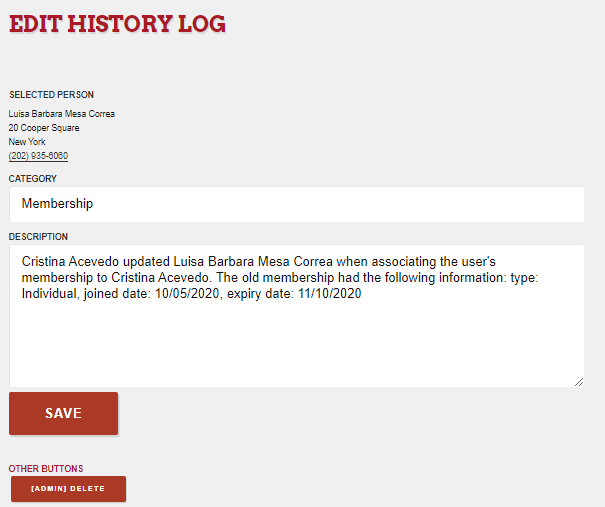
If you edit a note, you will be able to delete the note. Press on Edit and then this screen will show, if you scroll down you will see the "Delete" button.
Comments
0 comments
Please sign in to leave a comment.