
In order to cancel a donation subscription, search for the user in the search bar.

Click on the user's "Pay" tab, and you will see the "Subscriptions" heading. Simply find the donation subscription that you would like to cancel, and click "Cancel."
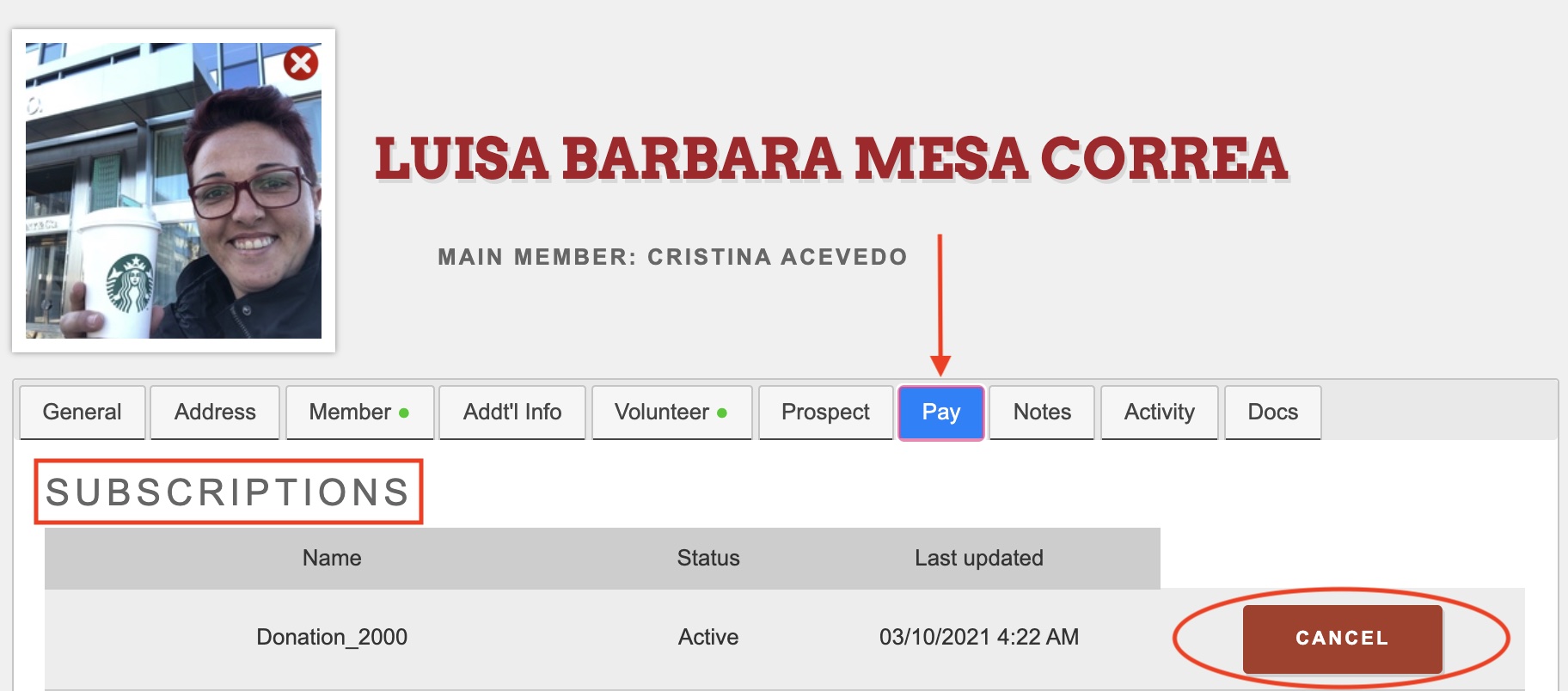
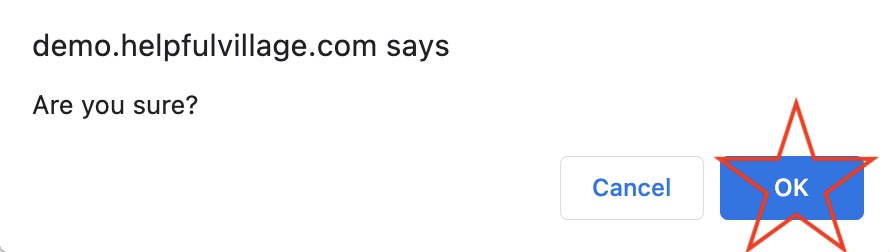
After you click "Cancel," a confirmation message will pop up. Click "OK."
A yellow banner will appear to show that you have successfully canceled the donation subscription.

Comments
0 comments
Please sign in to leave a comment.