
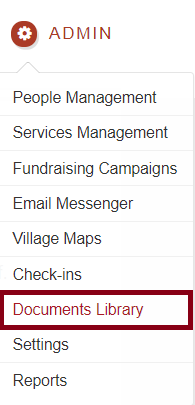
Go to Admin-->Documents Library
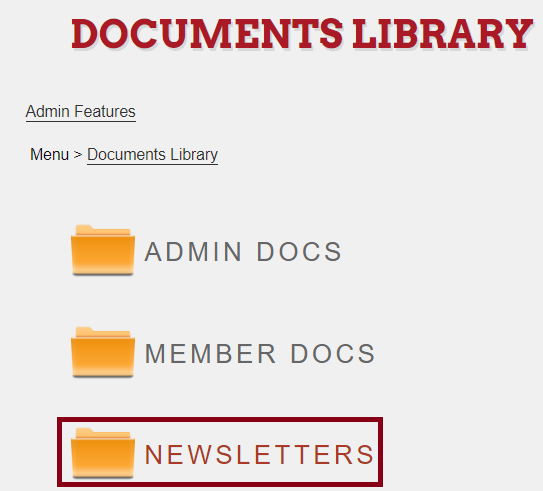
You will see a Newsletters folder, press on it.
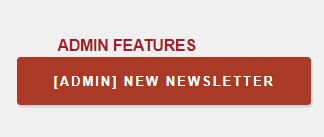
If you scroll down, at the bottom of the page you will see this button:
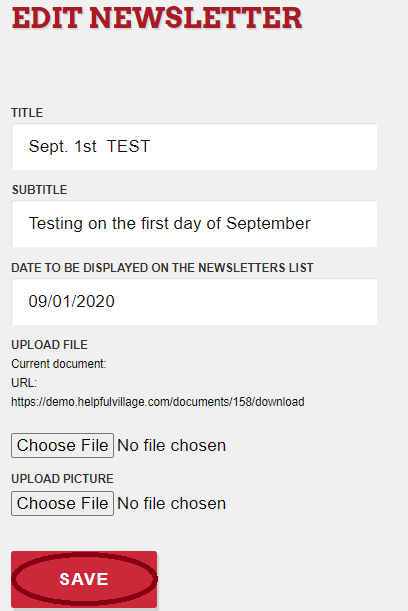
You can fulfill the fields and upload the newsletter pdf and a photo, click SAVE
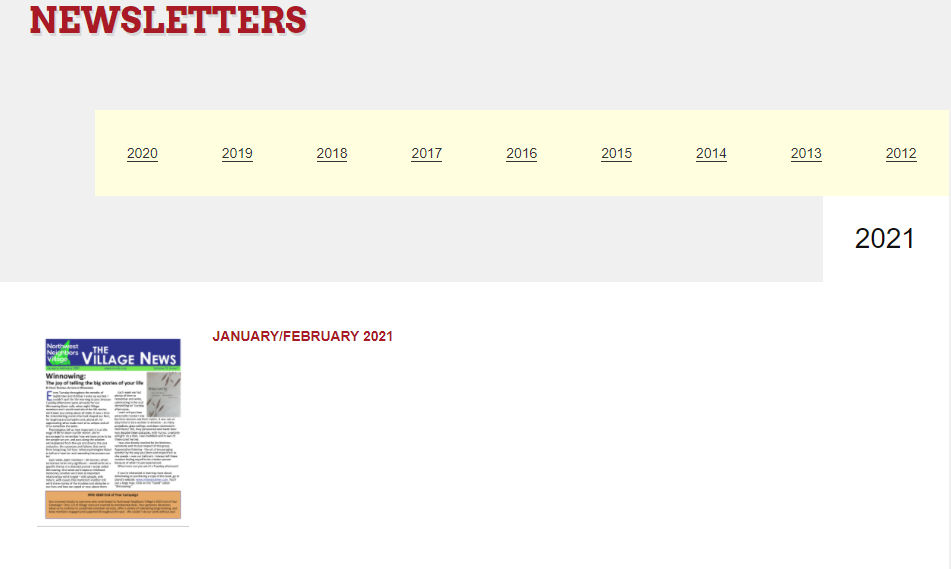
Now, if you go to the website and click on "Newsletters", you will see all the newsletter as in this image below:
Comments
0 comments
Please sign in to leave a comment.