
From Admin-> Settings->
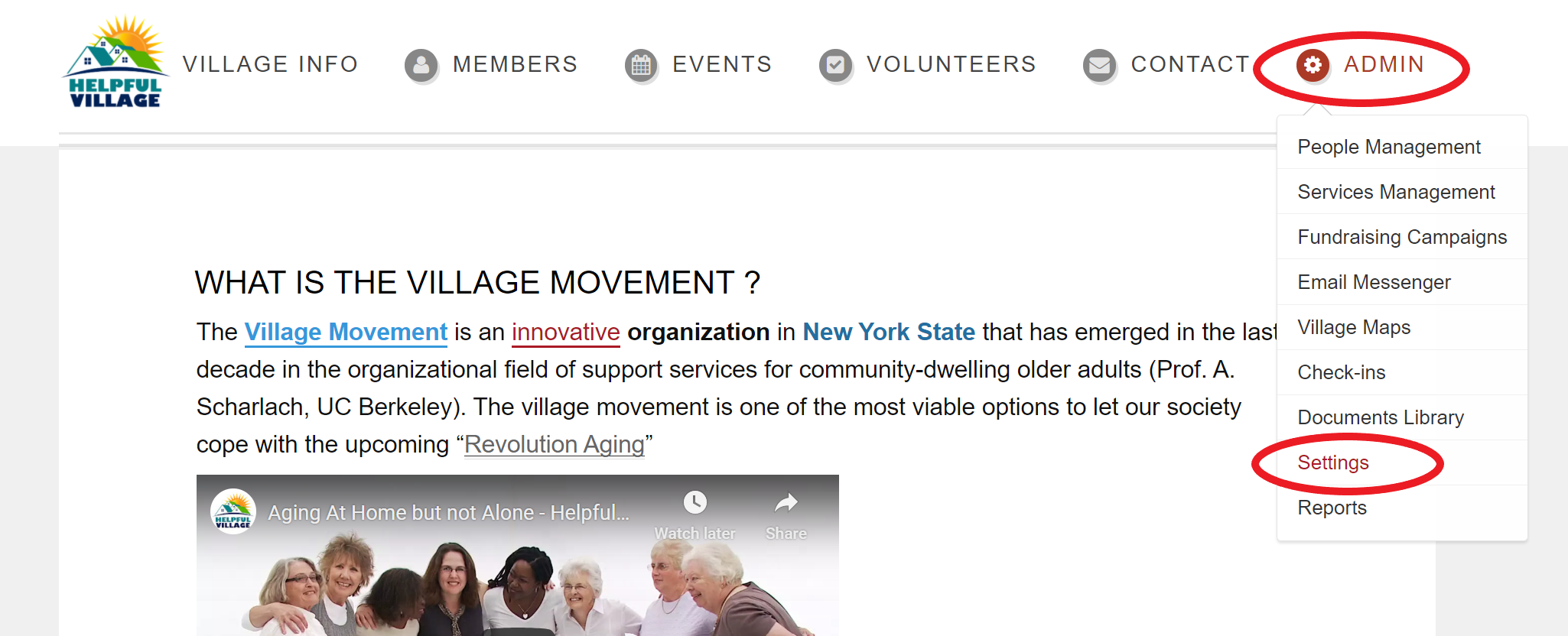
Go to the "Email" tab
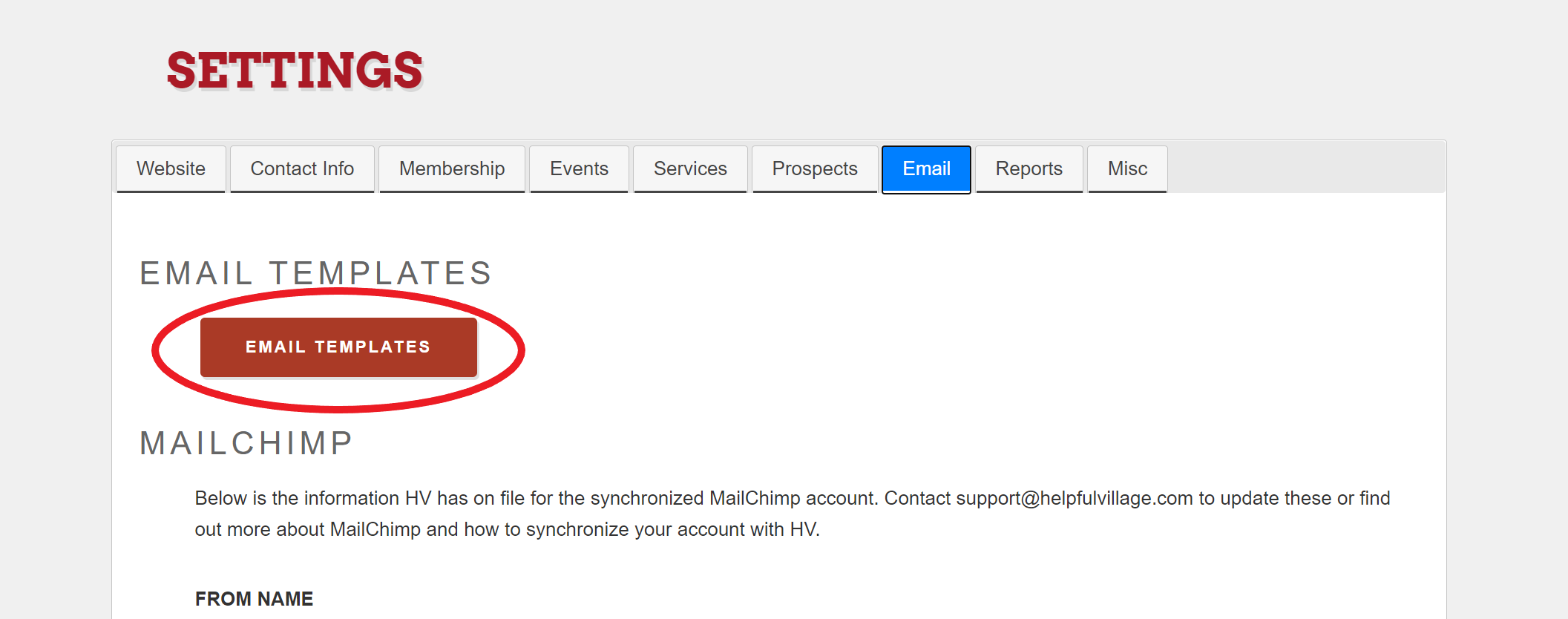
Click on "Email Templates"
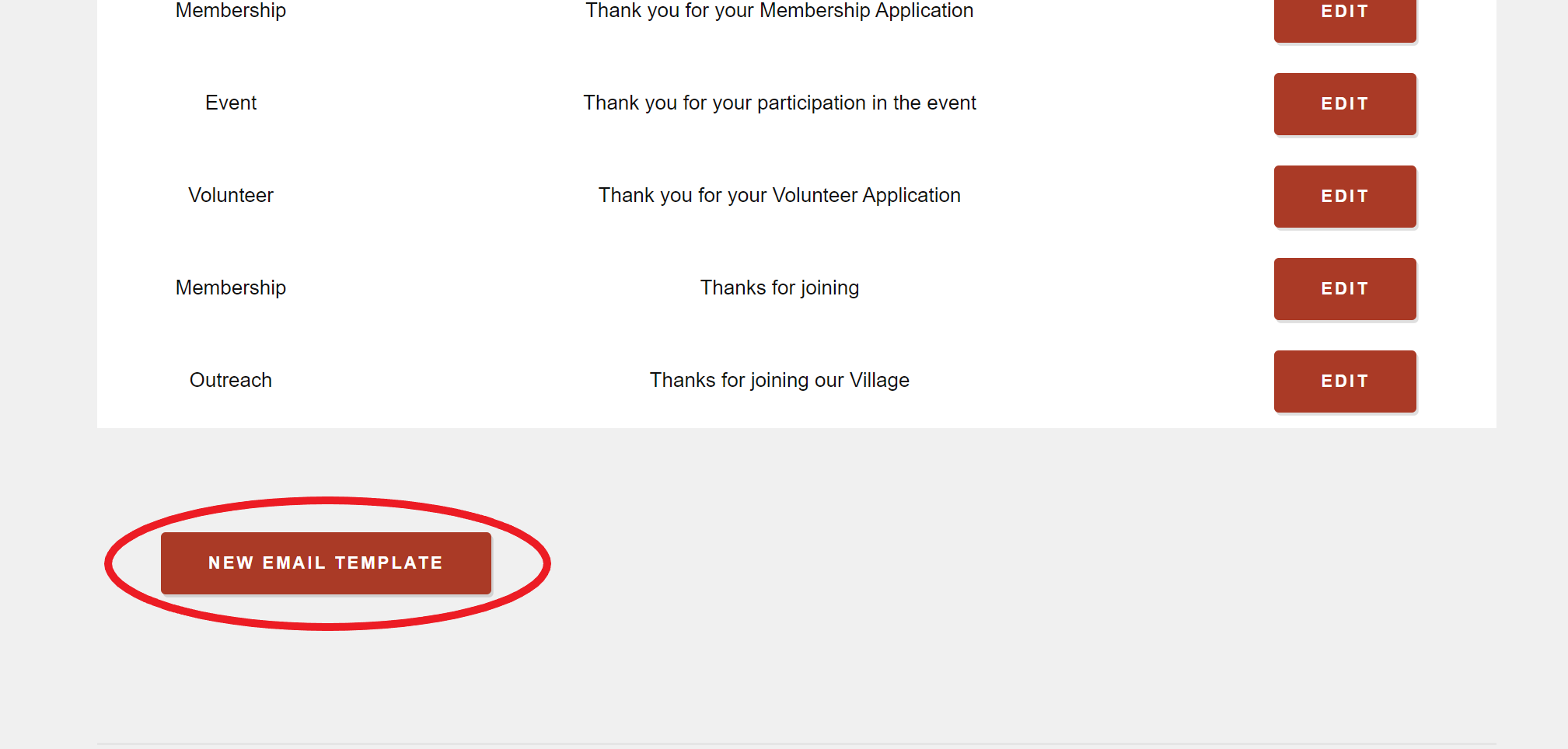
From here, you can "create new template".
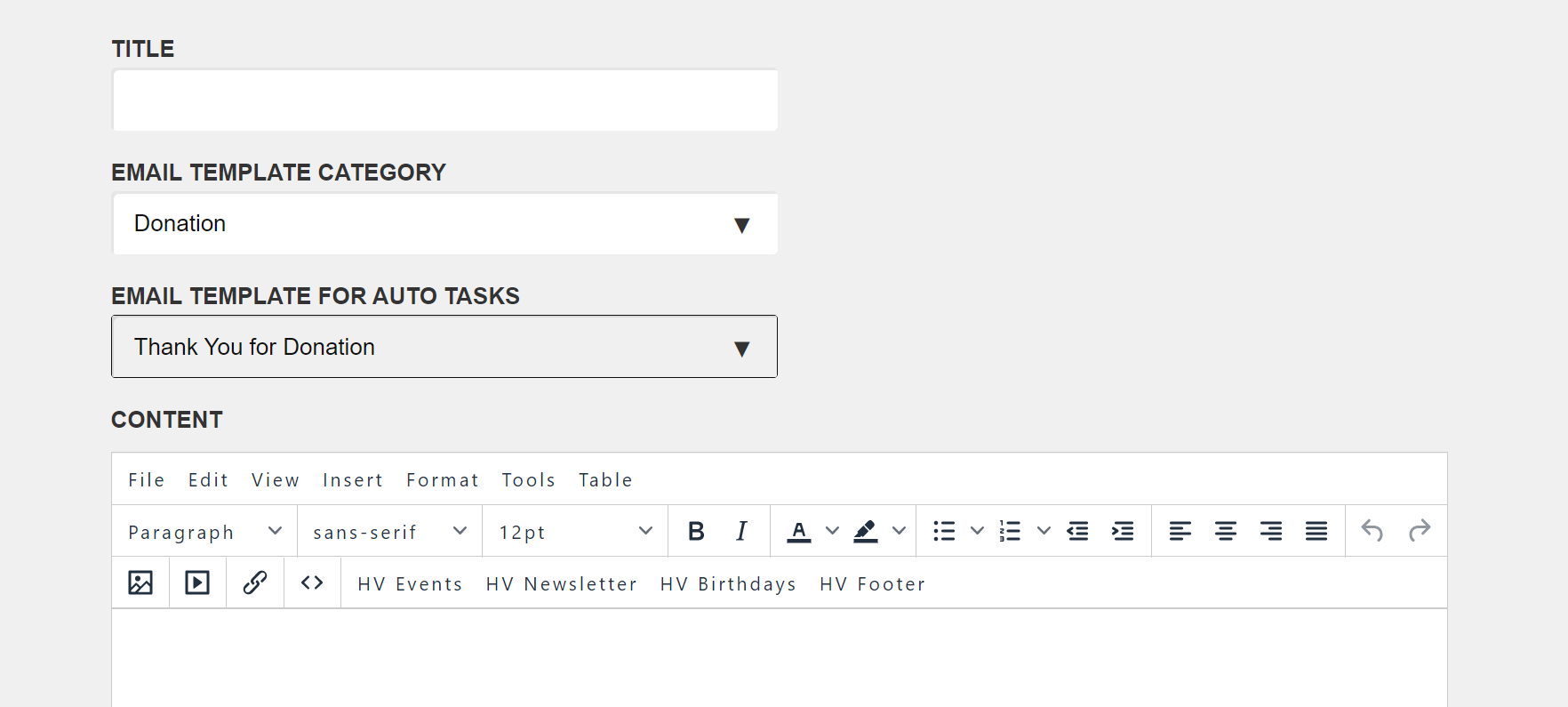
From a new template, this is a list of emails you can edit for Autotask:
Donations: Thank you for your donations
Membership: renew notice, renew notice two, membership renewal confirmation, membership application confirmation
Providers: provider application confirmation
Volunteers: volunteer application confirmation
You have a weekly updates email that should be edited weekly.
You find this by going to Admin -> Settings -> Email Tab. Then click on "Email Templates"
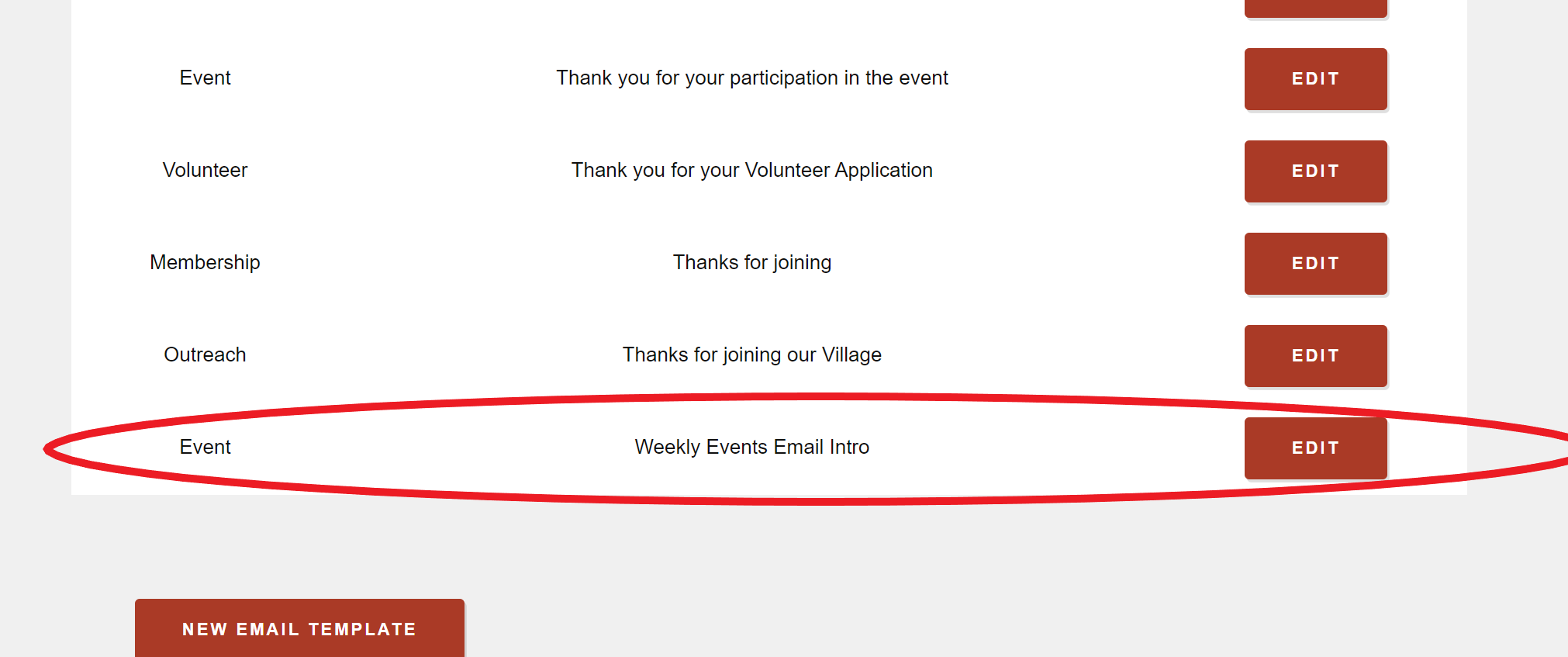
In the list of email templates, you will see one titled "Weekly Events Email Intro". This is the template you use for your weekly updates. This Autotask email cannot be created from a new template. You need to edit this one each week.
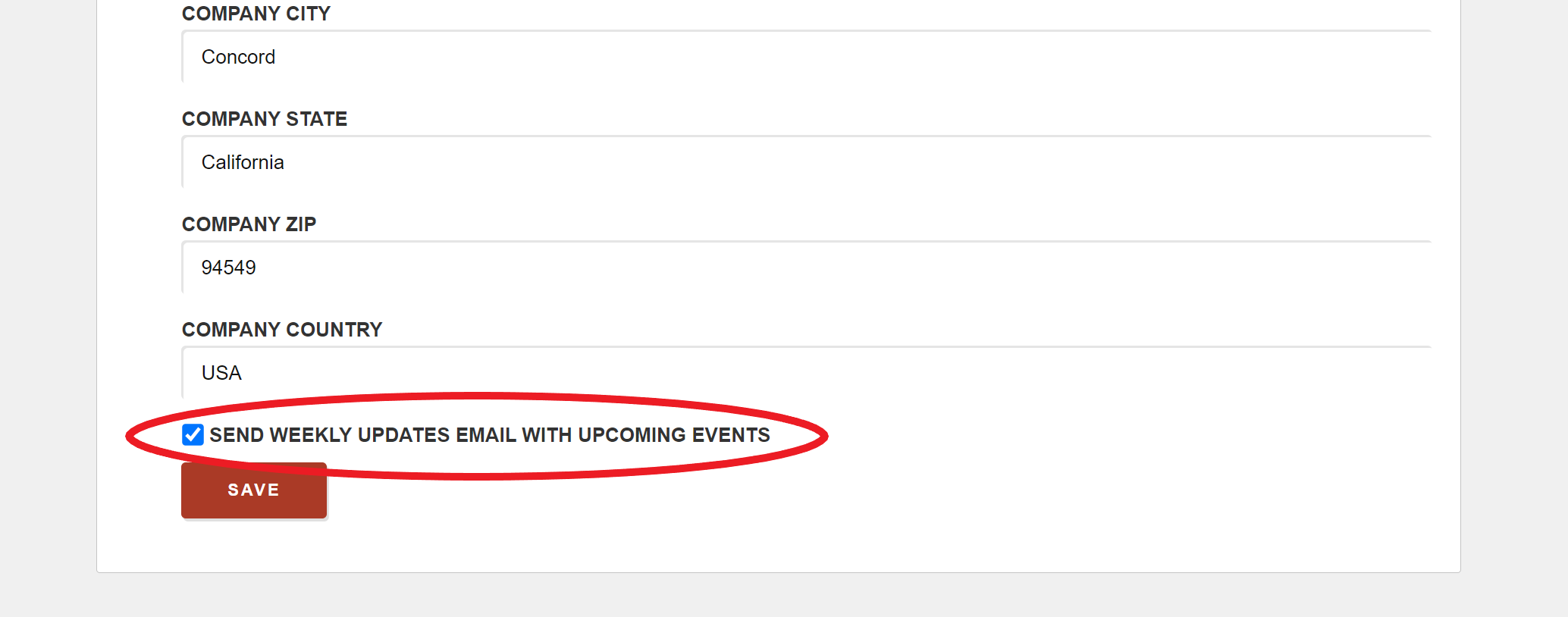
You can also choose to send your weekly updates with upcoming events included. You do this by going to Admin -> Settings -> Email tab. At the bottom, you will see a box called "Send weekly updates email with upcoming events.
Helpful Village also has an Autotask email set up for volunteers that cannot be edited. A daily email goes out to volunteers with a list of service requests they can volunteer for. Volunteers will only receive service requests that are in the categories they have volunteered for. This email could look different for each volunteer.
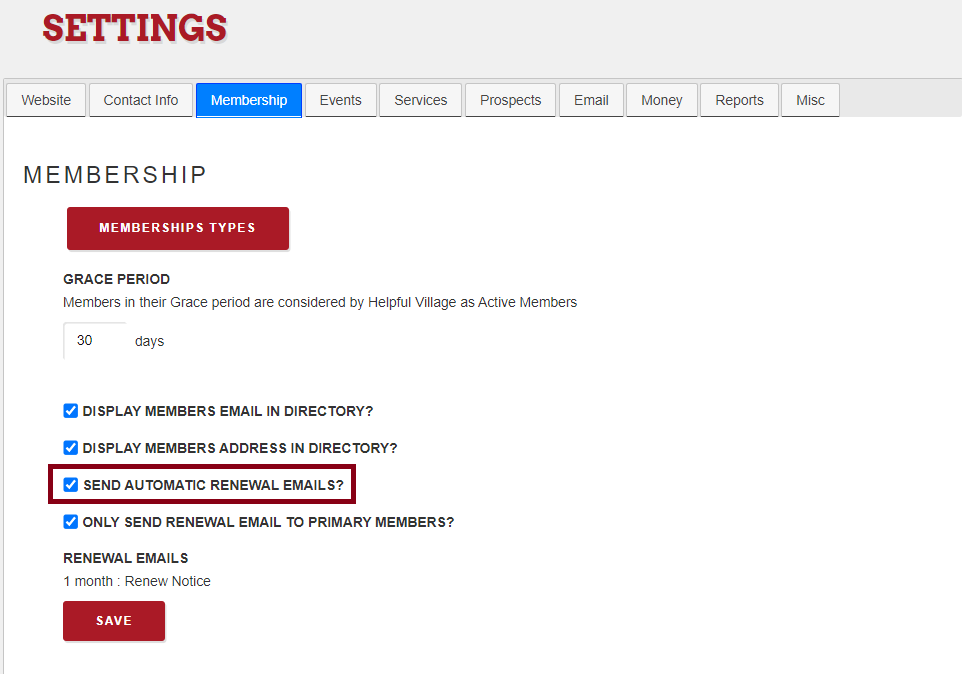
You have also to activate this setting: SEND AUTOMATIC RENEWAL EMAILS?
Go to Admin-->Settings-->Membership tab
Comments
0 comments
Please sign in to leave a comment.