
This training article will provide users with a step by step tutorial of how to register for an event while signed out. However, if the individual is a user with credentials, we highly recommend that the user logs in so that we can register their activity on their profile. If they are a user without credentials, on the other hand, they may participate in "open to all" events!
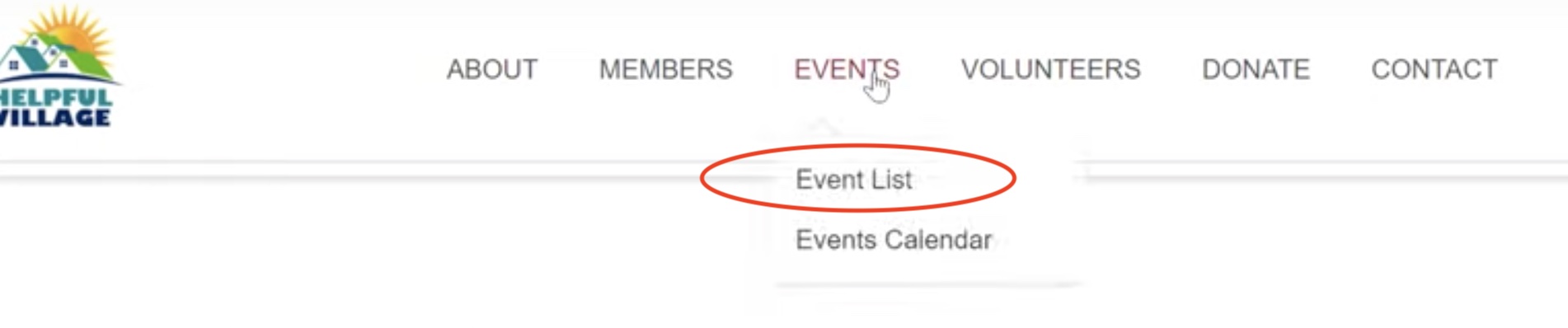
To do so, the user must go to "Events" --> "Events List"
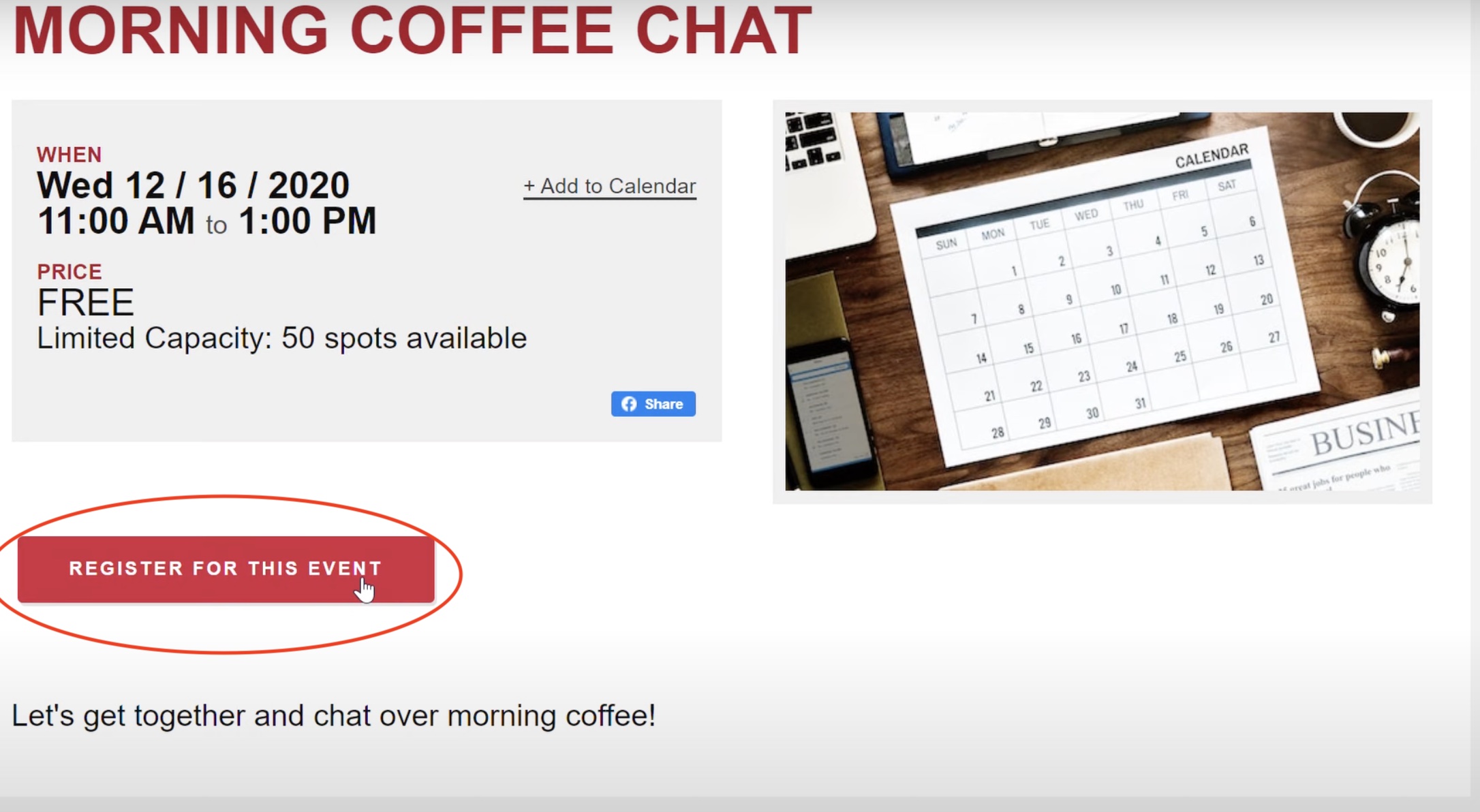
Click on the event you would like to register for, and then scroll down and click "Register for this Event."
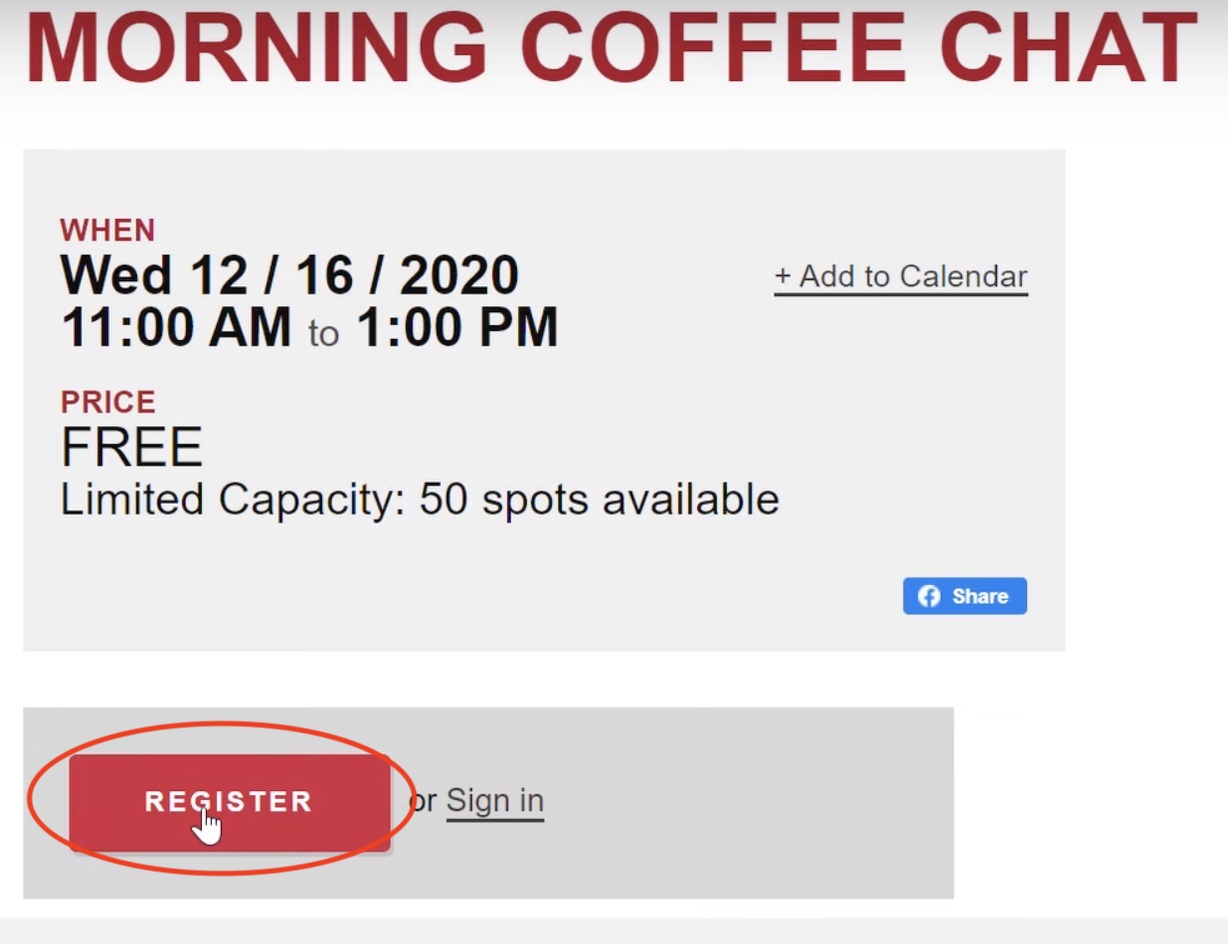
Click "Register."
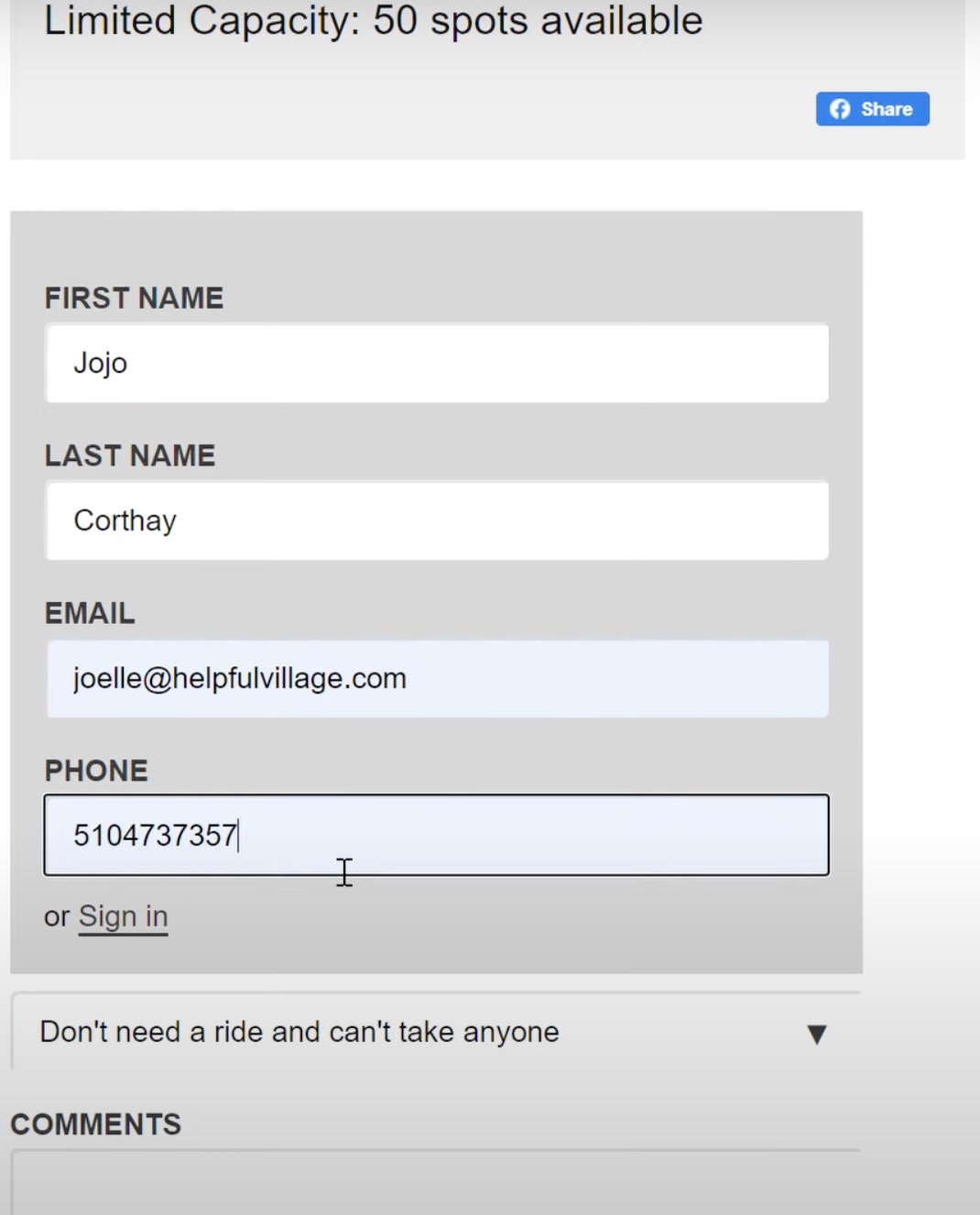
Fill out your first name, last name, email, and phone number.
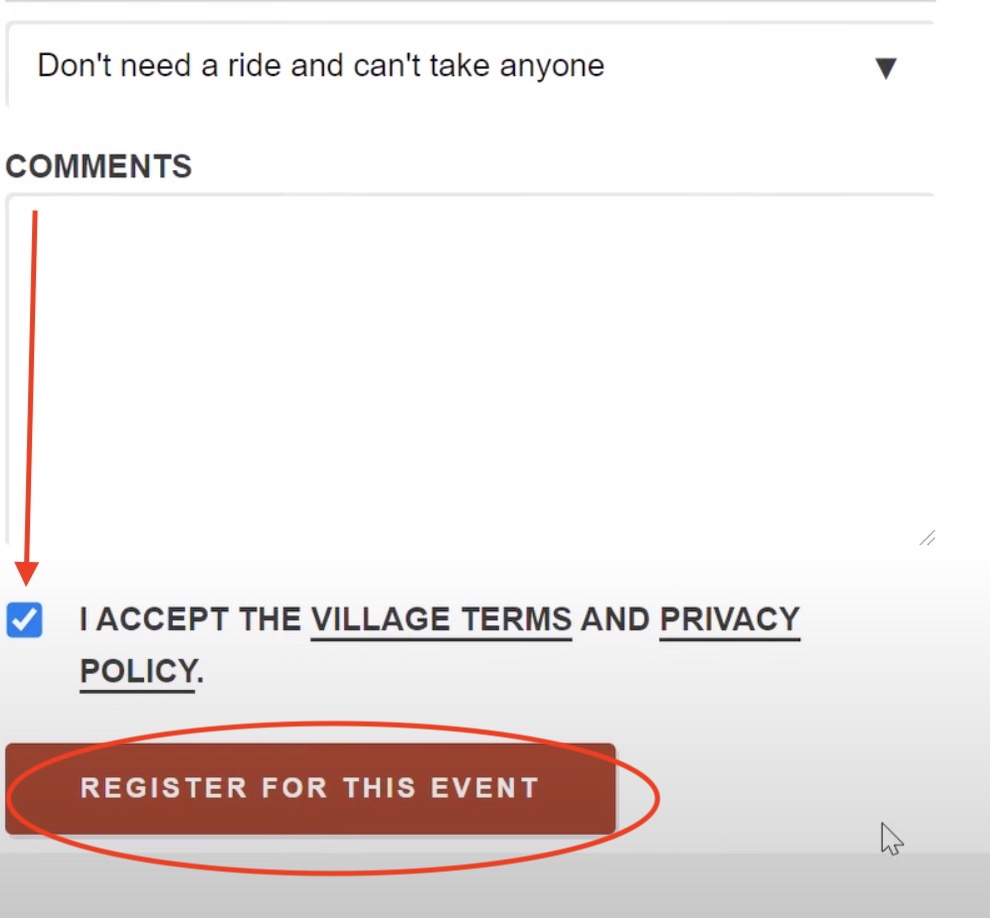
Leave any comments you need if necessary, and make sure to checkmark the box that reads "I accept the Village terms and privacy policy. Lastly, click "Register for this event."
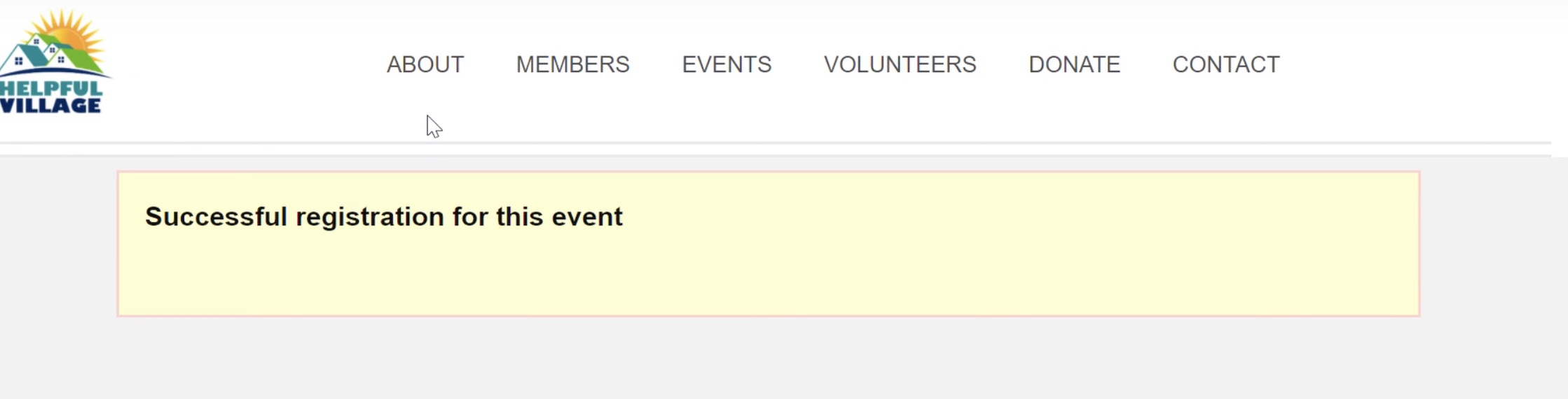
You will then see the following message as well as receive a confirmation email.
For additional aid, watch our training video tutorial: VIDEO TUTORIAL
Comments
0 comments
Please sign in to leave a comment.