
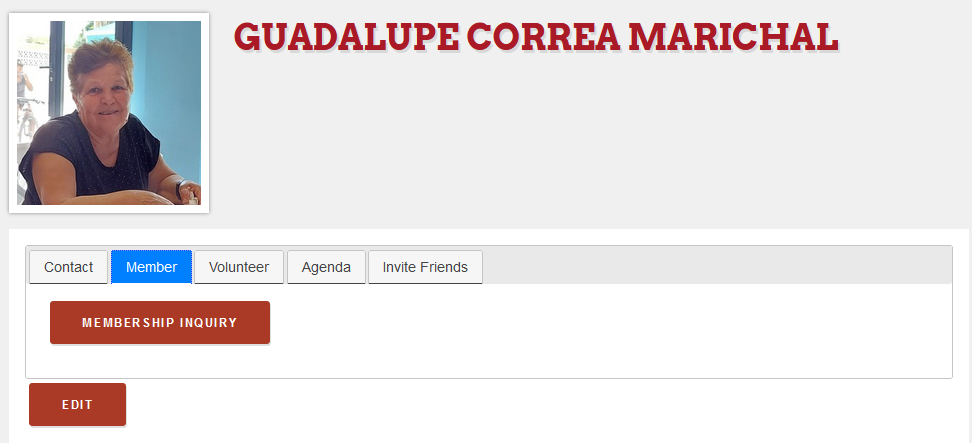
If you click on the “Member” tab, you will be able to press “edit” to change any info on your profile and you may click on the “Membership inquiry” button.
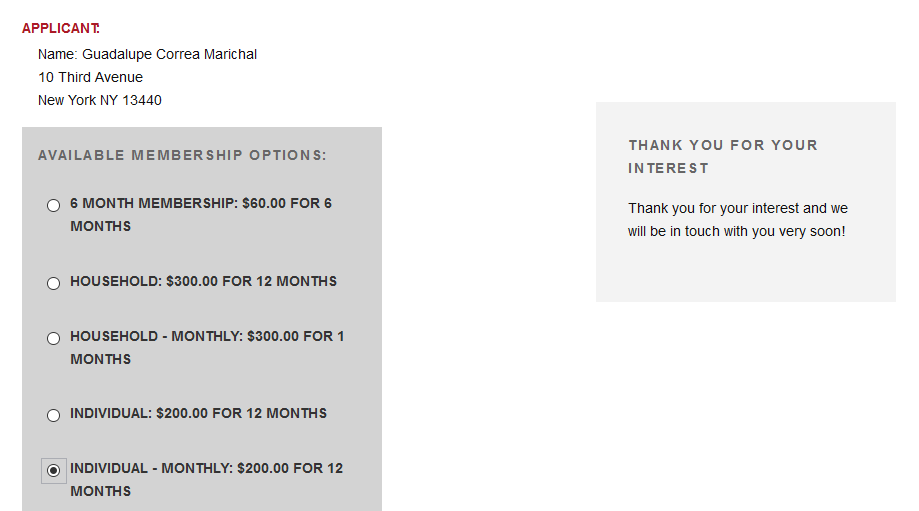
In the membership inquiry, you are asked to select the membership type that you are interested in.
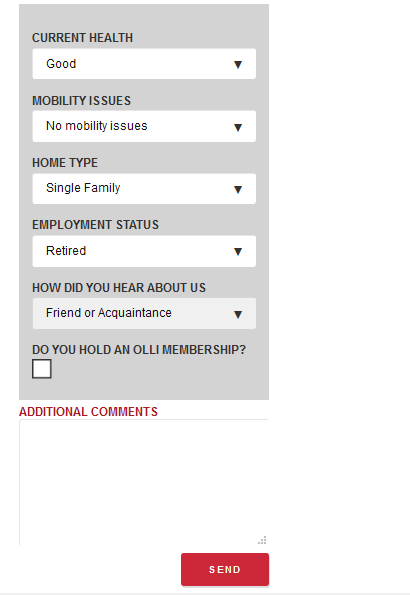
You may also fill out other important information for your membership and SEND.
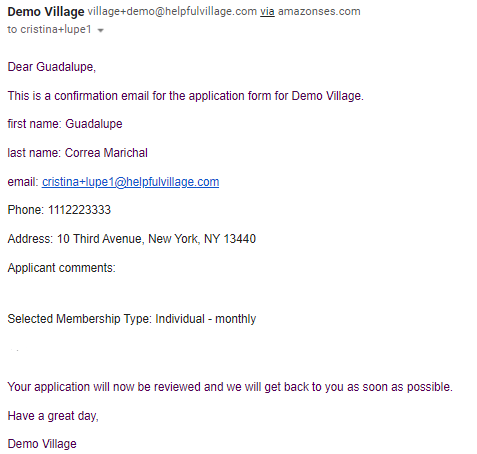
Once you send your inquiry, you will see the following message:

You will immediately receive the following email:
Once, your request have been reviewed and approved, you will receive an email confirming your membership and from that moment, you will see your Member tab as the image below:
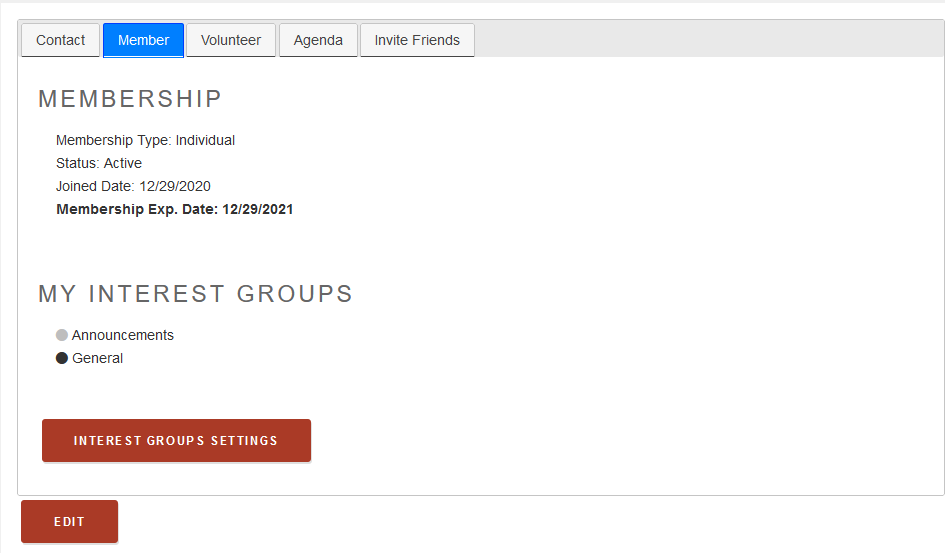
If you press the interest groups settings button, you will be able to activate notifications for the groups you are interested in.
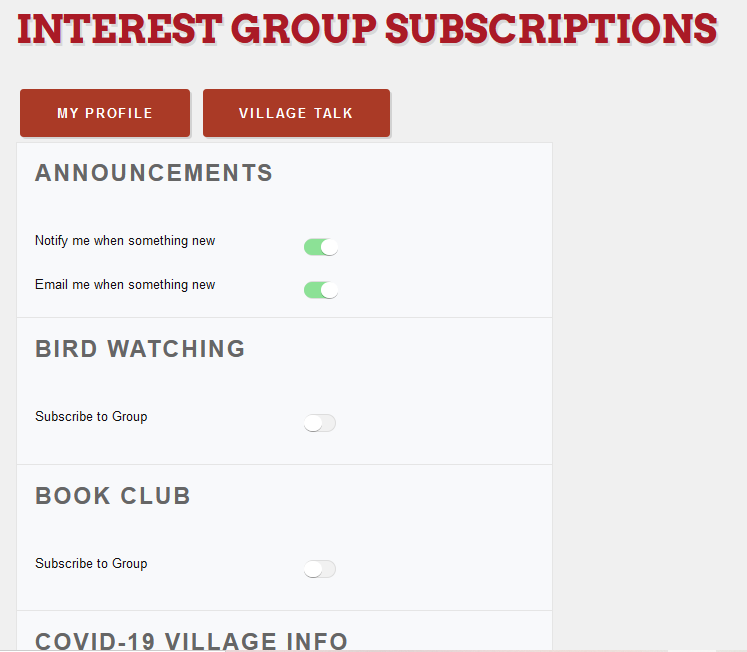
You may also have access to the village talk, a discussion board. You will find more explanation on this video:
Comments
0 comments
Please sign in to leave a comment.