
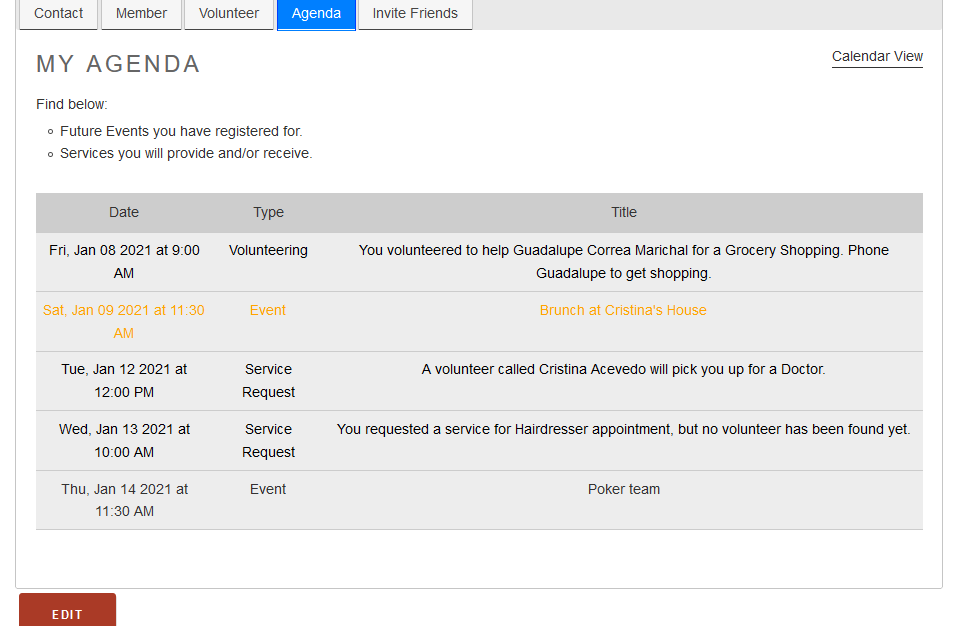
In this tab, Agenda, the member will find his/her personal agenda.
Members find:
1) Future events the member has registered for.
2) Services member will receive (this member's service requests) or provide (when a member also volunteers).
You can see the details by clicking on the agenda entry.
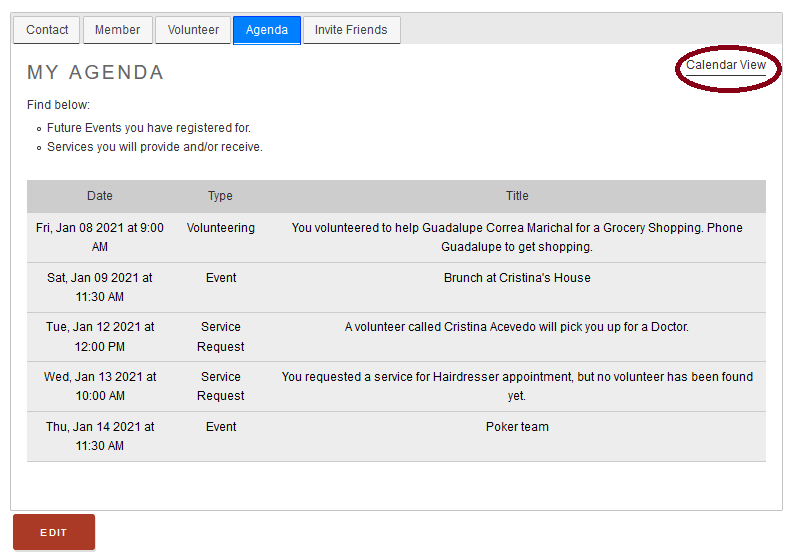
You can view your agenda in a calendar, just click on the "Calendar View" button at the right up corner. See image.
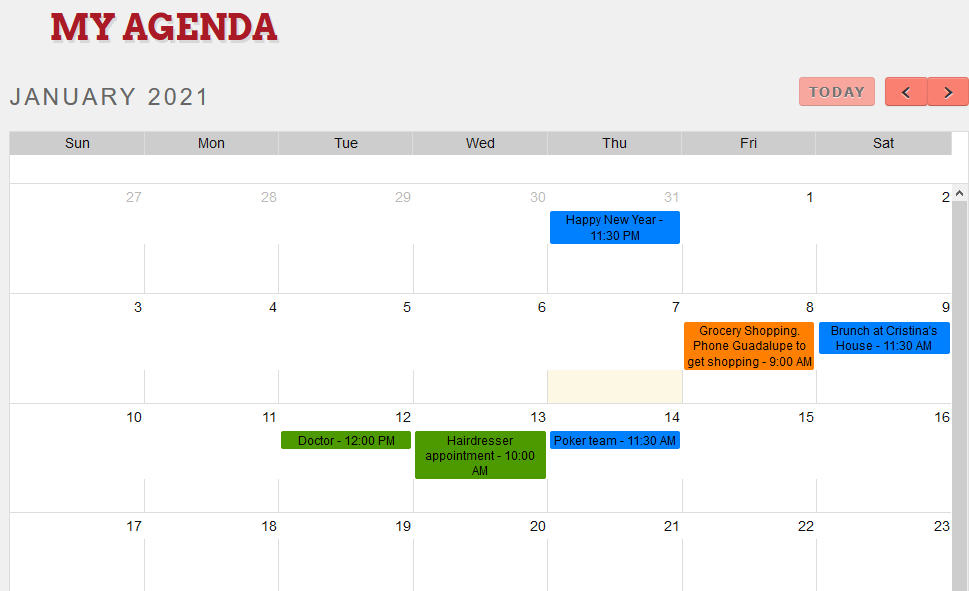
The calendar view look like this:
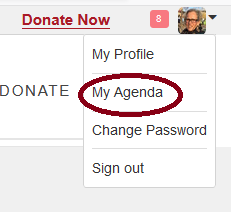
Another way to access to your agenda is by clicking on your picture at the upper right hand corner, and go to My Agenda.
Comments
0 comments
Please sign in to leave a comment.