
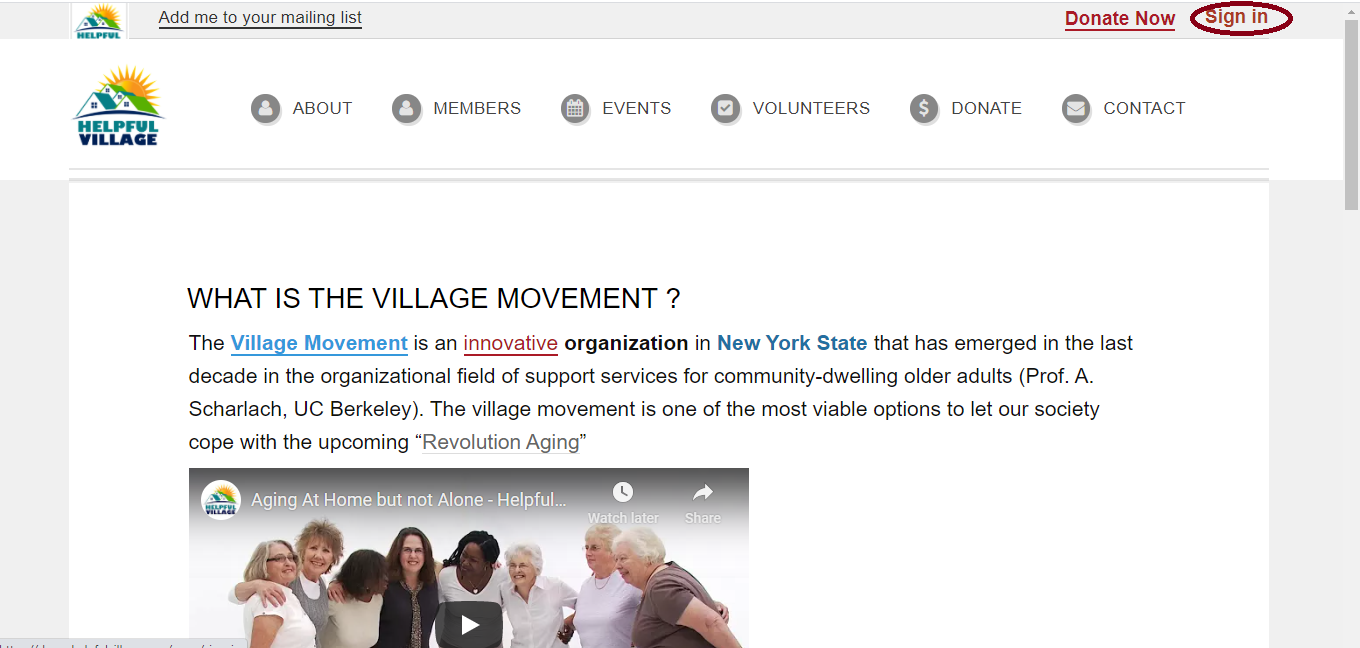
First Sign In with your member username and password. Please press on the "Sign In" button in the upper right corner. See image below:
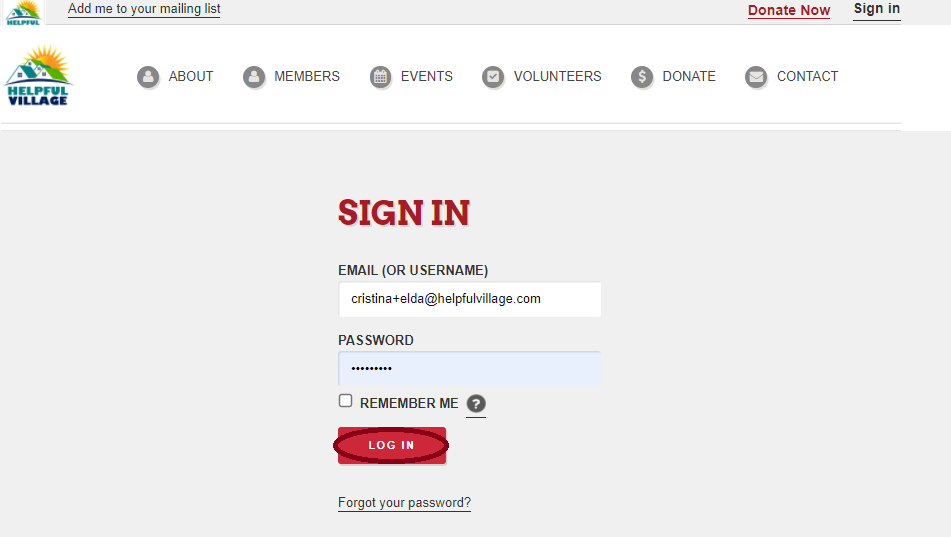
Now, write your email (or username) and password and press LOG IN.
Now you see a message saying that you have signed in successfully, and at the upper right corner, you will can see your profile photo.

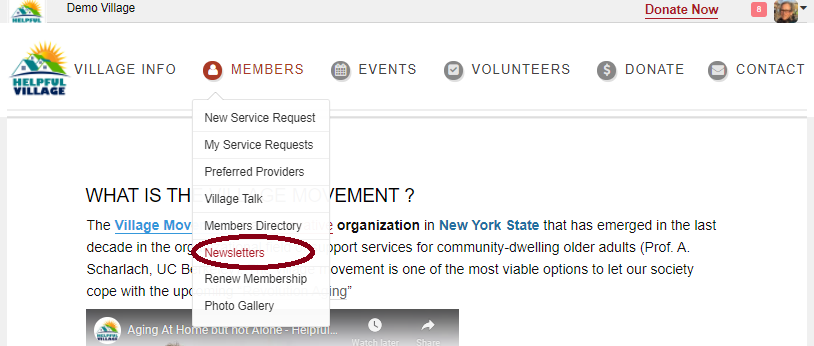
Go to Members-->Newsletters
You will be able to read any newsletter that you would like, you can look through each year and month.
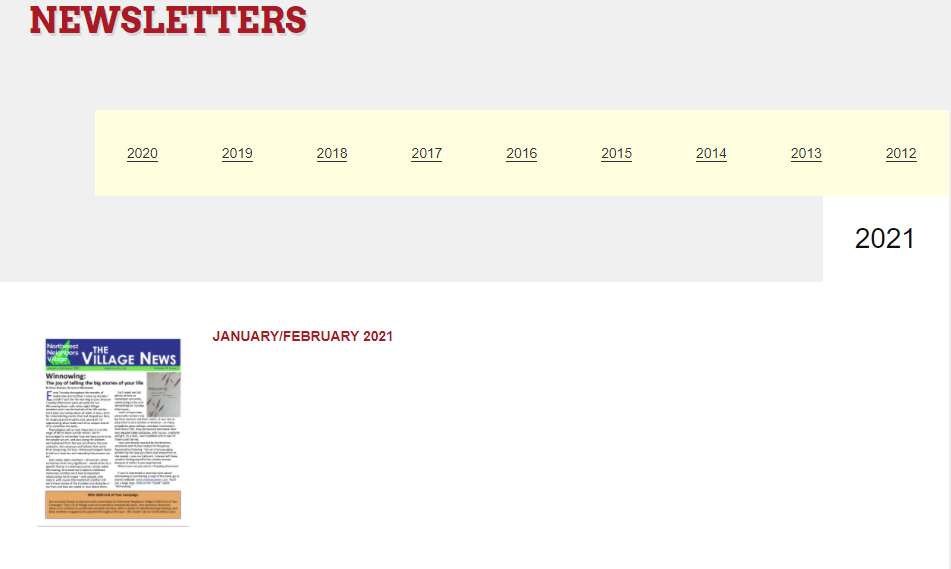
To open one up to read, click on the red title, and the file will download.
Comments
0 comments
Please sign in to leave a comment.