
Once the service request has been fulfilled, you are able make an evaluation.
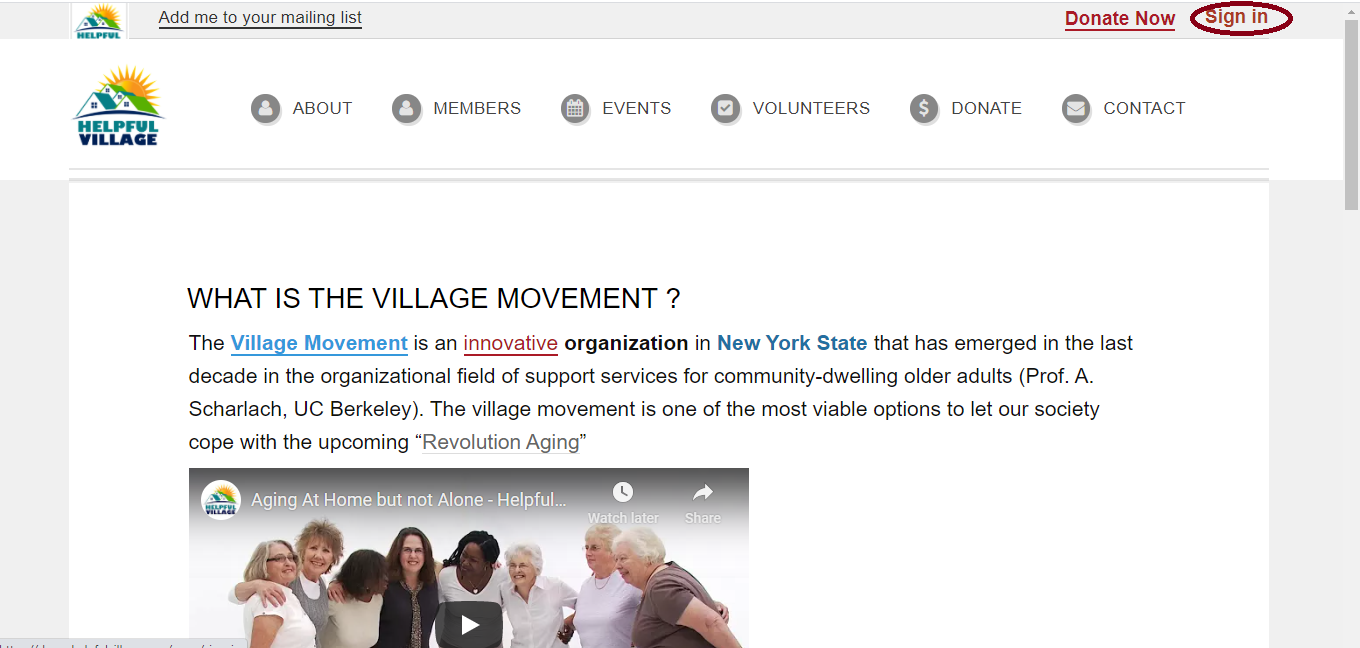
First Sign In with your member username and password. Please press on the "Sign In" button at the upper right corner. See image below:
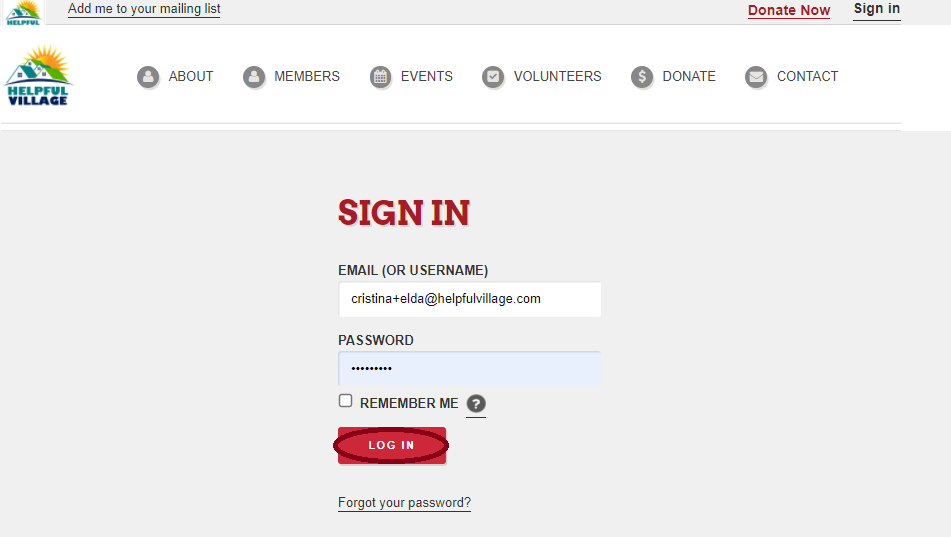
Now, write your email (or username) and password and press LOG IN.
Now you see a message saying that you have signed in successfully, and at the upper right corner, you will see your profile photo.

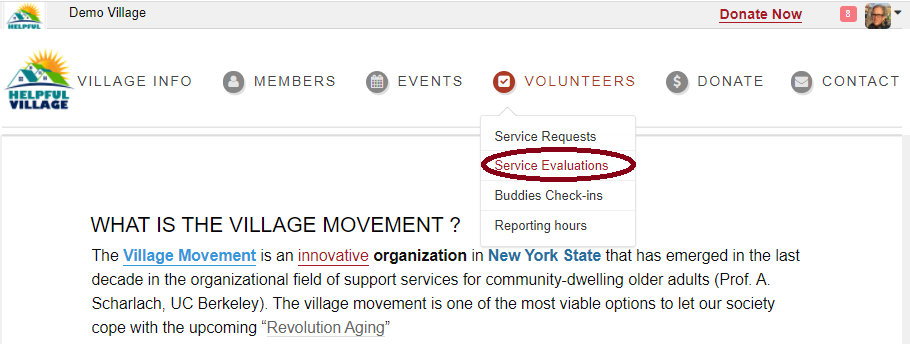
Go to Volunteers --> Service Evaluations
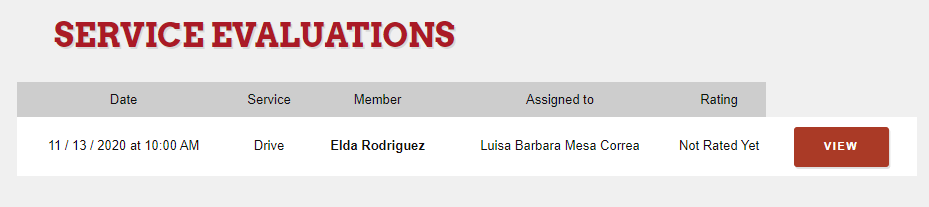
Now, you will see all the evaluations which are pending, press on VIEW.
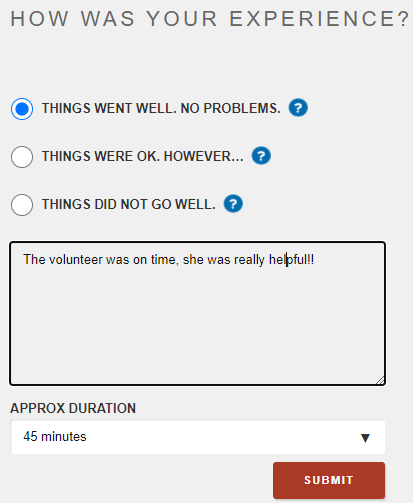
Please, fill out the fields and write down any comments that you would like to share with the village. Fill out the time that the service request took and finally SUBMIT your evaluation.
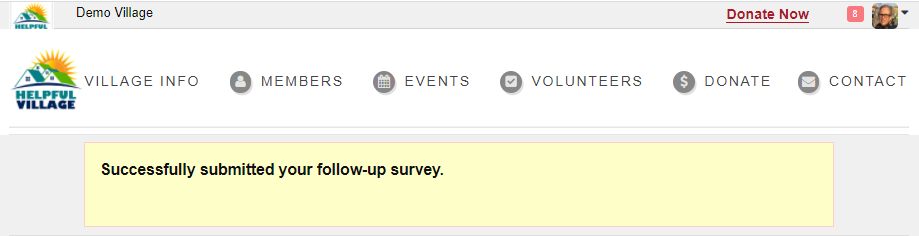
Once you submit your evaluation, you will view message indicating it has been successfully submitted.
Comments
0 comments
Please sign in to leave a comment.