
We recommend being logged in to make a donation. If you are logged in, the system will be able to register this donation to your profile. If you make a donation while logged out, please use your email address so that the system will be able to register your donation to your profile.
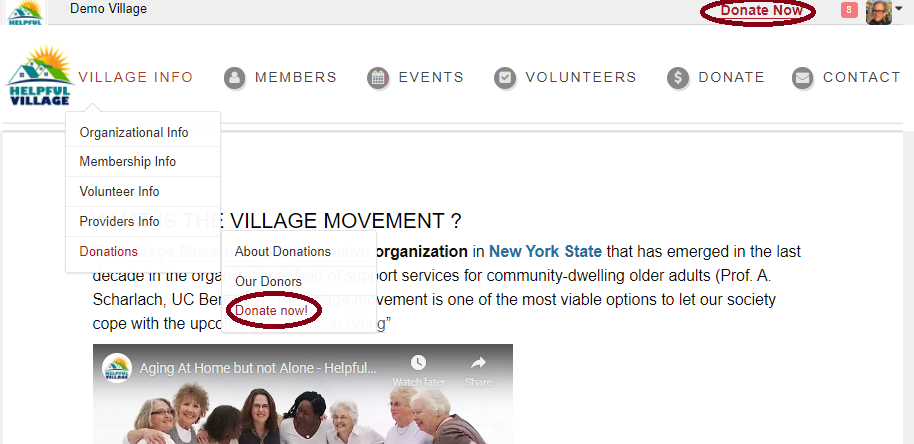
You may make a donation by pressing on the "Donate Now" button at the upper right corner, or under "Village Info" menu , "Donations", "Donate Now".
If you are logged in, the system will directly recognize you. You can read the information about the fundraising campaign.
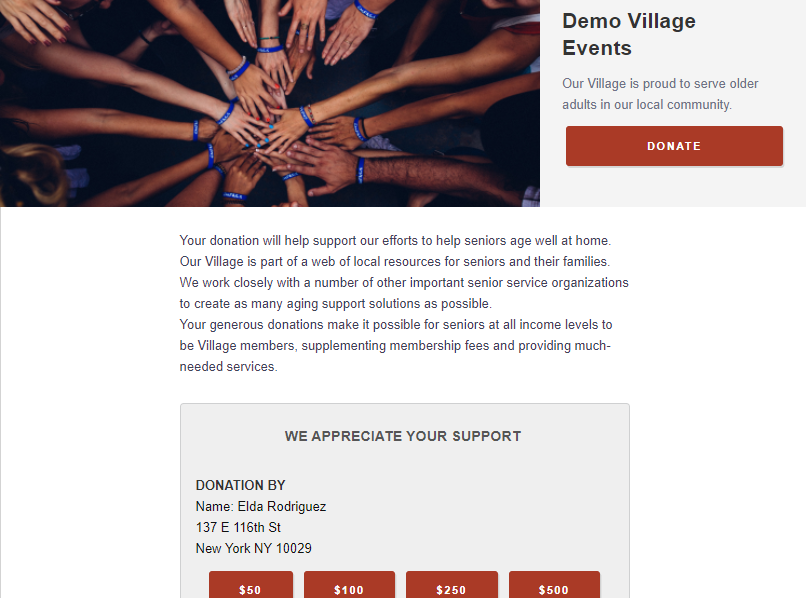
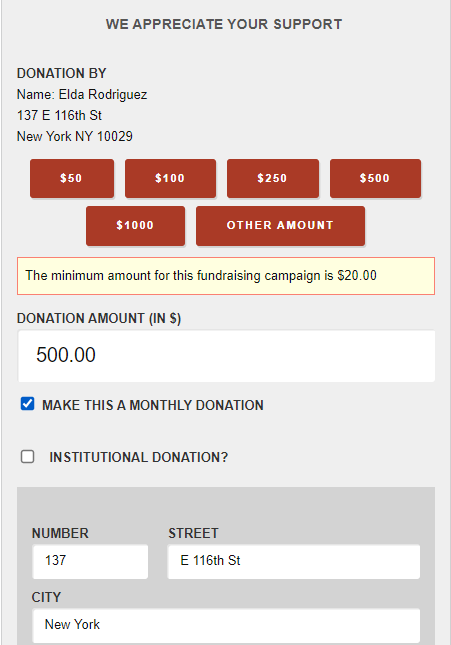
You can choose the amount of money that you would like to donate to this purpose by choosing the quantity or by pressing on "Other amount" and indicating the exact amount that you wish to donate. You can make a donation once or you have the option to make it a monthly donation by checking the check box "Make this a Monthly Donation", the system will automatically fill out your address.
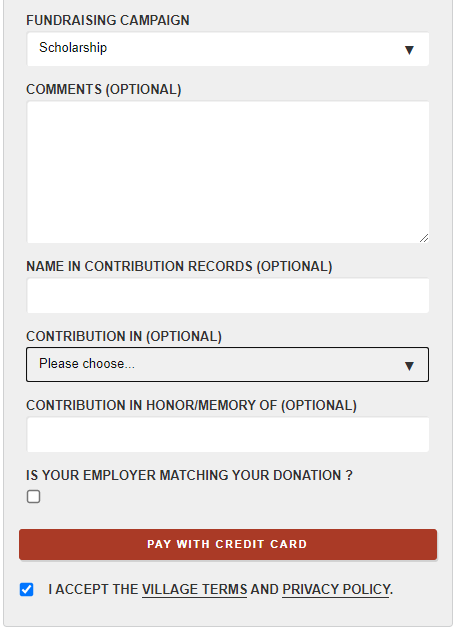
Then you are able to choose the fundraising campaign you would like to donate to. You also have the option to write comments, put a name in contribution records, make the contribution in honor of or memory of someone. Finally, you have to accept the Village Terms and Privacy Policy by checking the check box, and press on the "Pay With Credit Card" button.
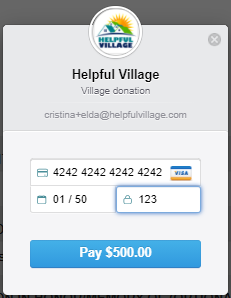
Now, a payment box within the village website will open to make a secure payment. Please indicate the credit card number, the expiration date and the CVV code (3 numbers at the back of the card) and press PAY.
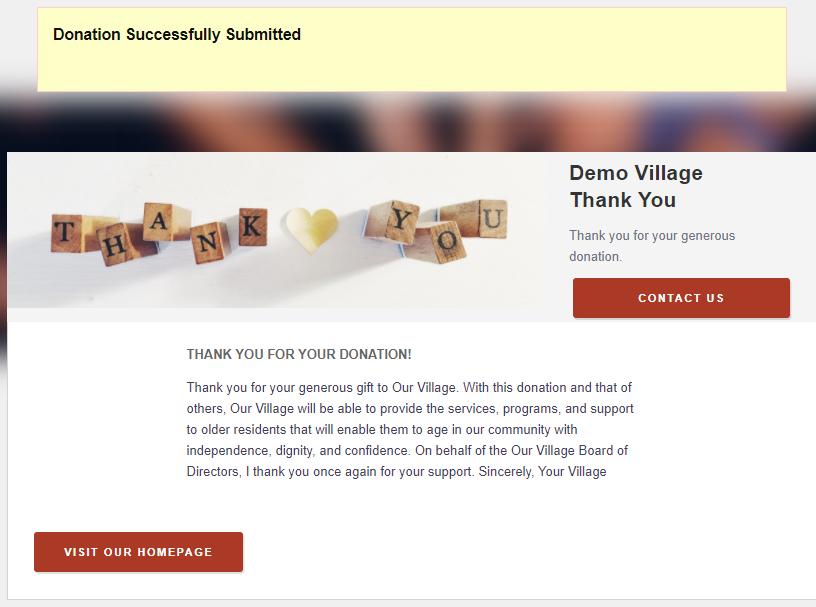
Now that your donation has been made successfully, you will get a thank you message.
For additional aid, watch our video tutorial: VIDEO TUTORIAL
Comments
0 comments
Please sign in to leave a comment.