
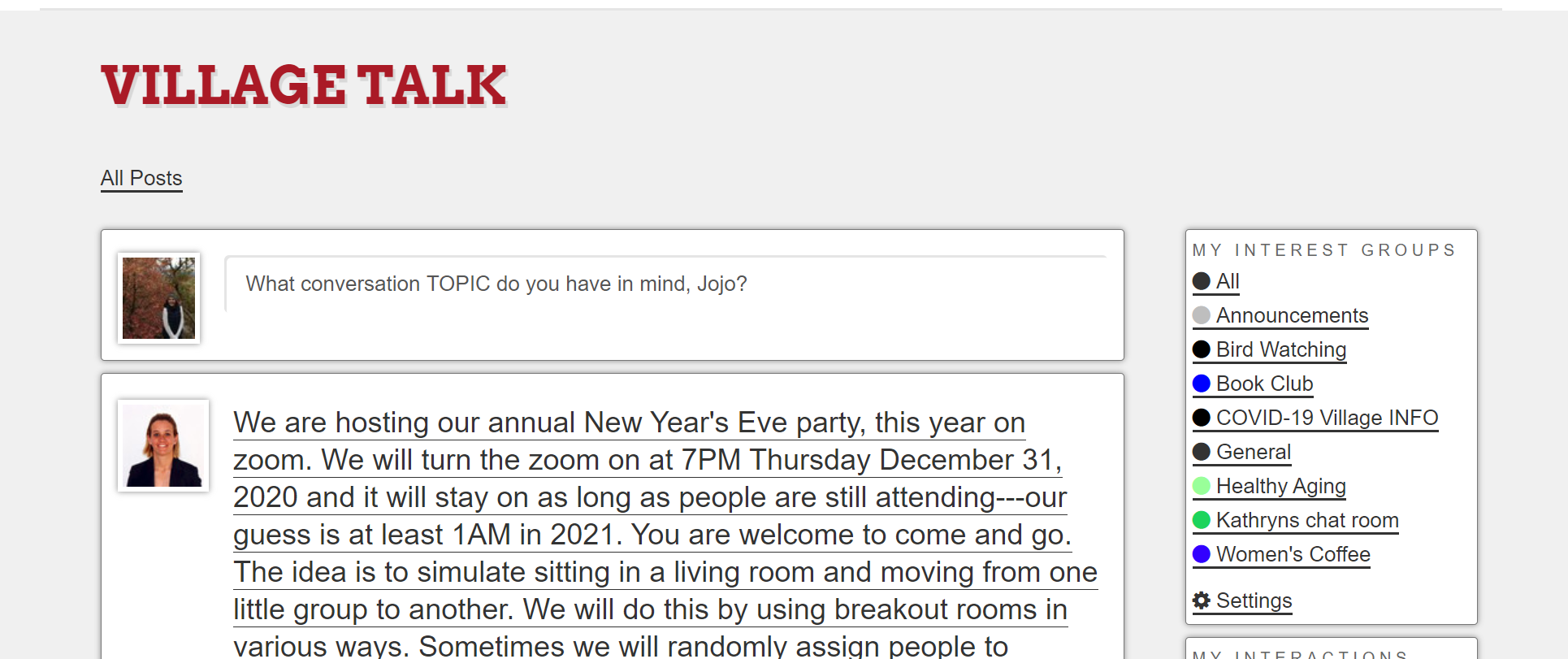
Once you have opened Village Talk by going to Members -> Village Talk, you will see at the top of the page "What conversation TOPIC do you have in mind, First Name" treat this area like the subject of an email. It is to give the gist about what the body of your post is about. So you click within the box, and type your topic.
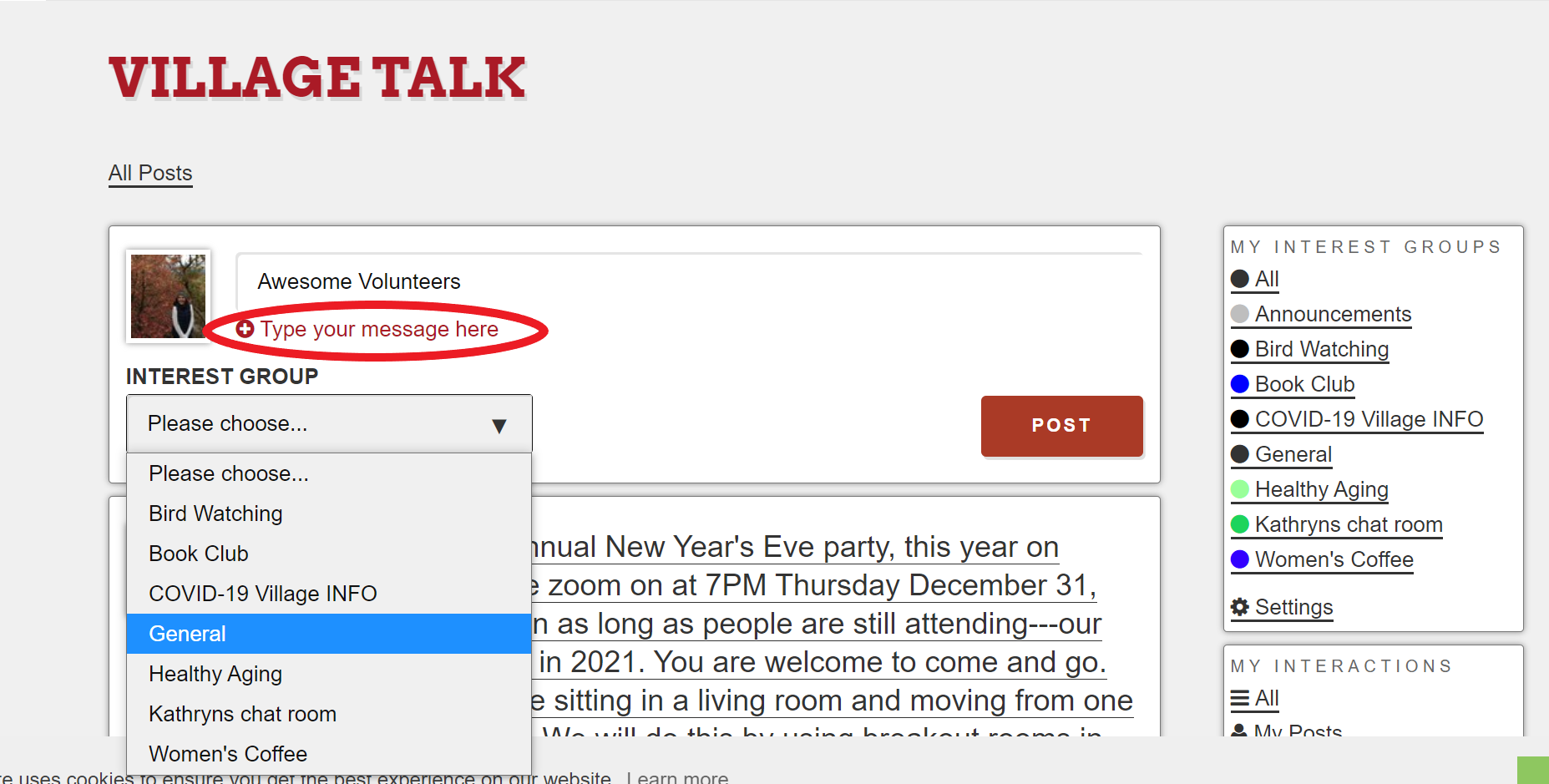
Next you will use the drop down menu titled "Interest Group" to choose the interest group that this post pertains to. You must choose an interest group to submit your post.
The next step is to write the body of your post. Click on "Type your message here" to expand the box in which to type the meat of your post.
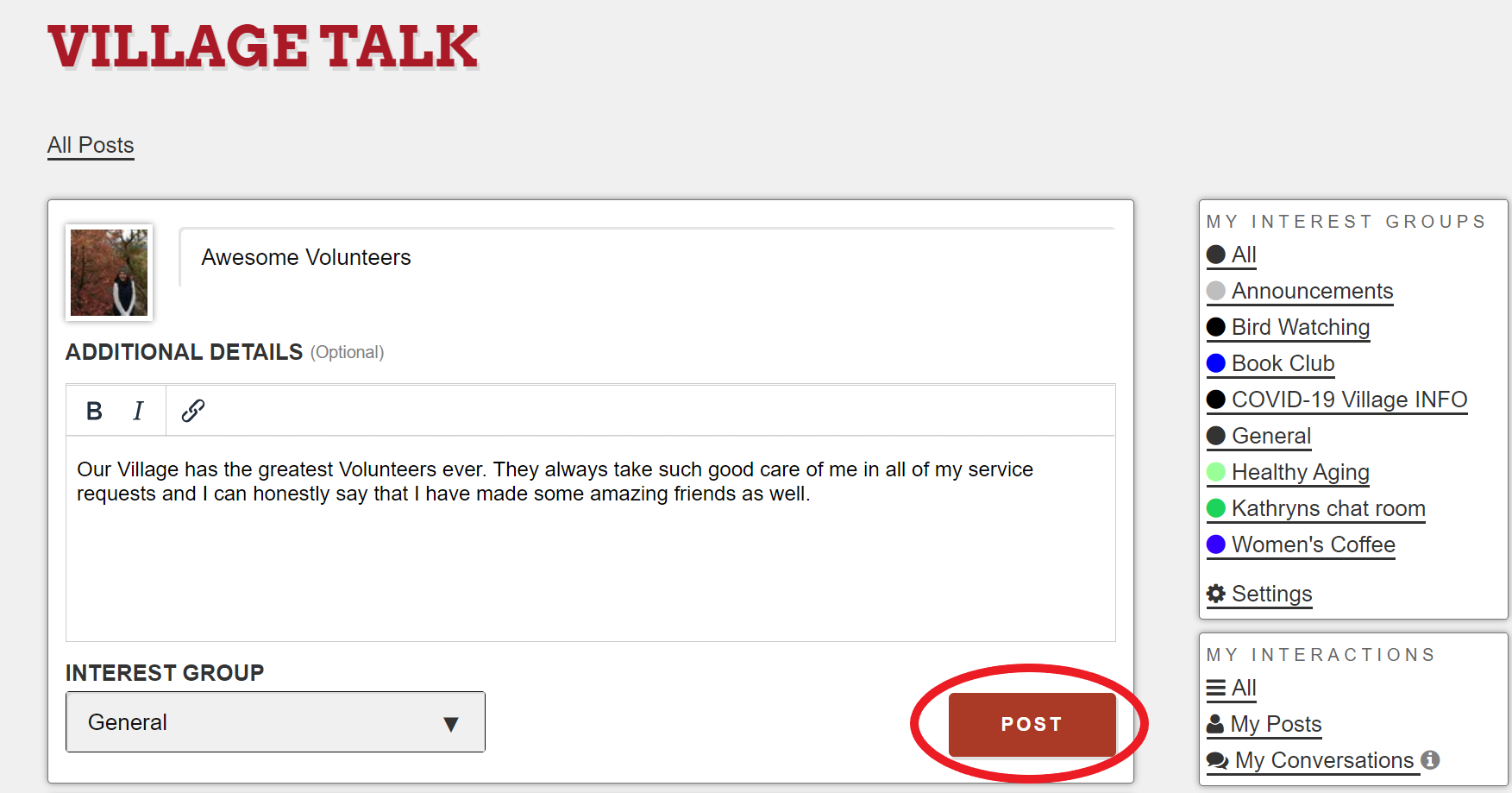
Type out your message completely.
Finally, review your post and Click the red "post" button in the lower righthand corner of the post.
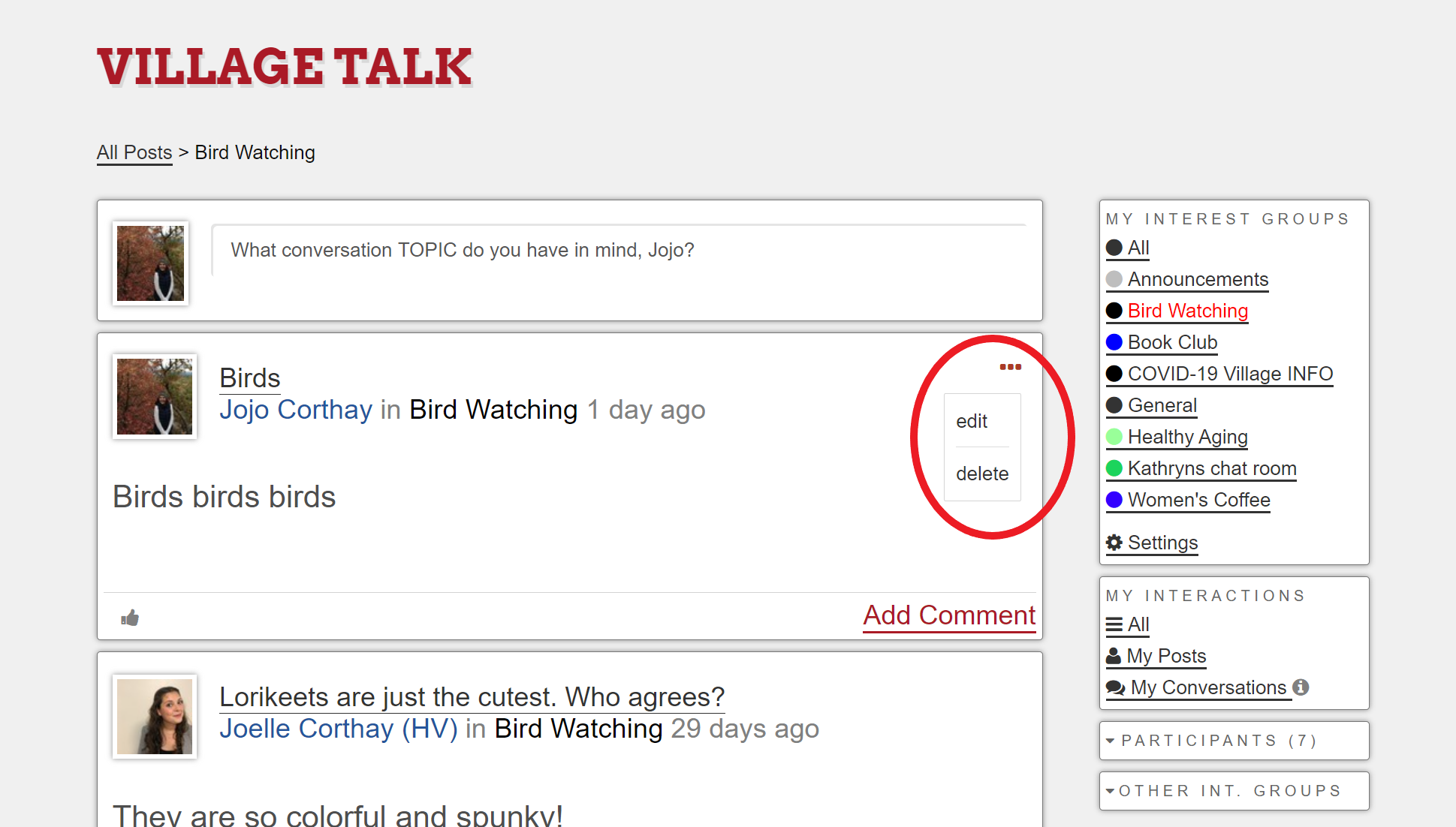
Once posted, you can edit and delete the post that you made by clicking the three dots (...) in the upper righthand corner of the post.
Comments
0 comments
Please sign in to leave a comment.