
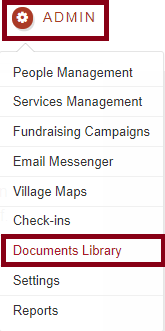
Go to Admin-->Documents Library
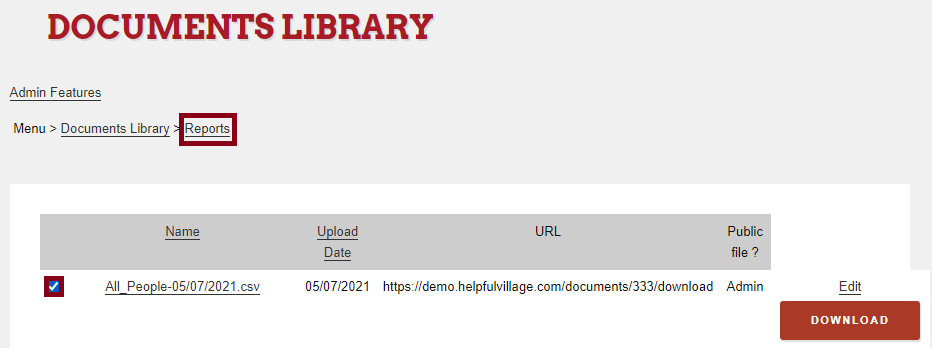
Select the documents which you want to move to another folder. In our example below, we will choose an "all people" report which is located in the "Reports" folder.
Once you have selected the check box of the documents you wish to move, scroll down the page and press on "Move all selected documents". You can choose just one or more than one document at a time.

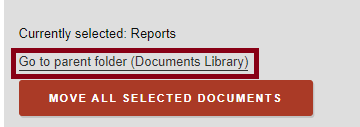
Now a new box will show the current folder where the documents are and you may click on "Go to parent folder (Documents Library).
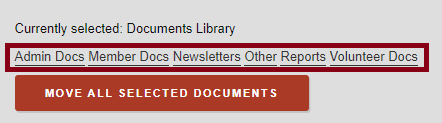
After clicking on this link, all main folders will show as the image below shows, if you want to move the documents to a subfolder inside a main folder you have to follow the same dinamic. For our example, we will move this document to the "Admin Docs" folder and then choose the subfolder "Library".
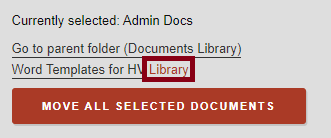
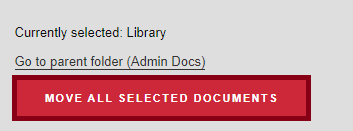
We finally will click on the "Move all selected documents".
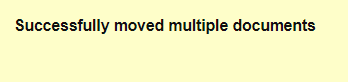
Finally we will see a confirmation message indicating that the documents has been moved successfully.
Check out this live demo: https://support.helpfulvillage.com/hc/en-us/articles/5666045175575-Live-demo-move-documents-in-the-Documents-Library
Comments
0 comments
Please sign in to leave a comment.