
Yes, an admin can change a user's email address!
The user's data will be kept safe even if admin were to change the user’s email address and update his/her profile. Admin will just need to make sure to sync the user's new email address with MailChimp so that the user can still receive important updates.
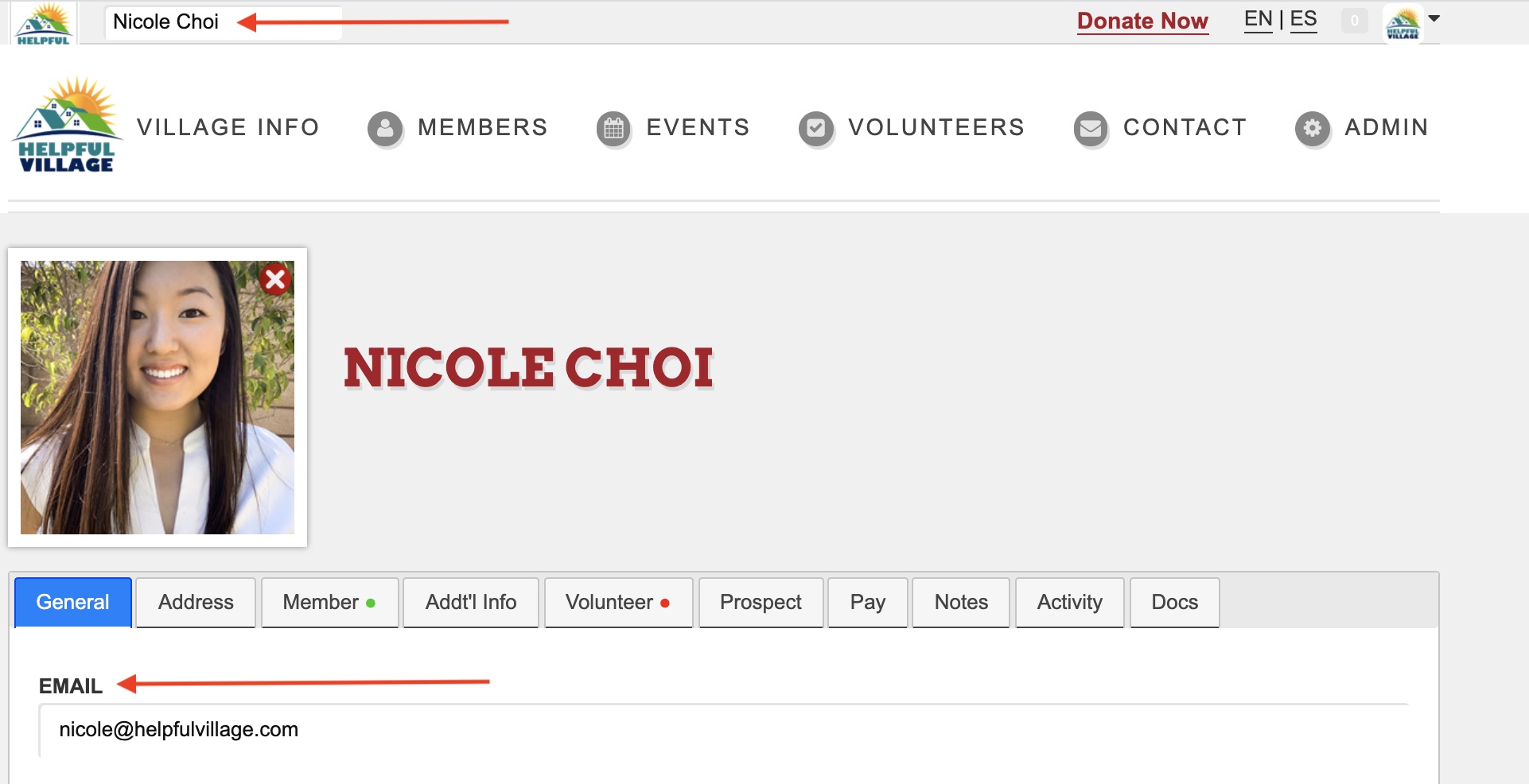
Search for your user in the search bar, and then their user profile will appear. On their profile, you can change their email address in the "Email" box.
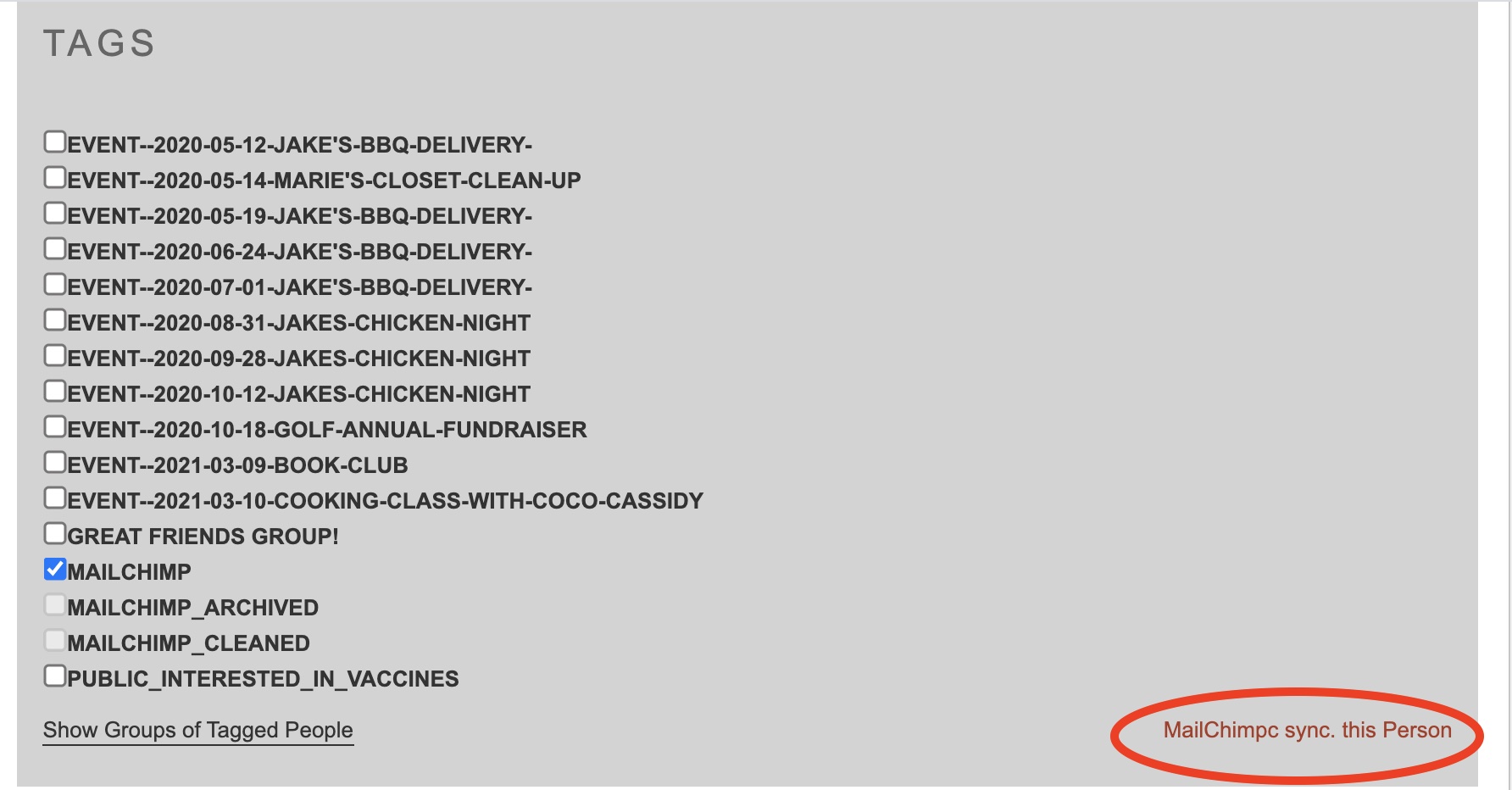
Scroll down to the heading titled "Tags," and click "MailChimp sync. this Person."
Lastly, scroll down, and click "Update" to save your changes.
Comments
0 comments
Please sign in to leave a comment.