
To register and receive a link to the VtV Helpful Village Users Group Zoom meeting, you will have to register on the VtV website.
Go to their website at the link below and login:
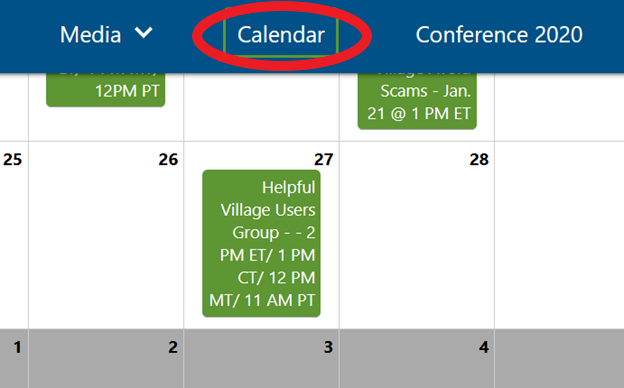
Click on the Calendar option in the top menu bar, and find and click on the Helpful Village Users Group event.
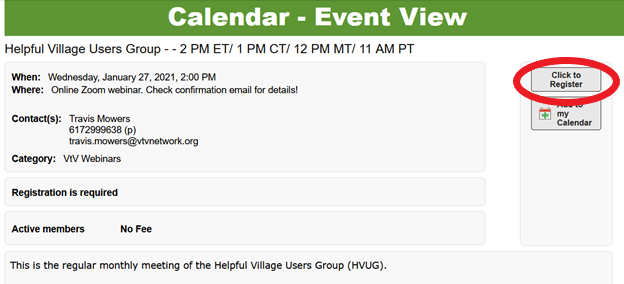
In the Event View, there is a button to the top right labeled “Click to Register.” Please click this button.
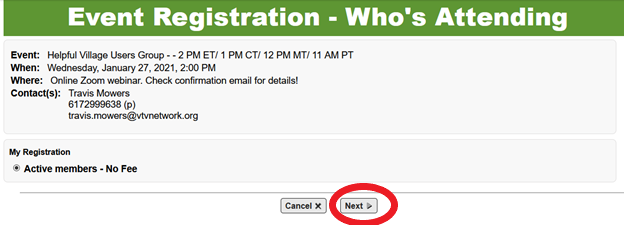
The Event Registration will come up with the event’s information. Click the next button at the middle bottom of the page.
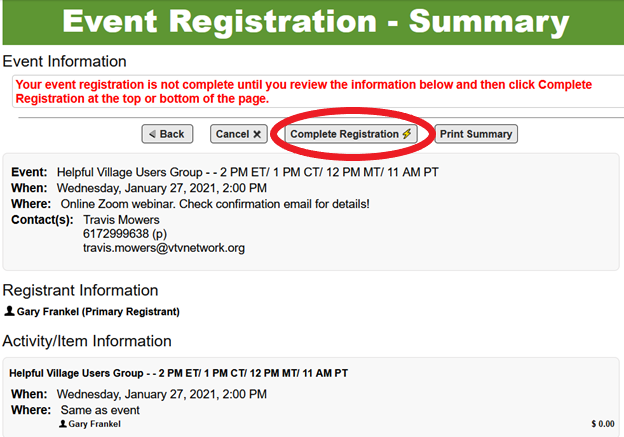
The Event Summary page with your registration information will pop up next. Verify this information is correct. To complete your registration, click the “Complete Registration” button at the top or bottom of the page.
After this, you will receive an email with the meeting confirmation. You are registered!
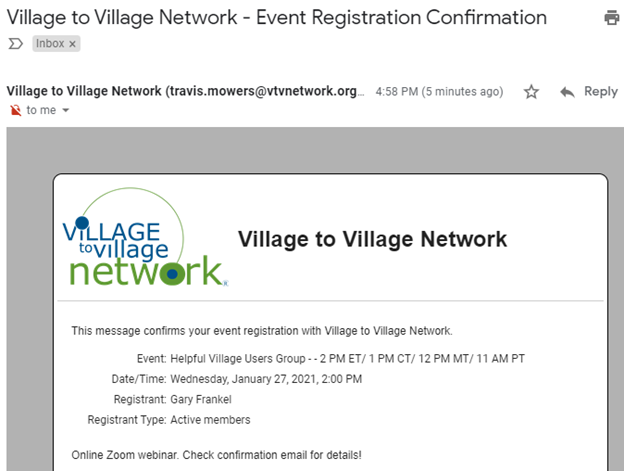
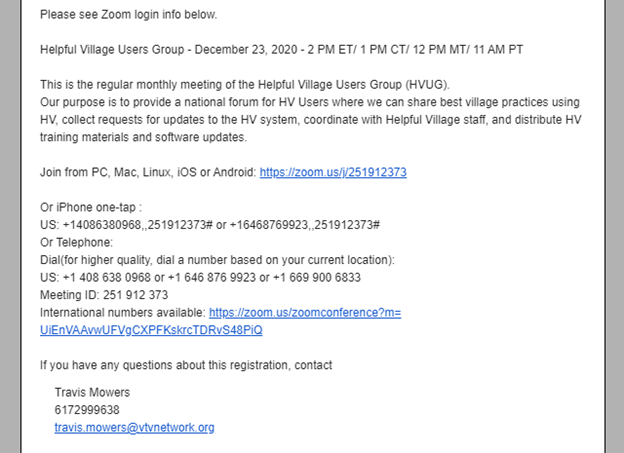
Within the email are instructions for joining the Zoom meeting.
Comments
0 comments
Please sign in to leave a comment.