
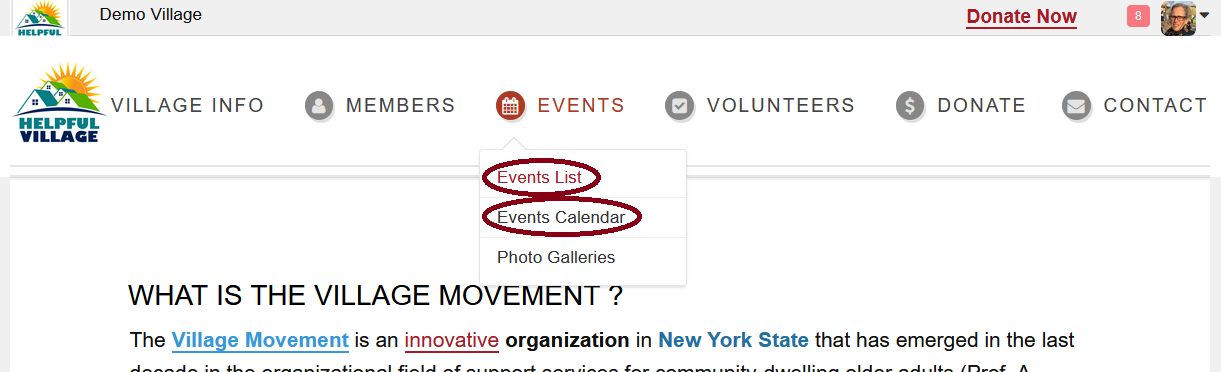
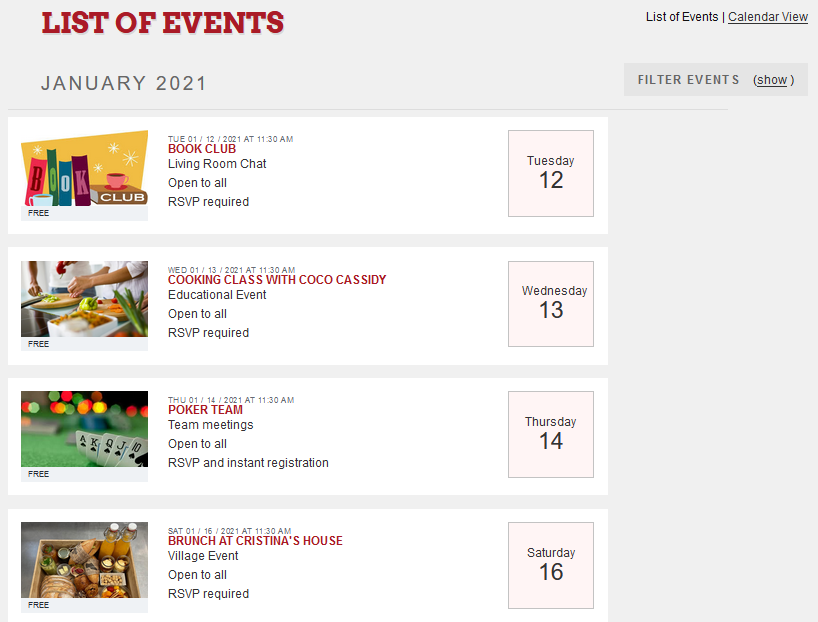
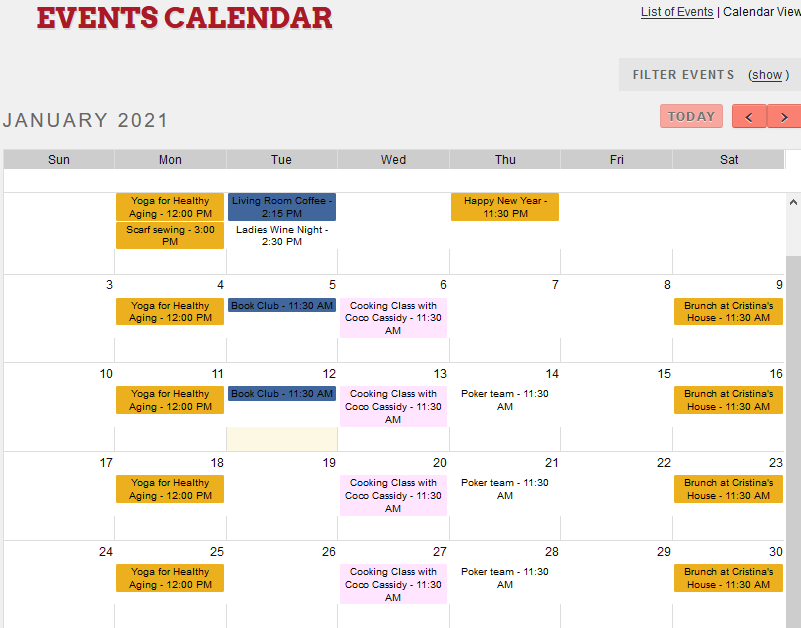
Look for the event you want to register on the Events List or on the Events Calendar and click on the event. Go to Events-->Events List or Go to Events-->Events Calendar
Events List:
Events Calendar:
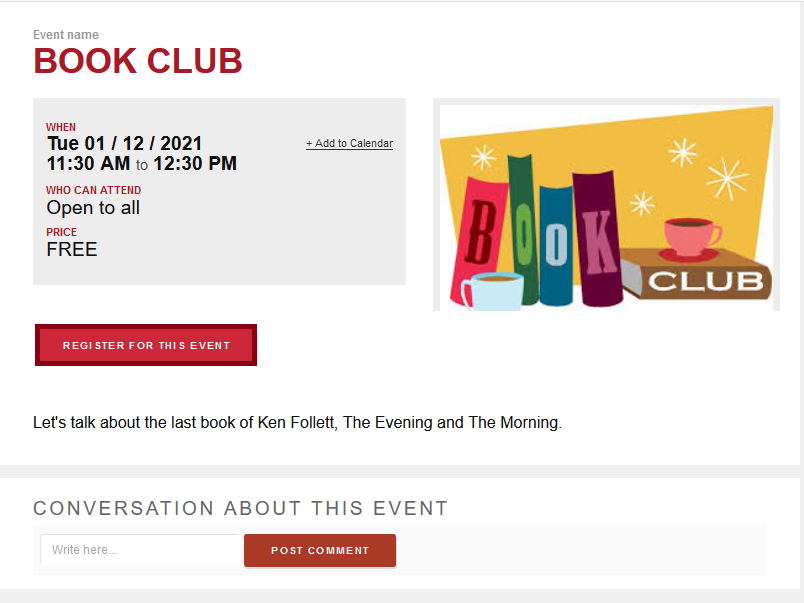
Once you have chosen the event, click on the Register For This Event button.
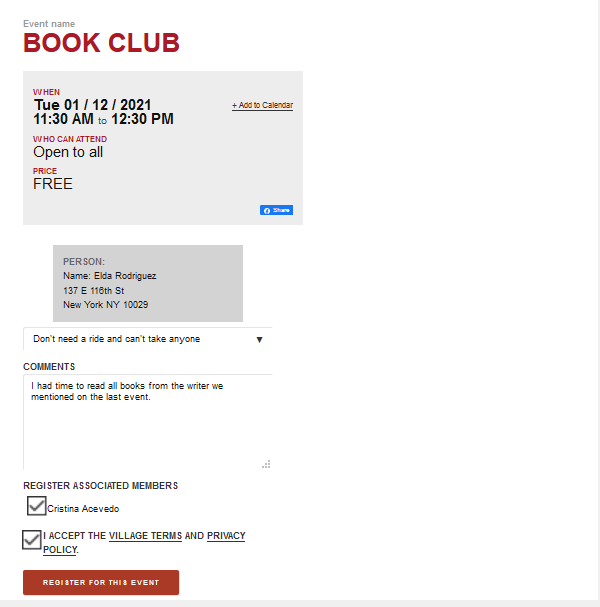
Now you able to fill out different fields, the system will automatically fill out some data for you if you are logged in. You can indicate if you need a ride, you can make some comments, and you may also check the check box to register also your associated member to the event. Finally you have to accept the Village Terms and Privacy Policy and press on REGISTER FOR THIS EVENT.
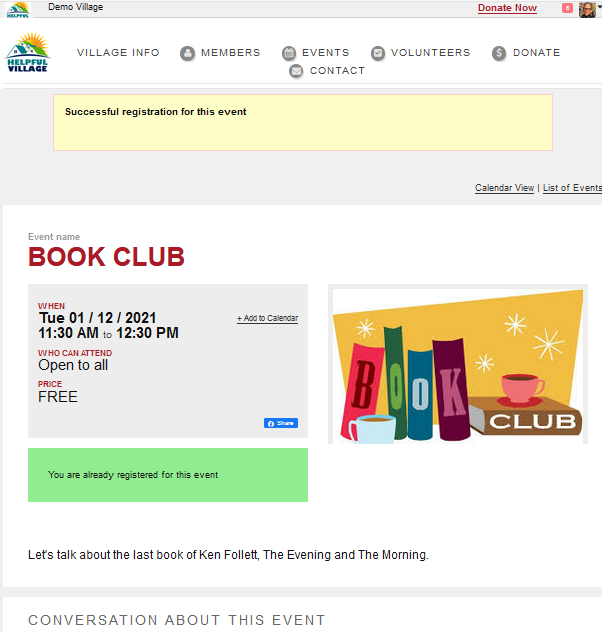
Finally, you see a message saying that you have successfully registered.
You will also receive the following email:
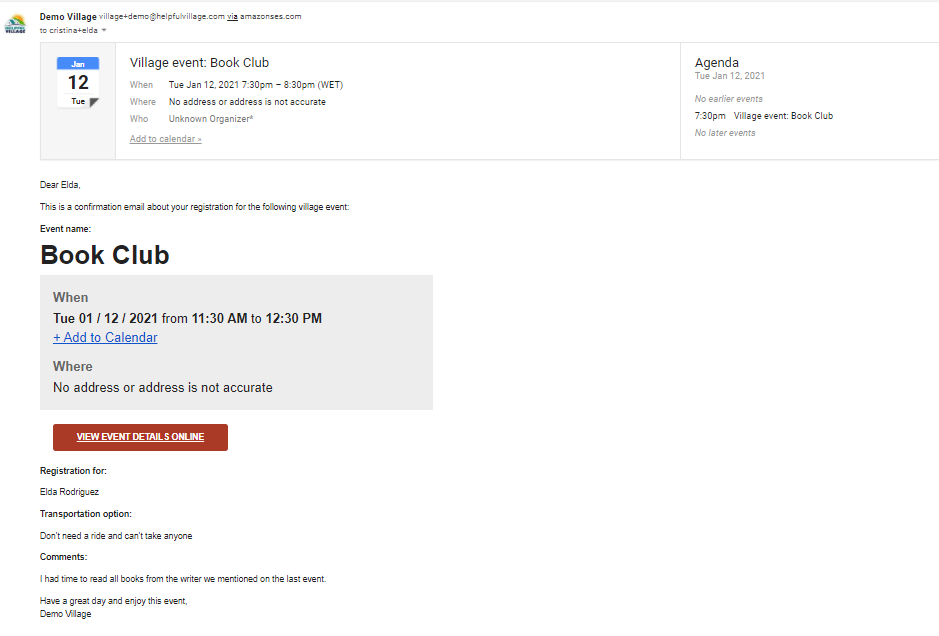
You can add the event to your Google calendar.
For additional aid, watch our video tutorial: VIDEO TUTORIAL
Comments
0 comments
Please sign in to leave a comment.