
The first step to renew and pay your membership is to log in the village website.
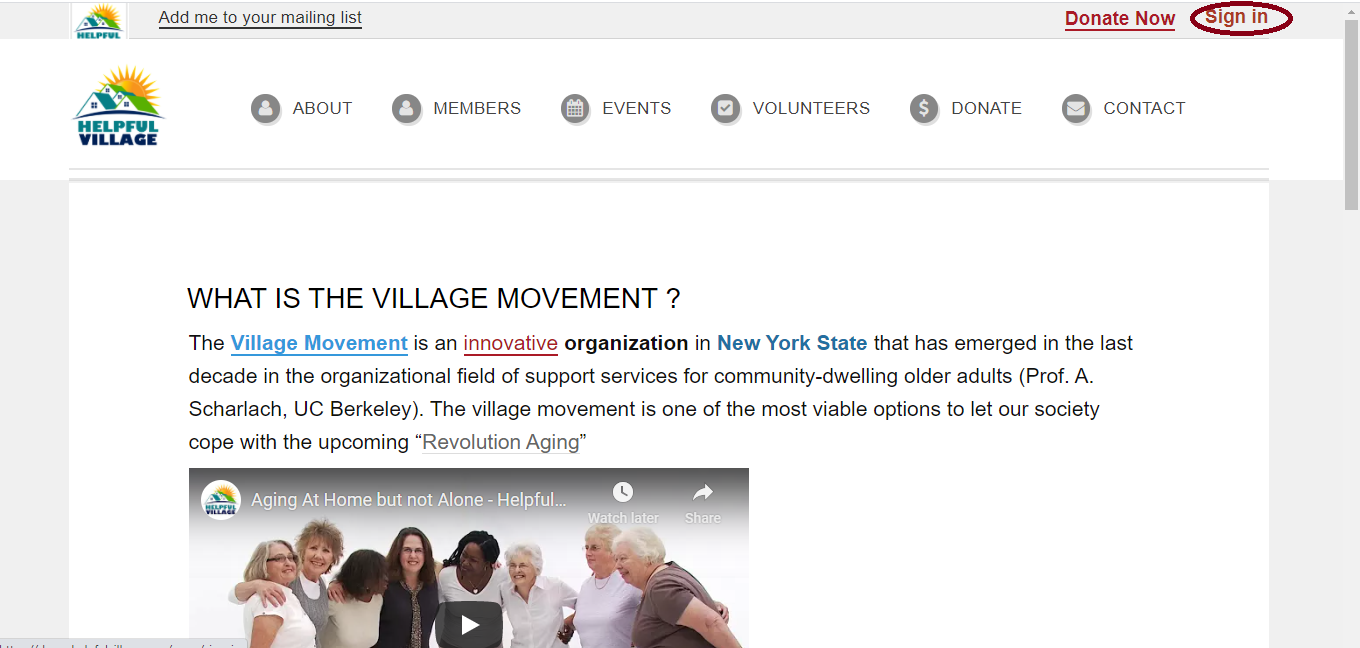
First, sign In with your member username and password. Please press on the "Sign In" button in the upper right corner. See image below:
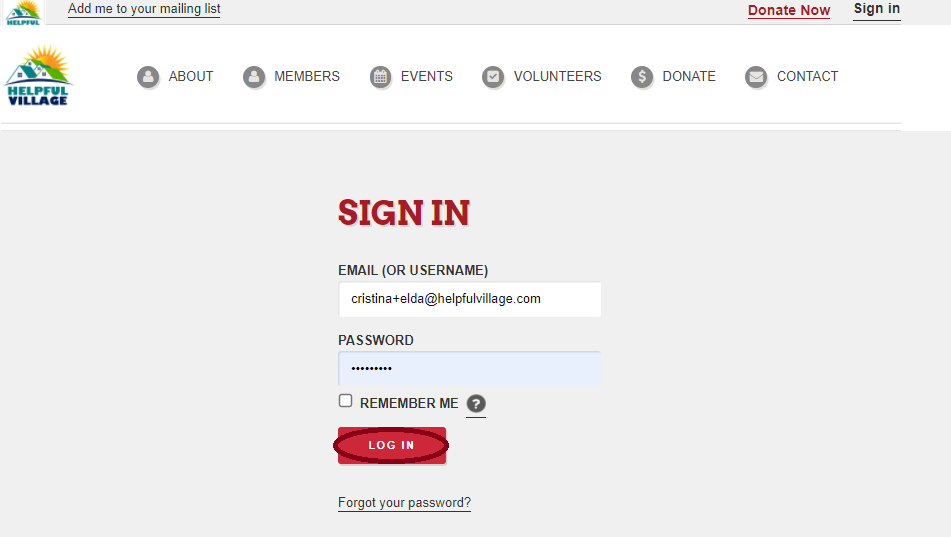
Now, write your email (or username) and password and press LOG IN.
Now you see a message saying that you have signed in successfully, and at the upper right corner, you will see as well your profile photo.

Depending on your membership type, different renewing options will show. There are membership types that allow one time payments and some that allow monthly payments. Memberships depend on how your village set them up.
You have two ways to that you can pay your membership:
1) Through the Website Main Menu
2) On the Member tab of the Member Profile
Let's explain each option.
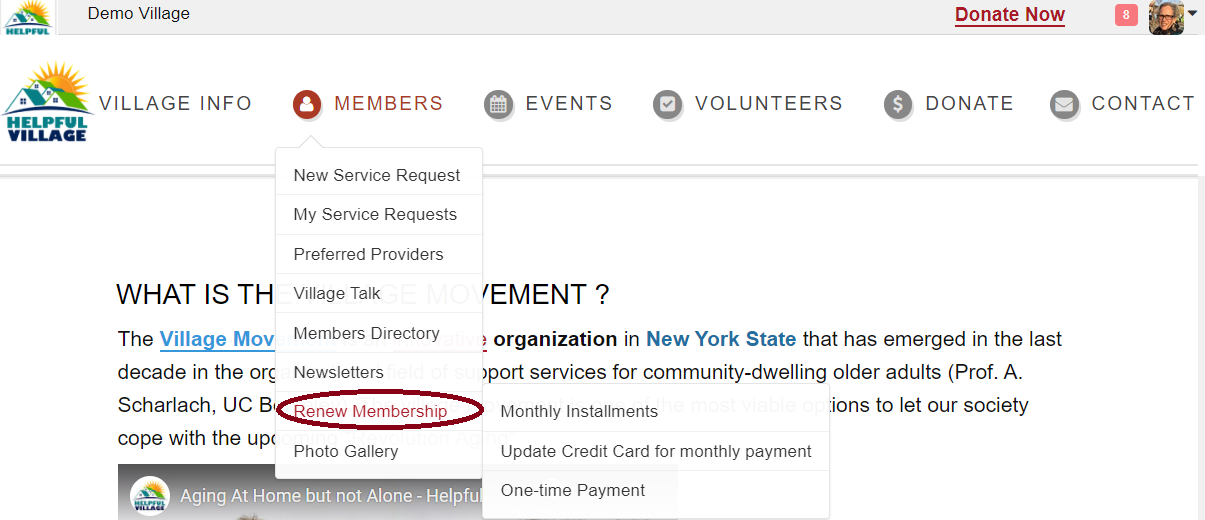
1) Go to Members Menu, and then click on "Renew membership", or "Pay membership" in the case that is the first time you pay.
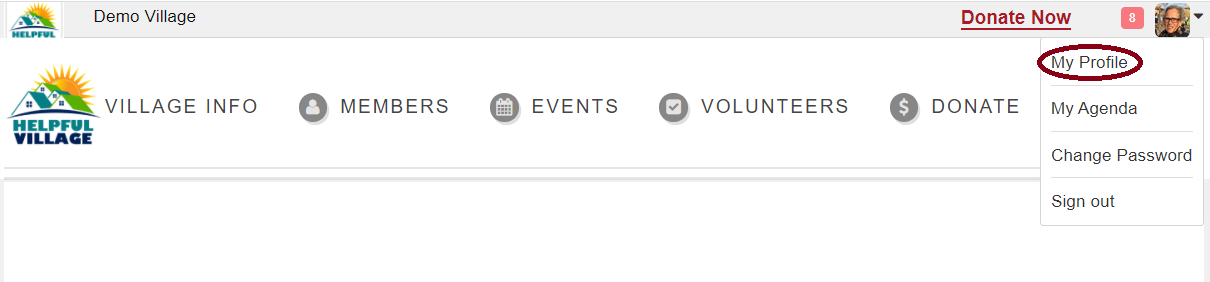
2) Go to My Profile, and when you profile opens, go to the Member's tab
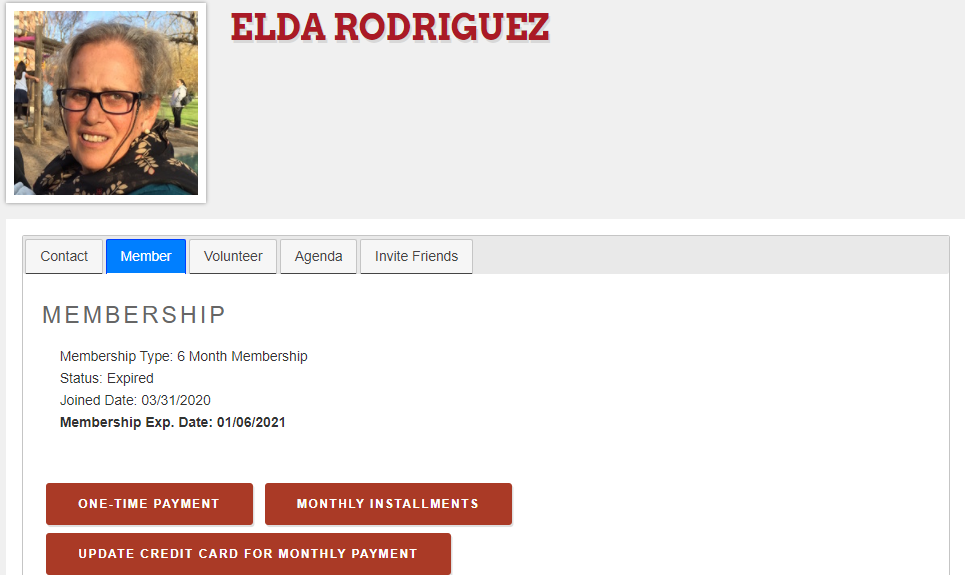
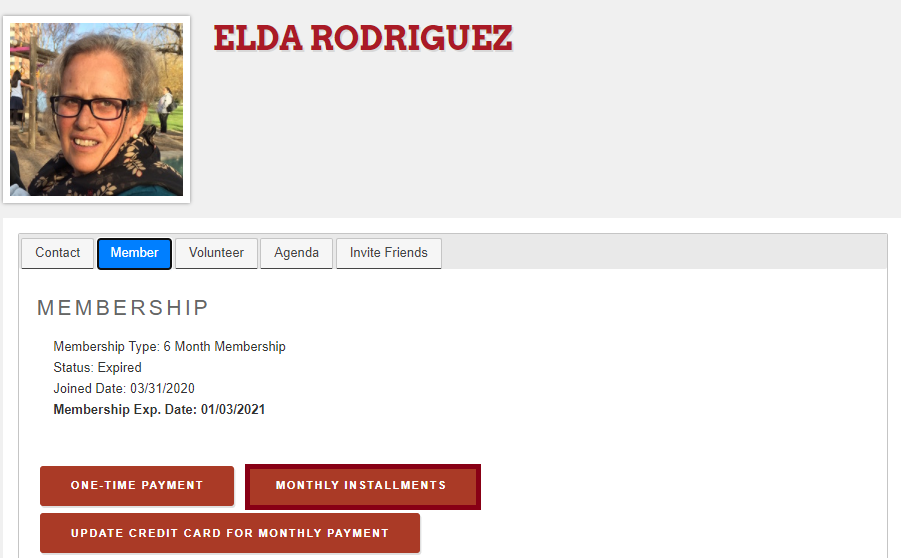
In both access, you will see a maximum of three options:
One-Time Payment
Monthly Installments
Update Credit Card for Monthly Payment
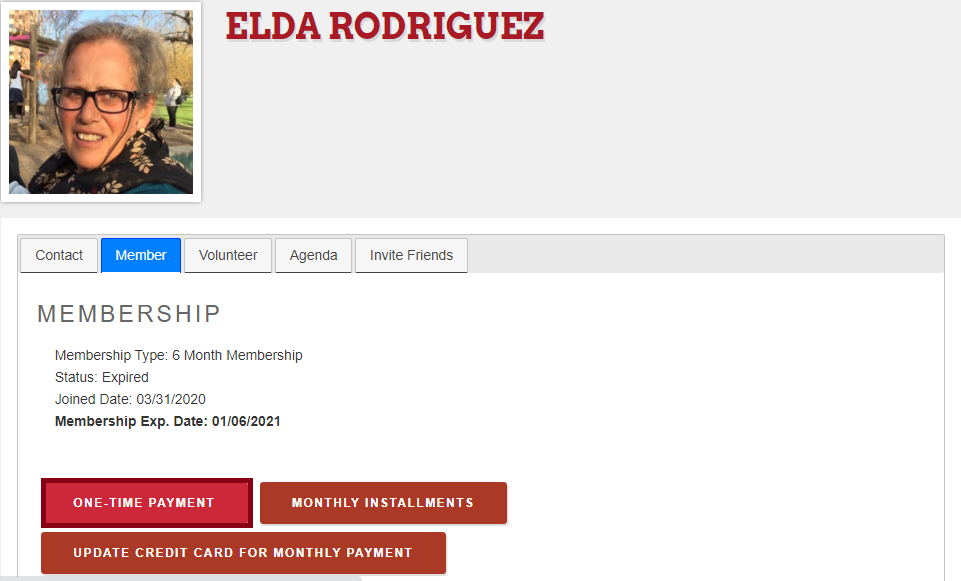
If you select the one time payment option, you will pay your membership only once:
The system will automatically fill out some fields:
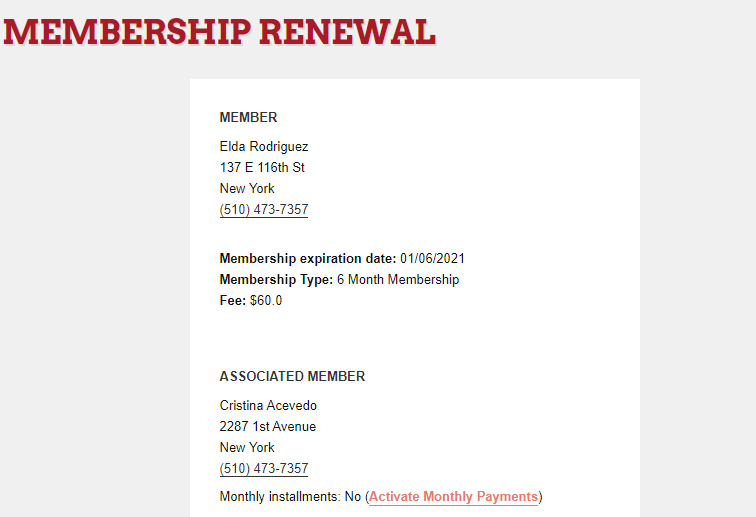
Please verify that the information is correct and finally press on the Pay With Credit Card button.
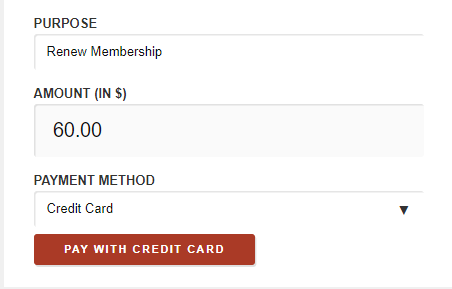
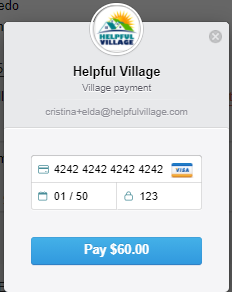
Now, a payment box within the village website will open to make a secure payment. Please indicate the credit card number, the expiration date and the CVC code (3 numbers at the back of the card) and press PAY.
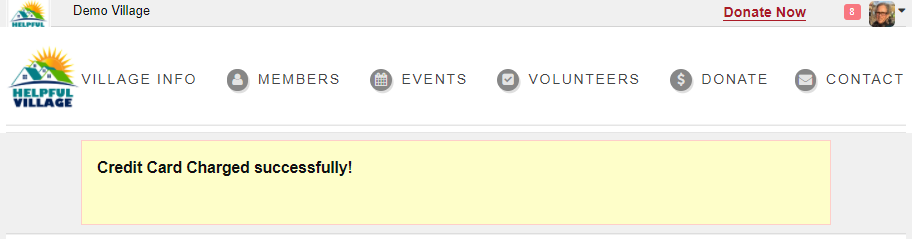
You will get the following message:
If you select the Monthly Installments option, you will pay your membership monthly:
The system will automatically fill in the fields, please press on the Subscribe With Credit Card button: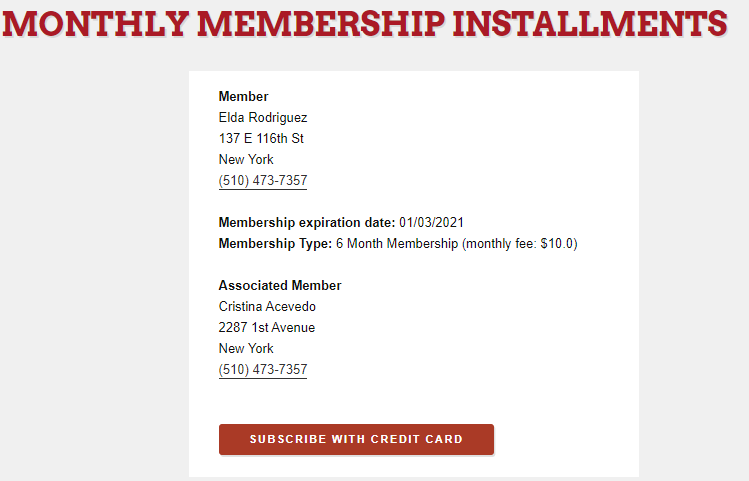
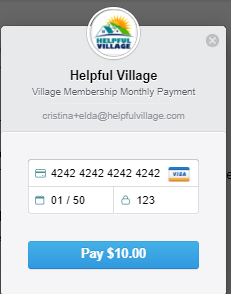
Now, a payment box within the village website will open to make a secure payment. Please indicate the credit card number, the expiration date and the CVV code (3 numbers at the back of the card) and press PAY.
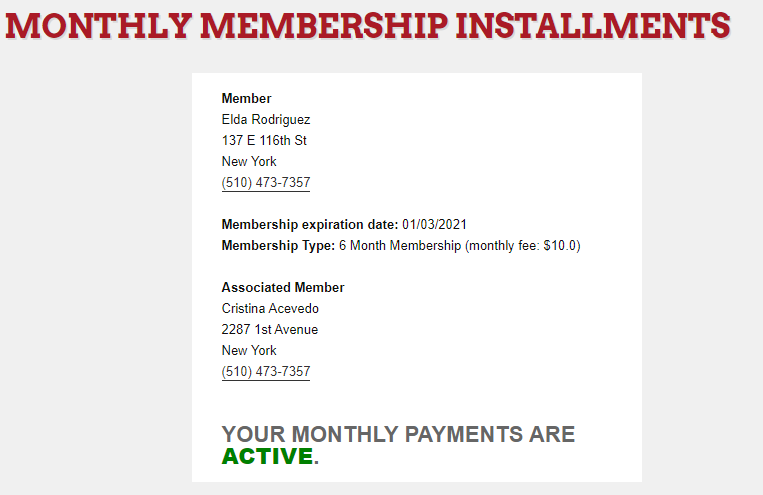
Now you can see that your subscription is now ACTIVE.
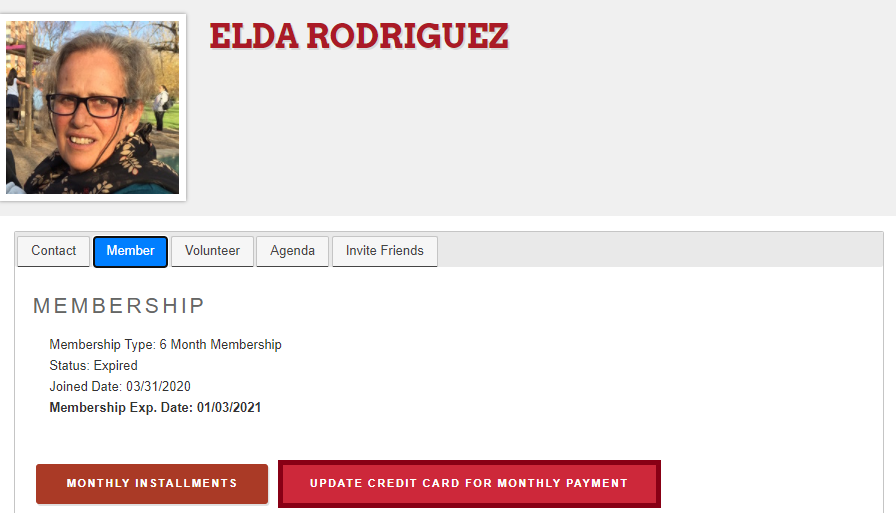
You may also Update Credit Card For Monthly Payment:
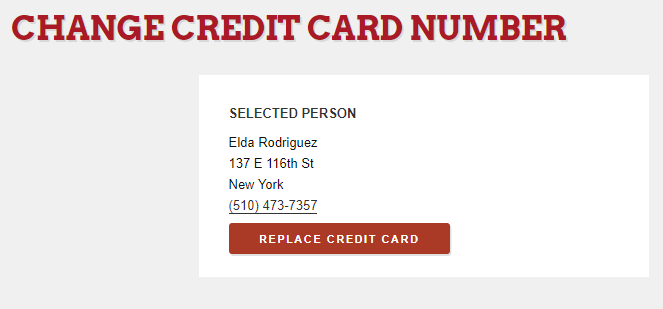
Press on Update Credit Card For Monthly Payment button and on the following screen, press on Replace Credit Card button.
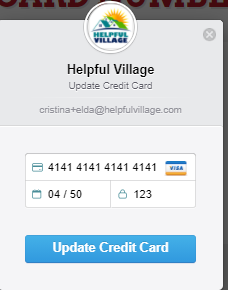
Now, a box within the village website will open to get the secure card info. Please indicate the credit card number, the expiration date and the CVV code (3 numbers at the back of the card) and press UPDATE CREDIT CARD.
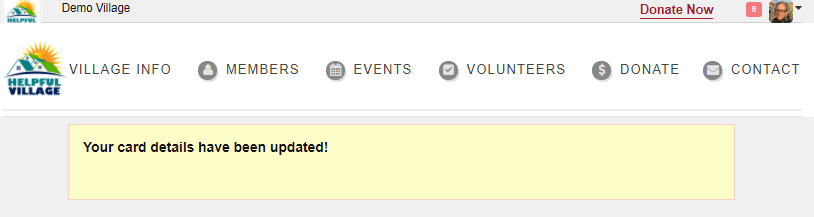
You will get the following message:
Comments
0 comments
Please sign in to leave a comment.