
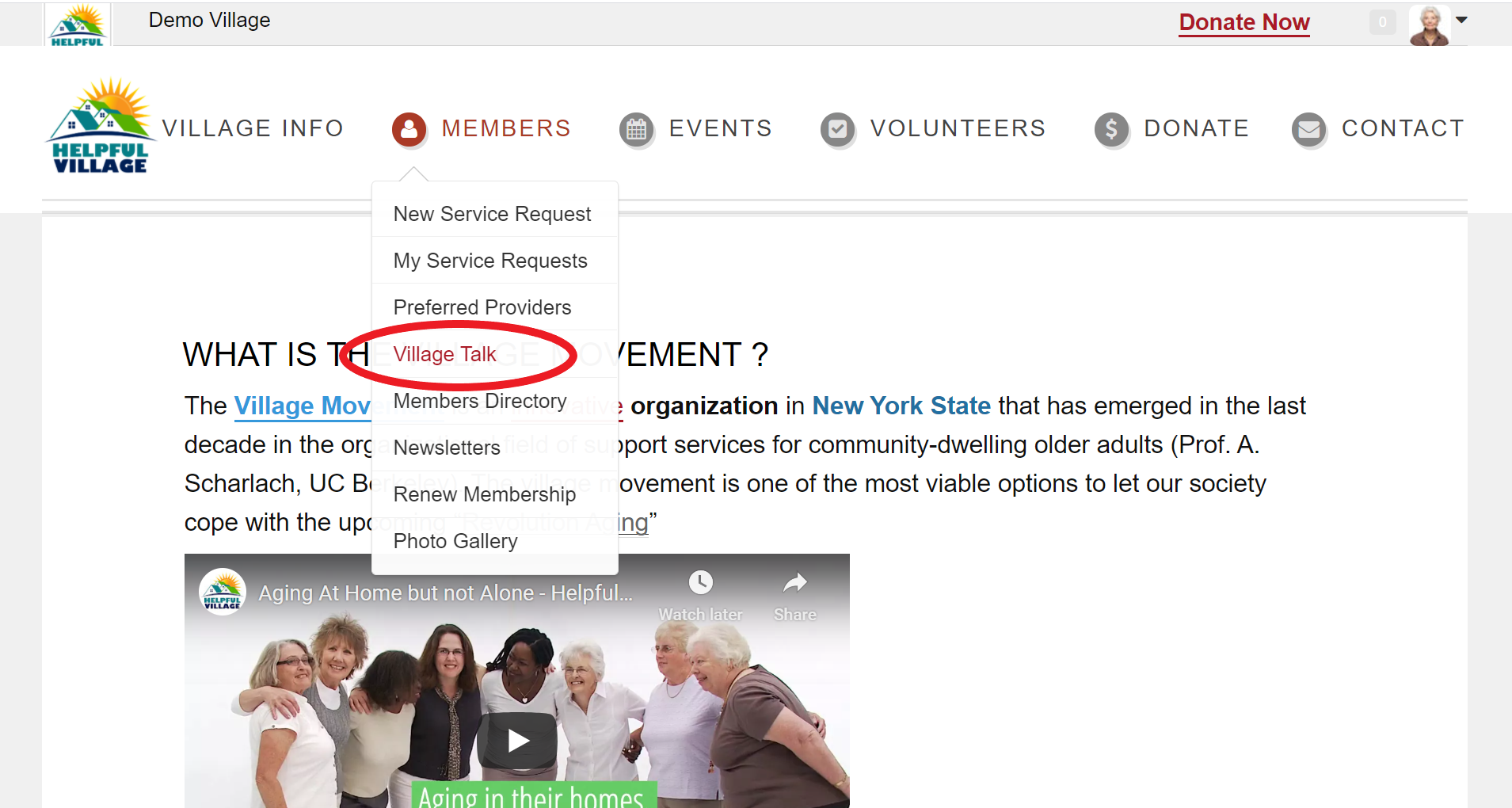
Go to Members -> Village Talk
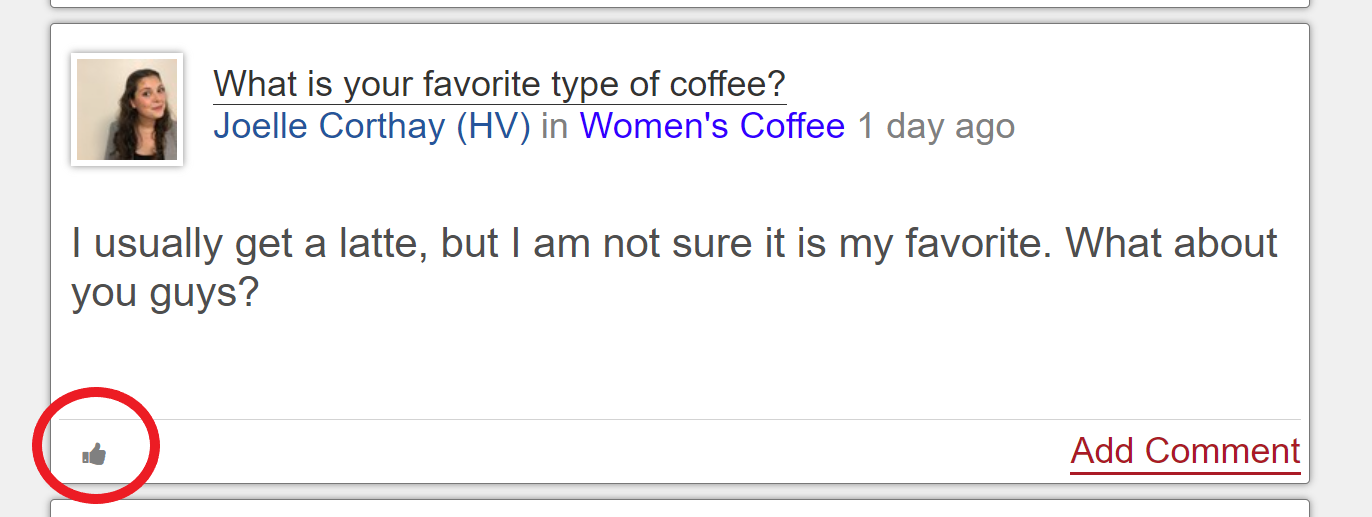
Read through other members posts. When you see a post that you like, agree with or enjoy click on the "Like icon" (shaped like a thumbs up) to indicate to that person that you like their post.
Once you click the Like icon, it looks like this:
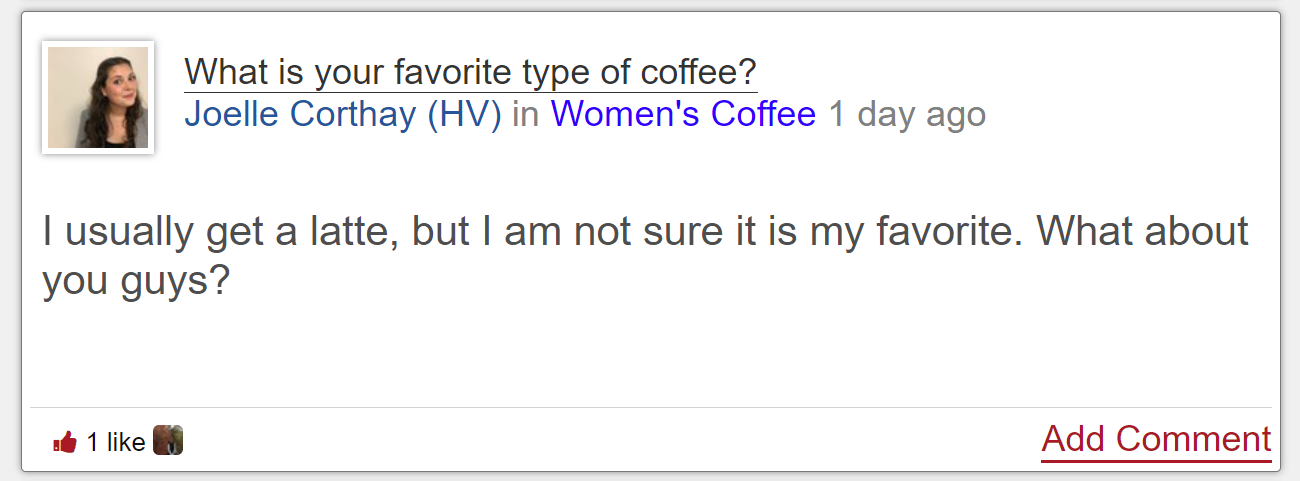
You will be able to see how many other members have liked a post in that bottom left hand corner of the post.
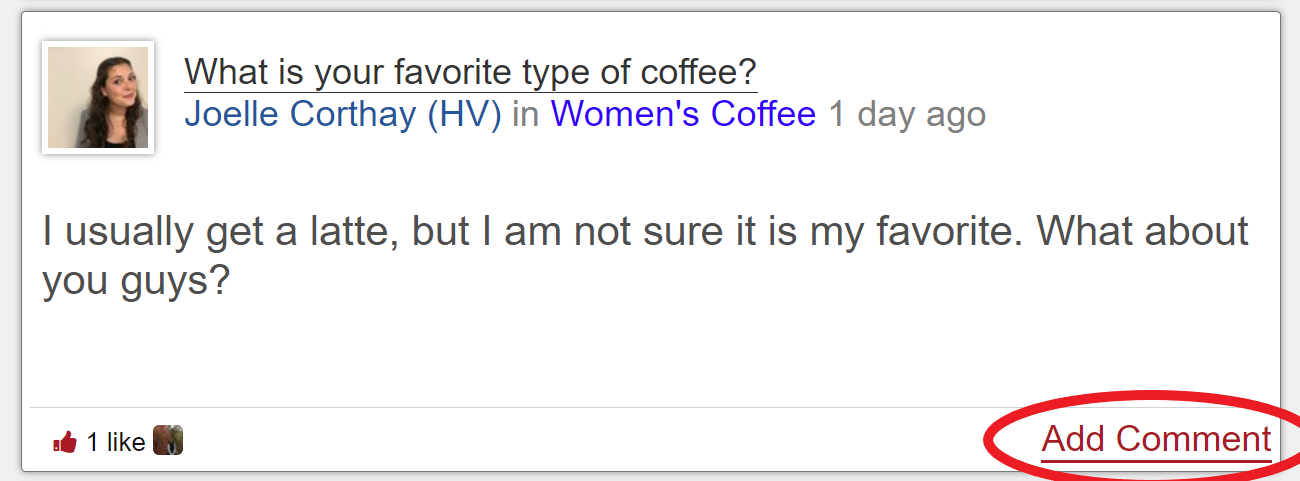
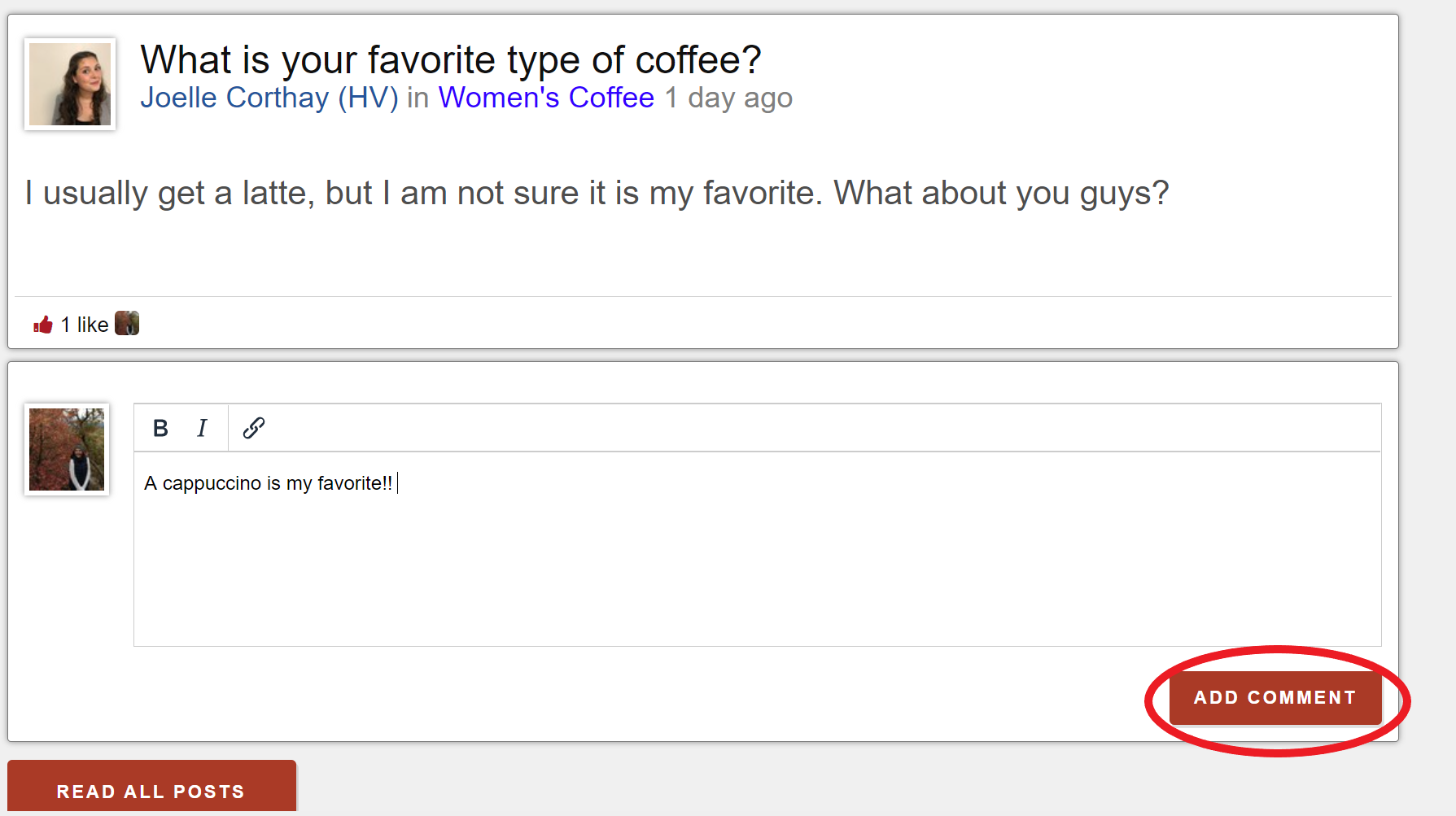
If you would like to keep the conversation going, you can comment on another member's post. You do this by clicking on "add comment" on their post.
Adding a comment is similar to making a post. Click into the text box and start typing your comment. When you are done, click the "add comment" button at the lower right hand corner.
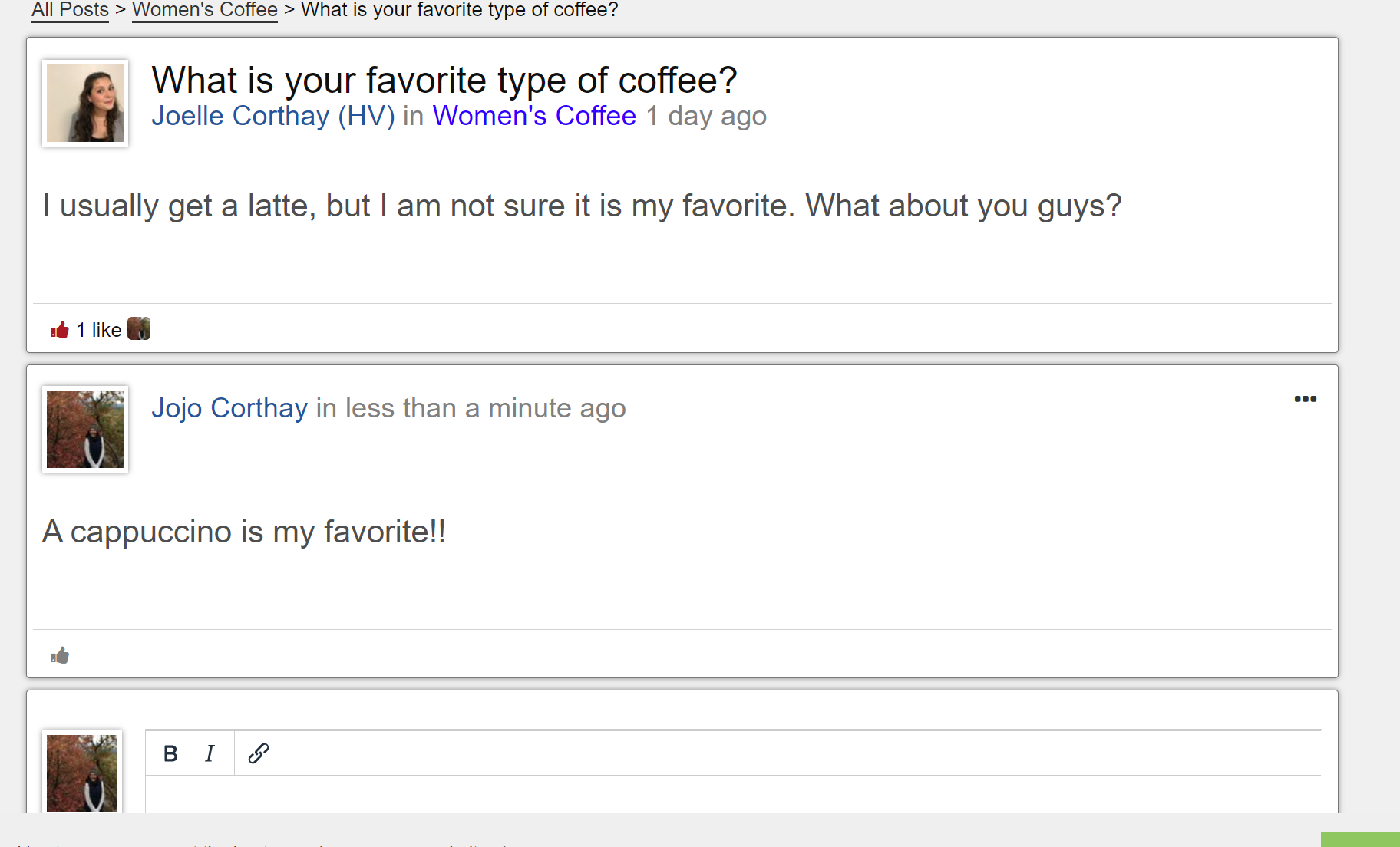
Once you have clicked add comment, it will look similar to this:
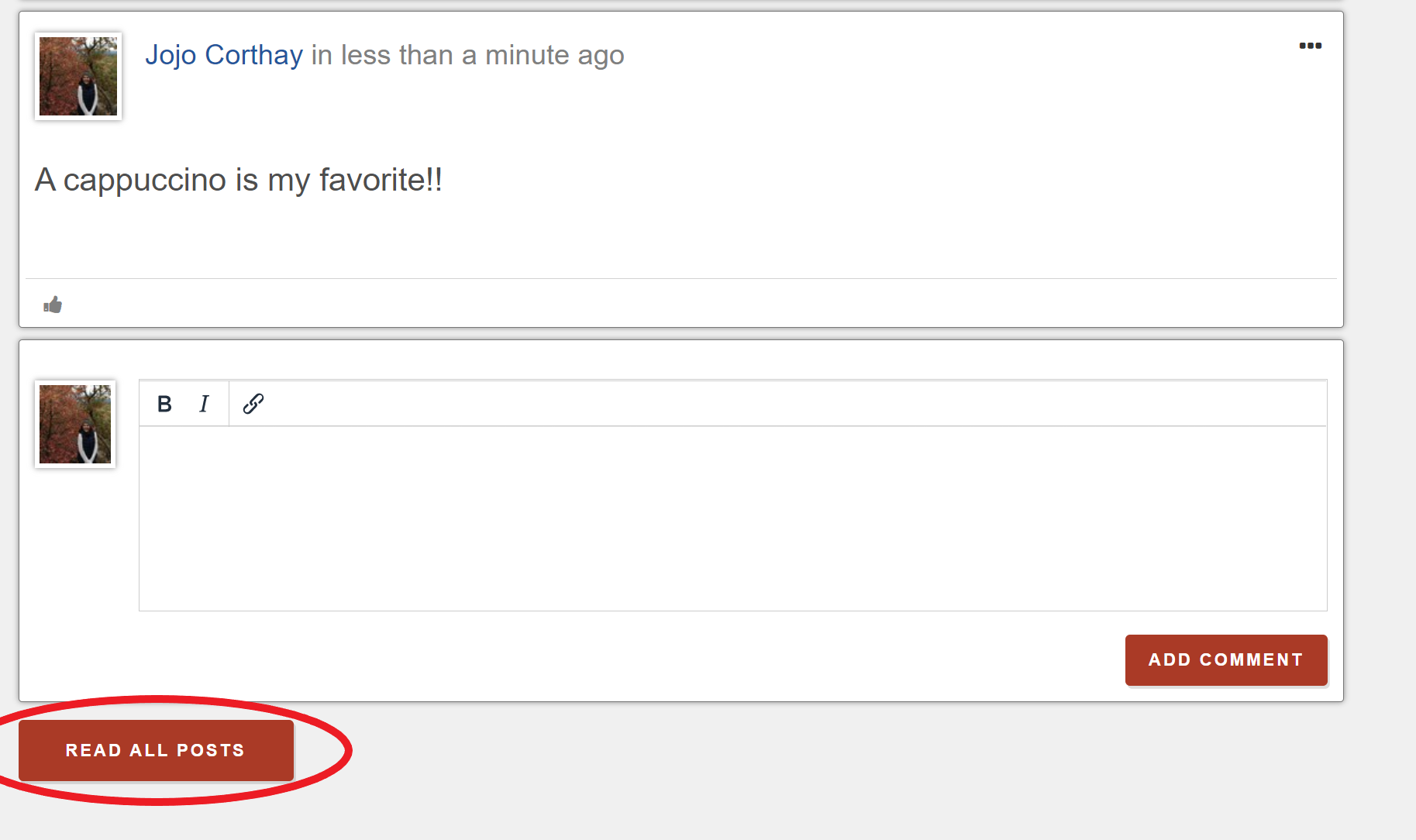
You can then either add another comment, or click "Read All Posts" to return to the list of Village Talk posts.
Comments
0 comments
Please sign in to leave a comment.