
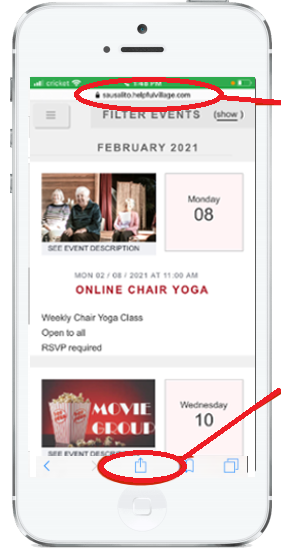
Start Safari on your phone and enter your village website
Go to the list of events and press the button on the middle at the bottom, please see image below:
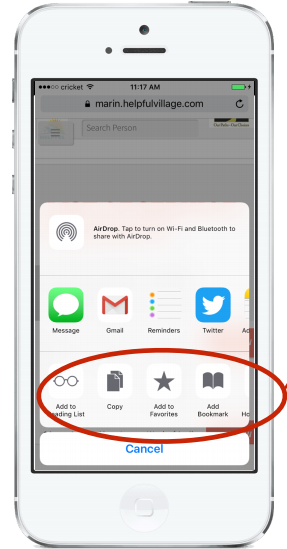
Swipe right this list of gray icons
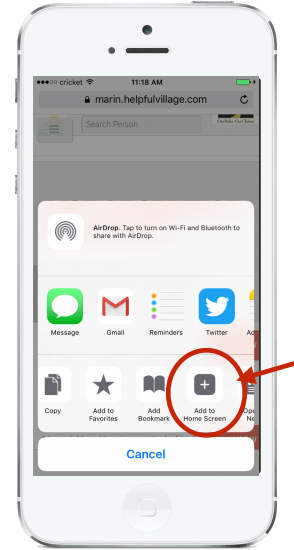
Click on Add to Home Screen
Your village name where indicated on the image below and press Add
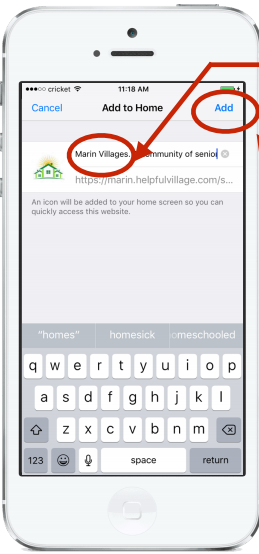
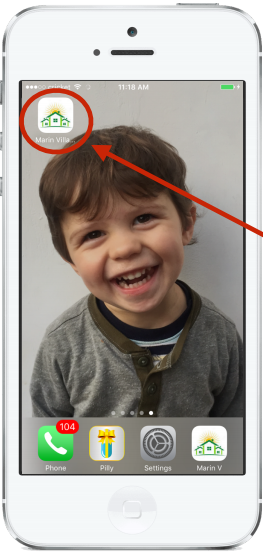
Now you have the icon on your iPhone / iPad
Comments
0 comments
Please sign in to leave a comment.