
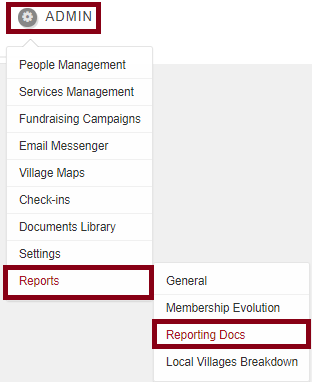
In order to request this report, go to ADMIN-->REPORTS-->REPORTING
If you scroll down until the Events section, you will see a button named UNIQUE PARTICIPANTS EVENTS REPORT (CSV)

When you click on this button, the report will automatically be downloaded. The report will show the number of event participations by member, the membership type and status.

Comments
0 comments
Please sign in to leave a comment.