
In order to follow up with the members who has to renew in a time period, you can access this report. Here, you can find the “Renewing Members” report underneath “Memberships”. After you input your selected dates, this document will be emailed to you for downloading.
Step 1: Admin → Reports → Reporting Docs

Step 2:
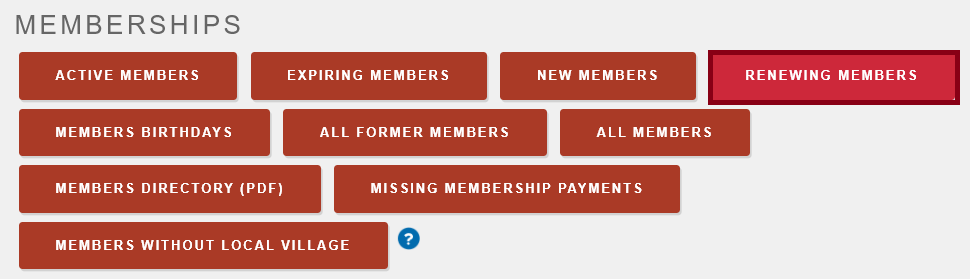
Step 3:
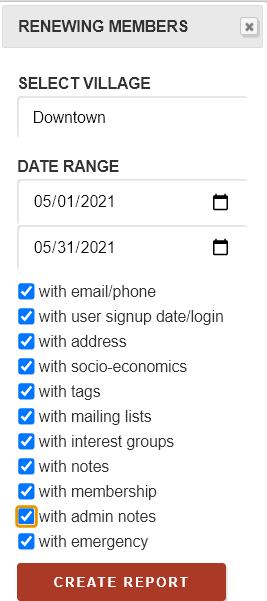
Step 4:
The report will download immediately.
Comments
0 comments
Please sign in to leave a comment.