
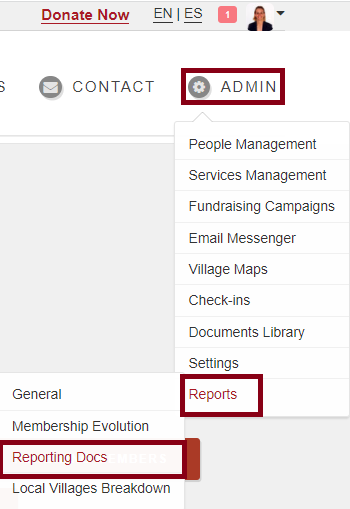
Go to ADMIN-->REPORTS-->REPORTING
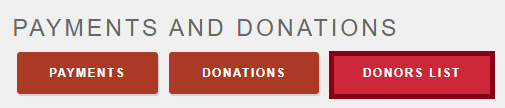
Go to PAYMENTS AND DONATIONS section, click on DONORS LIST report. The donors list shows the list of donations with all the details. When you click on Donors List, you can choose a date range.
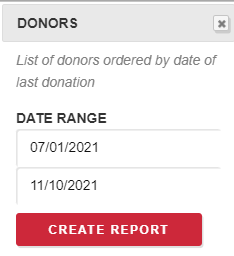
The report will list donors ordered by date of donation. The spreadsheet will look like this images below:


Comments
0 comments
Please sign in to leave a comment.