
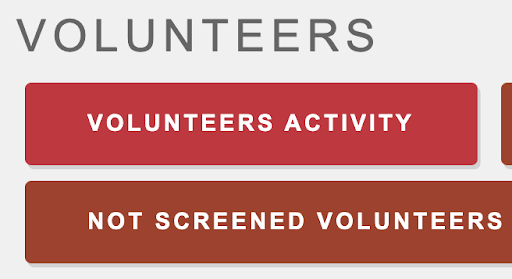
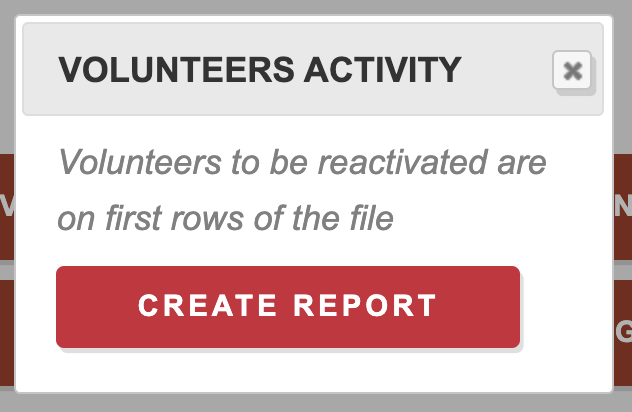
By generating a “Volunteers Activity” report underneath the “Volunteers” section, you can see volunteers who have been inactive for a long time. As stated on the report, volunteers who need to be reactivated will be on the first rows of the file, or you can manually sort it by Last Completed Service. This report will also be emailed to you, and you can contact volunteers in order to reactivate them.
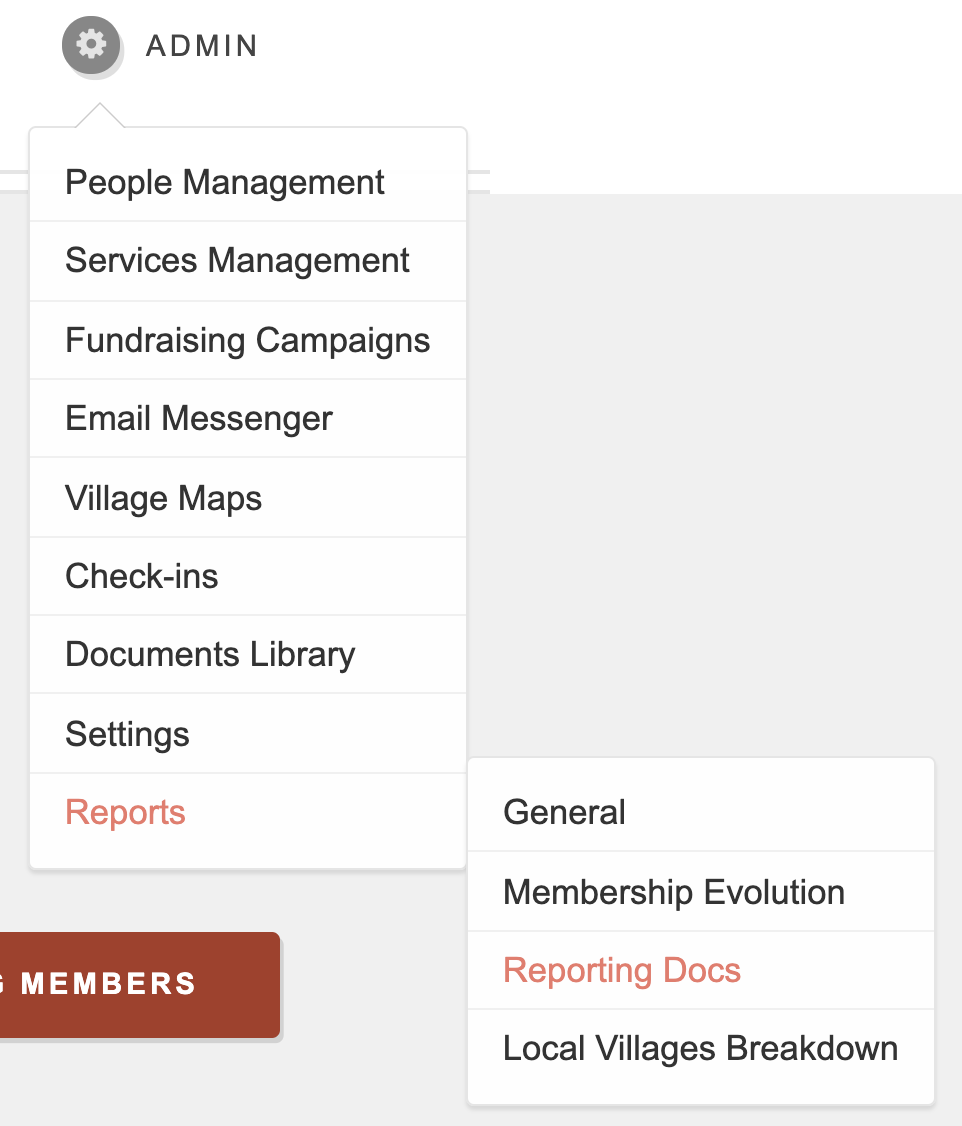
Step 1: Admin → Reports → Reporting Docs
Step 2:
Step 3:
Step 4:

Comments
0 comments
Please sign in to leave a comment.