
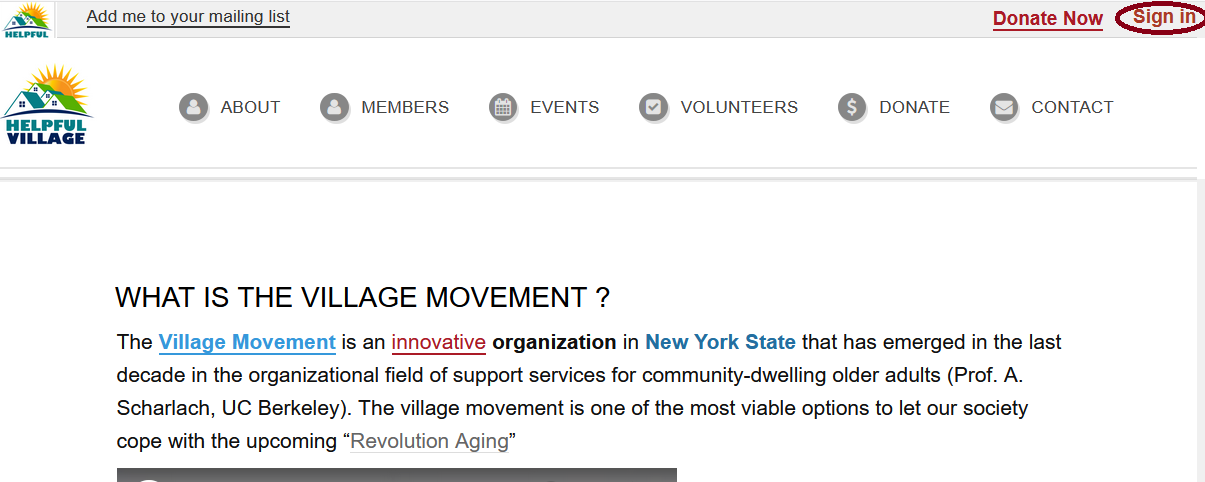
Click on "Sign In" at the upper right corner on the homepage.
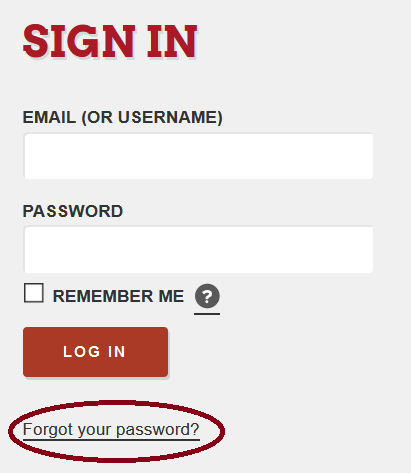
The following page will open, please press on "Forgot your password?".
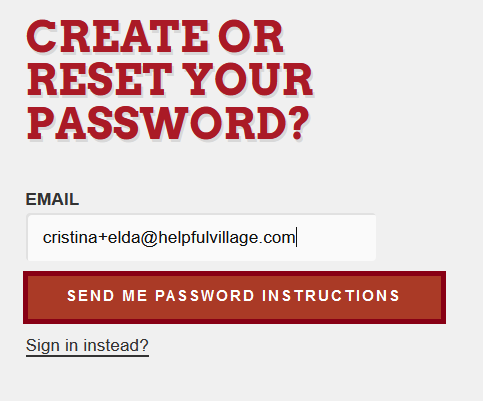
Type in your email and press on the "Send Me Password Instructions" button.
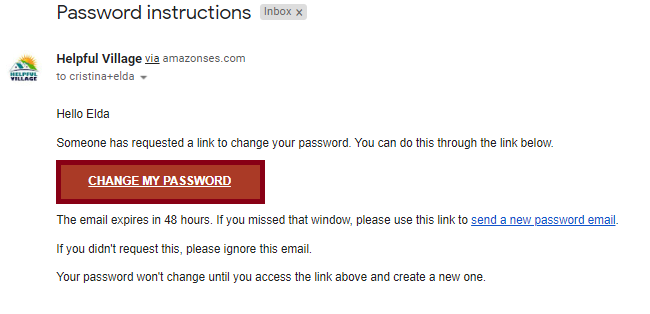
You will now receive an email to reset your password.

Once you get this email, click on Change My Password button
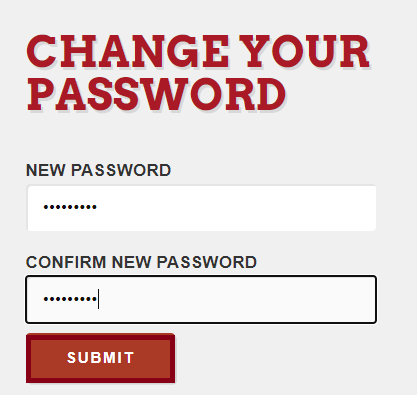
Please write down a new password and confirm new password, you have to write it the exact same way twice and then SUBMIT.
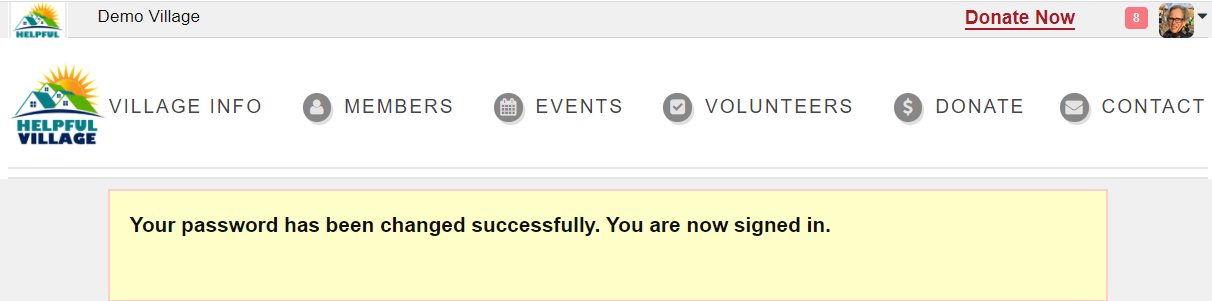
Finally, you will see a message saying that your password has been changed successfully.
Comments
0 comments
Please sign in to leave a comment.