
Admin → Settings → Config Prospect Stages
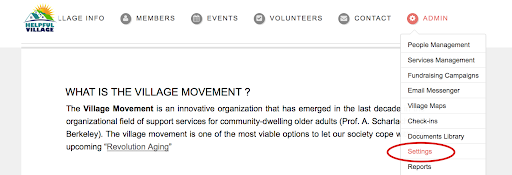
Go to the Prospect tab, and select the "Config Prospect Stages" button.
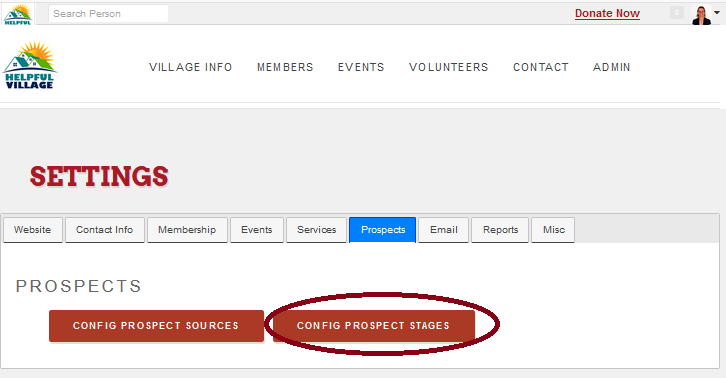
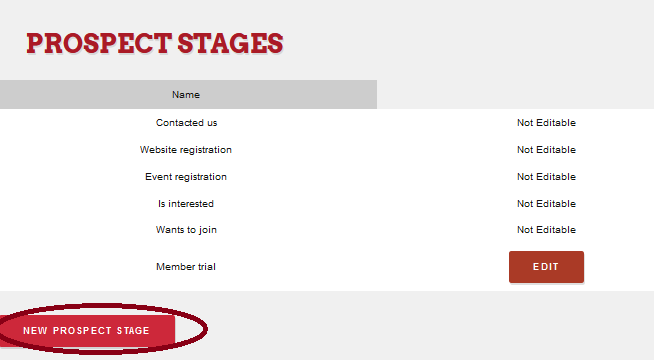
Now you can view existing stages and then add any additional stages needed
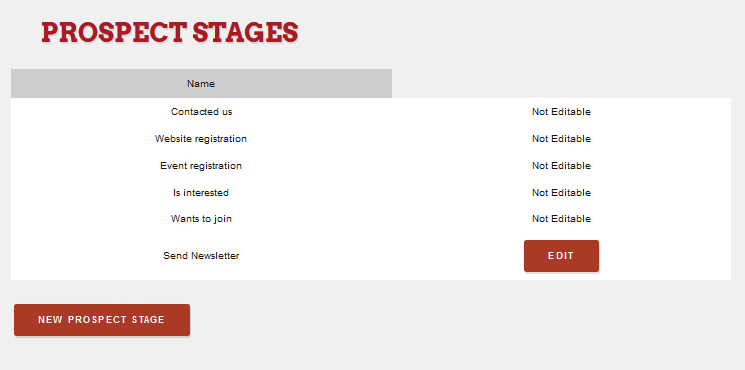
You will see on the stages list not editable stages configured by Helpful Village and you may edit the editable sources clicking on the button "Edit"
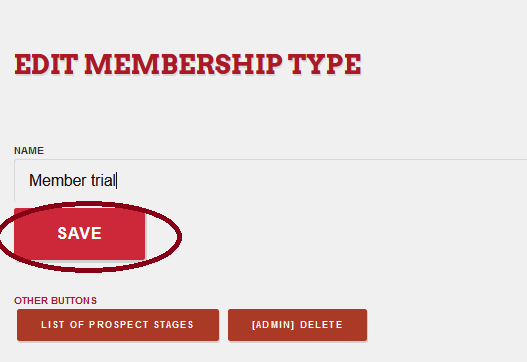
Make the changes you want and SAVE.
To create a new prospect stage, press on the "New Prospect Stage" button
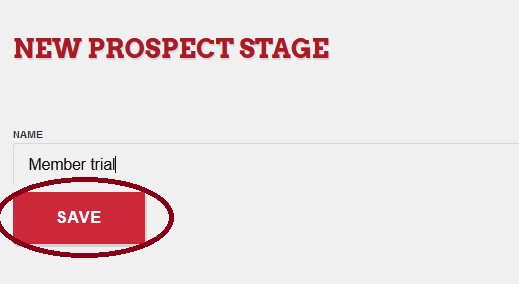
Fulfill the name and SAVE.
Comments
0 comments
Please sign in to leave a comment.