
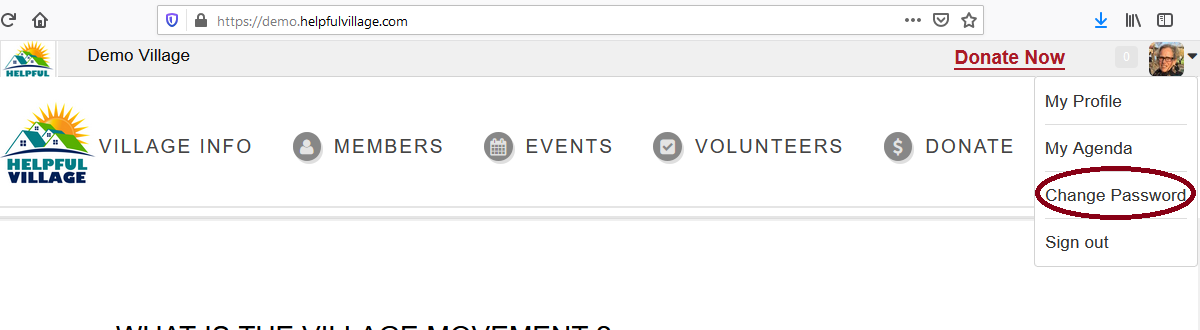
Go to upper right corner and click on top of your profile picture.

4 options will show, please select the option Change Password
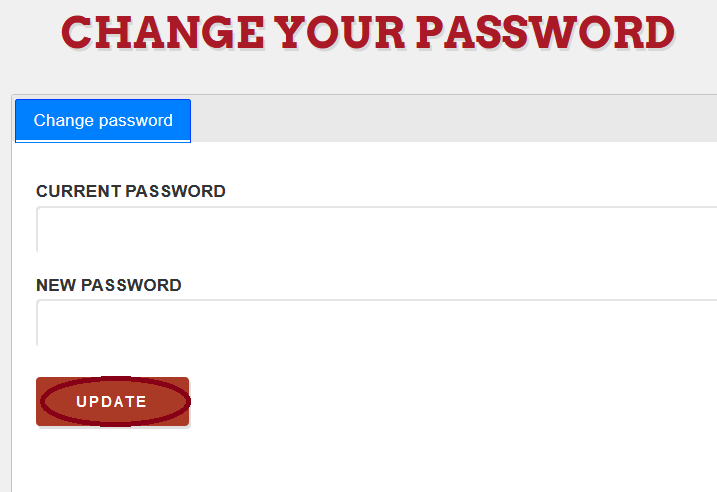
Now, write down your current password and then write down the NEW password that you want and finally, press on the UPDATE button.
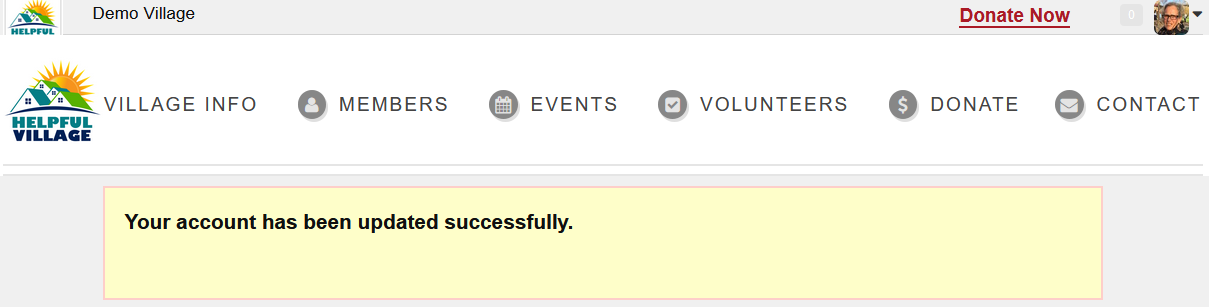
You will see a confirmation message saying that you have changed your password successfully.
Comments
0 comments
Please sign in to leave a comment.