
You may go to the “photo gallery” menu option, in a submenu (different villages put their photo albums in different areas in the menu bar, look through each menu option and its sub-options at the top of the page) to access the photo gallery. There, you can have a look at the different events, albums or folders.
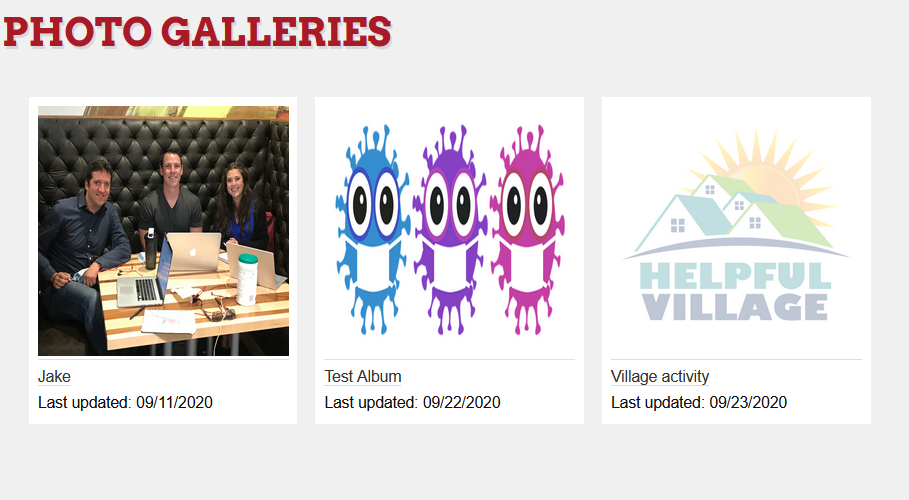
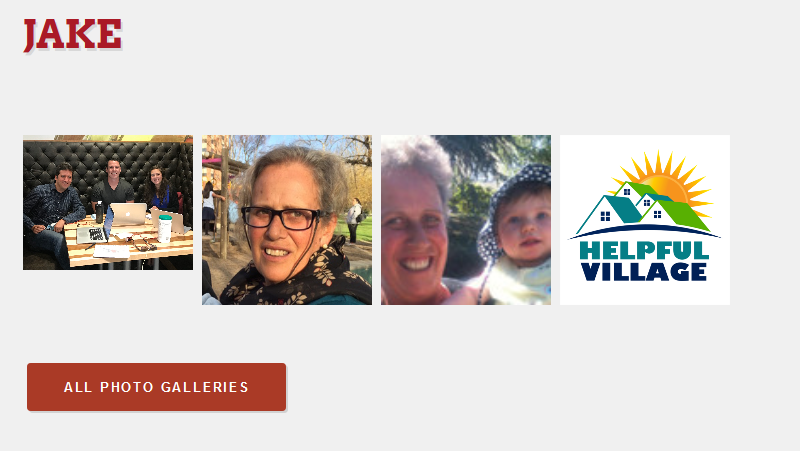
Click the photo album that you would like to view. Then you can click on individual photos to enlarge them. Click all photo galleries to go back to the albums.
Comments
0 comments
Please sign in to leave a comment.